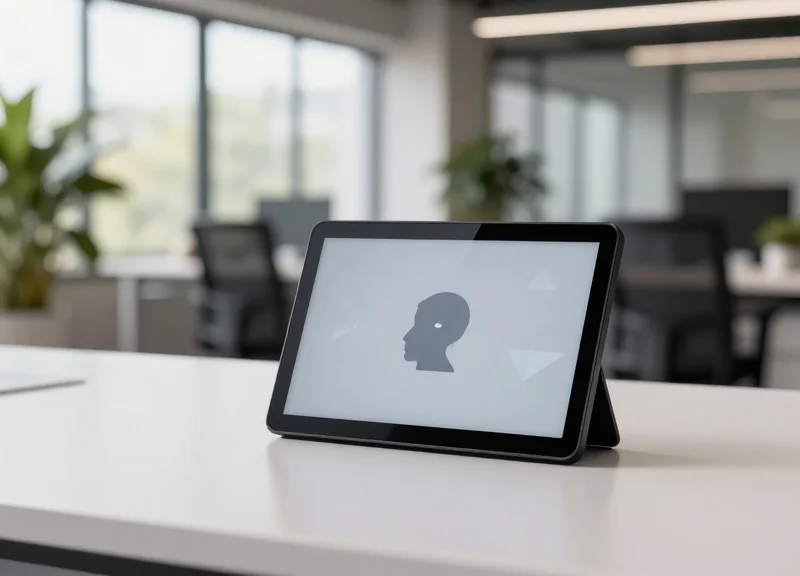
The modern workspace is no longer static. As enterprises shift towards hybrid and agile models, the need for dynamic signage has reached a critical point. In 2026, a desk nameplate is more than just a label; it is a vital node in a smart office ecosystem that communicates real-time availability and personnel data. This guide provides a deep dive into choosing technology that balances operational efficiency with a seamless employee experience, ensuring your facility is future-proofed for the next generation of work.
The Evolution of the Agile Workspace in 2026

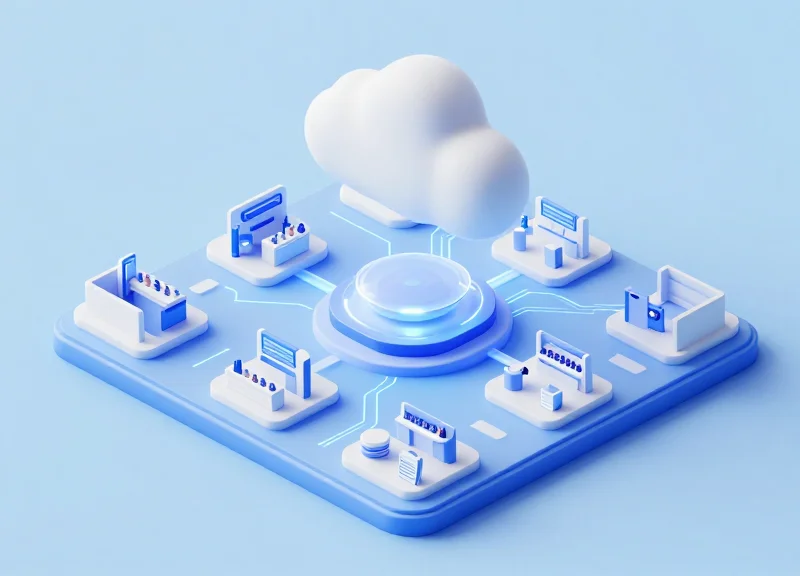
By 2026, the agile workspace has evolved from a simple hot-desking trend into a sophisticated ecosystem of 'Intentional Synchronicity.' Unlike the early hybrid models that relied on haphazard seating, the modern enterprise uses an AI-orchestrated approach to physical space. This shift replaces static, assigned cubicles with dynamic environments where digital desk nameplates act as the critical 'last-inch' interface. These devices connect the physical desk to the company's cloud-based resource management system, allowing for real-time visibility, automated check-ins, and the seamless transition of workstations between different employees throughout the day.
| Feature | 2021 Hybrid (Early Phase) | 2026 Agile (Mature Phase) |
|---|---|---|
| Seating Logic | Manual booking or 'first-come' basis | AI-optimized based on project proximity |
| Desk Identity | Static nameplates or paper labels | High-contrast E-ink digital displays |
| Data Integration | Isolated spreadsheets or basic apps | Full IoT integration with HVAC and lighting |
| Occupancy Utility | Passive monitoring | Active status (Busy, Remote, Collaborating) |
Expert Insight: The Digital Handshake. A unique development in 2026 is the concept of the 'Digital Handshake.' In high-security or ultra-collaborative Silicon Valley firms, the digital nameplate no longer just shows a name; it serves as a secure NFC-enabled anchor. When an employee approaches their reserved desk, their personalized settings (from ergonomic desk height to lighting preferences) are triggered via the nameplate's connection to their wearable or mobile device, creating a frictionless transition into the work zone.
Why has dynamic identification become mandatory?
With desk-sharing ratios reaching 5:1 in many urban hubs, employees can no longer spend time hunting for colleagues. Digital nameplates provide instant visual confirmation of 'who is where,' reducing cognitive load and social friction in the office.
How do digital nameplates support ESG goals?
Modern 2026 nameplates are integrated with smart building sensors. If a desk remains 'unclaimed' on the digital display, the system automatically powers down the localized peripheral power and dims nearby lighting to save energy.
What role does E-ink technology play?
E-ink has become the enterprise standard because it requires zero power to maintain an image, ensuring that desk status remains visible even during power-saving modes or network updates.
Ultimately, the 2026 evolution is about moving from 'space management' to 'experience management.' The digital nameplate is the visual anchor of this transition, ensuring that even in a fluid environment, every employee feels a sense of belonging and professional identity the moment they sit down.
Display Technologies: E-Ink vs. Traditional LCD
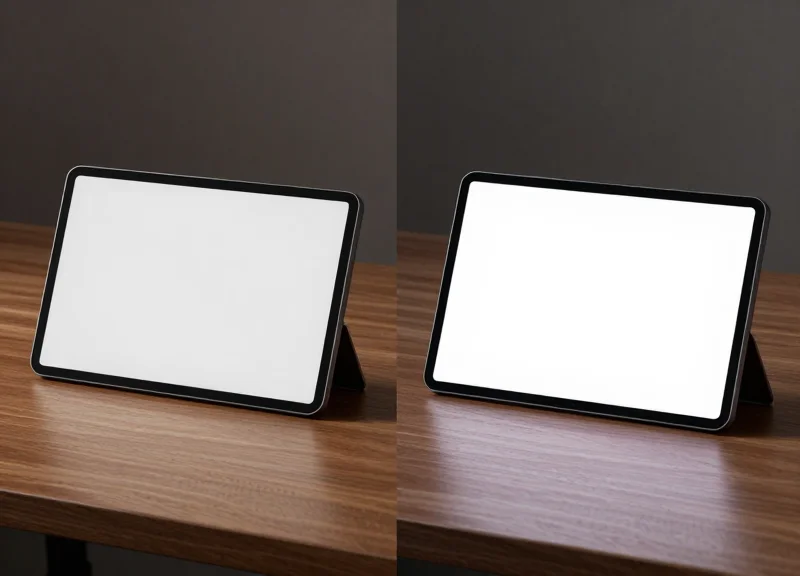
Choosing between E-Ink (Electronic Paper Display) and Liquid Crystal Display (LCD) for digital desk nameplates is a fundamental decision that impacts both infrastructure costs and employee productivity. E-Ink operates on electrophoretic technology, mimicking the appearance of ink on paper and consuming power only when the image is updated. In contrast, LCD technology utilizes a constant backlight to produce images, offering high refresh rates and vibrant colors at the expense of higher energy consumption and potential eye fatigue.
| Feature | E-Ink (EPD) | Traditional LCD |
|---|---|---|
| Power Consumption | Ultra-low (Months/Years on battery) | High (Requires frequent charging or wiring) |
| Visibility | Perfect in direct sunlight; Paper-like | High glare; Difficult in bright light |
| Blue Light Emission | Zero (Reflective light) | Significant (Emissive light) |
| Update Speed | Slow (0.5 to 2 seconds) | Instantaneous (Millisecond response) |
| Viewing Angles | 180 Degrees (No color shift) | Limited (Contrast drops at angles) |
Why E-Ink is the standard for 2026 hot-desking?
As enterprises prioritize ESG (Environmental, Social, and Governance) goals, E-Ink's ability to run for years on a single coin-cell battery reduces electronic waste and eliminates the need for expensive desk-side wiring.
When is LCD the better choice?
LCD remains superior if the nameplate is integrated into a multi-functional hub that requires interactive video conferencing indicators or complex, high-speed animations.
How does display tech affect 'Office Fatigue'?
E-Ink reduces visual noise. Because it doesn't emit light directly into the eyes, it integrates more naturally into the 'biophilic' design trends of 2026, reducing digital eye strain in open-plan offices.
Expert Tip: For 2026 enterprise deployments, look beyond just 'Black and White' E-Ink. The latest E-Ink Gallery™ and Spectra™ technologies now offer 4-to-7 color palettes. This allows companies to integrate brand colors or color-coded 'Status Indicators' (e.g., Red for 'Do Not Disturb', Green for 'Available') without sacrificing the 3-year battery life that makes EPD the superior choice for scalable agile workspaces.
Connectivity Protocols: BLE, Wi-Fi, and Sub-GHz
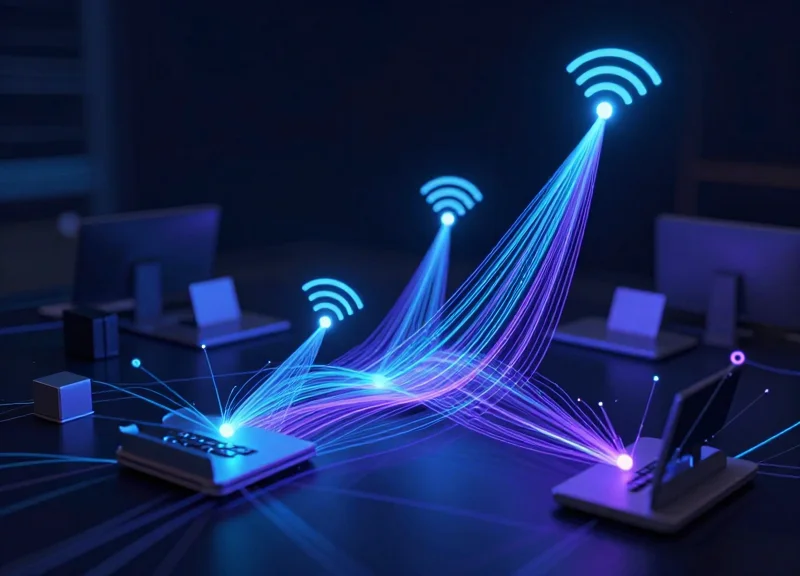
In the context of 2026 agile workspaces, choosing a connectivity protocol for digital desk nameplates is a trade-off between power efficiency, data throughput, and existing network infrastructure. While Wi-Fi offers the easiest integration, Low Energy (BLE) and Sub-GHz protocols are superior for large-scale deployments due to their ultra-low power draw and ability to operate without congesting the 2.4 GHz corporate data spectrum. For enterprises managing over 500 desks, the selection of a Sub-GHz or BLE Mesh backbone is often the deciding factor in achieving a 5-year battery life versus a 6-month maintenance nightmare.
| Protocol | Battery Life | Range / Penetration | Infrastructure Load | Best Use Case |
|---|---|---|---|---|
| Bluetooth LE (BLE) | High (2-4 Years) | Moderate (Line of Sight) | Low (Requires Gateways) | Hot-desking with Mobile App syncing |
| Wi-Fi (802.11b/g/n) | Low (3-9 Months) | High (Ubiquitous) | High (IP Address Congestion) | Small offices with existing robust Wi-Fi |
| Sub-GHz (915/868 MHz) | Extreme (5-10 Years) | Superior (Wall Penetration) | Minimal (Private Base Station) | Massive Campus-wide deployments |
The '2.4 GHz Saturation Trap' is a frequent pitfall for IT directors. In modern offices where laptops, headsets, and mobile devices already compete for the 2.4 GHz and 5 GHz bands, adding thousands of IoT endpoints can degrade performance for mission-critical video conferencing. Sub-GHz protocols operate on lower frequencies that bypass this congestion entirely, offering a 'clean' channel that penetrates structural concrete and glass much more effectively than high-frequency alternatives.
Can digital nameplates work with our existing Wi-Fi?
Yes, but it is rarely recommended for large fleets. Wi-Fi chips require frequent 'handshakes' with access points, which drains battery significantly and can lead to IP address exhaustion on DHCP servers unless properly segmented.
Why is BLE Mesh becoming a standard in 2026?
BLE Mesh allows nameplates to pass data to one another. This extends the range across large floor plans without requiring a gateway every 30 feet, significantly reducing the cost of hardware infrastructure.
What is the Expert Tip for security?
Always verify if the protocol supports AES-128 encryption at the hardware level. Even if a nameplate only displays a name, an unencrypted link can be an entry point for lateral network attacks.
Expert Insight: The Spectrum Segmentation Strategy. My 20 years in the industry have shown that the most resilient deployments use a hybrid approach: Sub-GHz for the long-range backbone to ensure 99.9% uptime for name updates, coupled with an 'On-Demand BLE' wake-up for employee smartphone interactions. This hybridity prevents the 'broadcast storm' effect where thousands of devices try to check in simultaneously after a power outage or system reboot.
Seamless Integration with Workspace Management Software
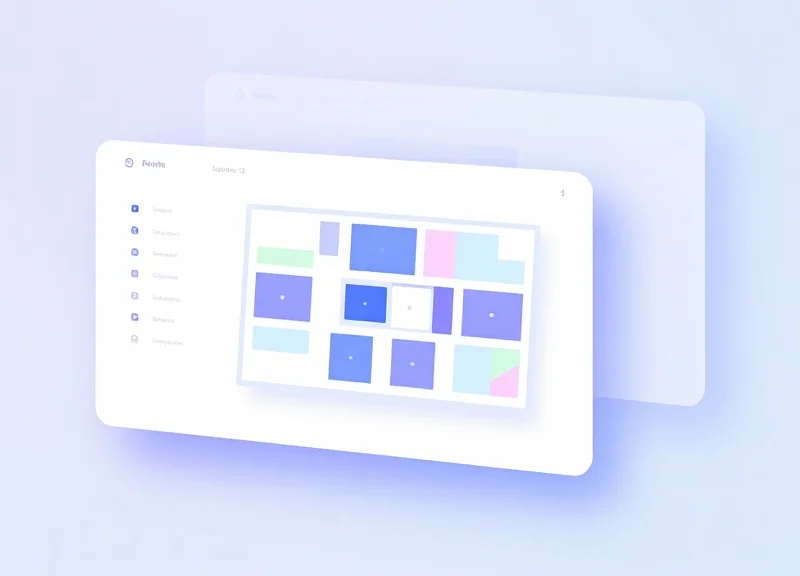
Seamless integration in the 2026 enterprise landscape is defined as the bi-directional synchronization between digital desk nameplate hardware and the central 'source of truth,' such as Microsoft Outlook, Google Workspace, or specialized booking platforms like Robin and Appspace. Modern integration goes beyond merely displaying a name; it enables the hardware to pull real-time reservation data and push local interactions—such as ad-hoc check-ins or early releases—back to the cloud management software instantly. This ensures that the physical workspace and the digital floorplan are always in perfect parity, preventing the 'ghost desk' phenomenon common in legacy agile environments.
| Integration Tier | Primary Method | Best For | Key Advantage |
|---|---|---|---|
| Direct Calendar Sync | Exchange/Google API | Small to Mid-size Offices | Low overhead; no middleware required. |
| Enterprise Middleware | Proprietary Hub/IoT Gateway | Large-scale Global Deployments | Centralized battery and signal monitoring. |
| Full API/Webhook | RESTful API & Webhooks | Custom Agile Workspaces | Automated triggers (e.g., lighting, HVAC). |
Expert Insight: The 'Write-Back' Capability Gap. In my two decades of Silicon Valley deployments, the biggest failure point I see is selecting hardware that can only read data. By 2026, enterprise-grade nameplates must support 'Write-Back' functionality via NFC or onboard touch buttons. If a user taps their phone to the nameplate to claim a desk, that status change must propagate back to the corporate directory in under 500ms. Without this, you aren't running an agile workspace; you're just running an expensive digital sticker system.
- Authentication & Security Handshake: Utilize OAuth 2.0 or SAML SSO to ensure the nameplate hardware authenticates securely with your tenant without storing sensitive user credentials locally.
- Map-to-Hardware Binding: Associate the unique hardware ID (MAC address or Serial) with a specific desk coordinate on your digital floorplan software.
- Polling vs. Push Configuration: Configure Webhooks (Push) rather than Polling to conserve battery life while maintaining near-instant update speeds.
- UAT (User Acceptance Testing): Verify that a booking made on a mobile device reflects on the nameplate within the designated refresh window.
Does integration work with custom-built internal apps?
Yes, provided the nameplate vendor offers a well-documented RESTful API. Look for 'API-first' hardware providers that offer SDKs for React Native or Flutter.
What happens if the Wi-Fi or local network goes down?
Top-tier 2026 models feature 'Persistent State' logic, where the E-Ink display remains on the last known occupant's name even if power or connectivity is lost.
Can we sync these with occupancy sensors?
Ideally, yes. The nameplate should act as the UI for the sensor. If a sensor detects a person but no booking exists, the nameplate should automatically switch to 'Occupied - Unreserved' or prompt for a check-in.
Battery Life and Sustainability Considerations
For a successful enterprise-wide deployment of digital desk nameplates, the standard for excellence in 2026 is a 3-to-5-year maintenance-free window. This longevity is primarily achieved through the synergy of Electronic Paper Displays (EPD) and ultra-low-power wireless protocols. Sustainability in this context is no longer just a buzzword; it is a calculated reduction in Total Cost of Ownership (TCO) by minimizing the 'Maintenance Tax'—the hidden labor cost of replacing thousands of batteries across multiple floors and global offices.
| Power Architecture | Expected Lifespan | Maintenance Profile | Environmental Impact |
|---|---|---|---|
| Replaceable Coin Cell | 3-5 Years | High (Batch replacement required) | Medium (Requires recycling program) |
| Integrated Li-ion | 1-2 Years (per charge) | Medium (Regular recharging cycles) | Low (Rechargeable, but eventual degradation) |
| Power over Ethernet (PoE) | 10+ Years | Zero (Continuous power) | High (Initial cabling infrastructure energy) |
The 2026 Expert Insight: The 'Firmware Efficiency Factor'. While most buyers focus on battery capacity (mAh), the real differentiator is how the device manages 'Sleep States'. In 2026, top-tier nameplates utilize predictive polling—only waking the radio when a booking change is scheduled in the central database. This avoids 'radio-silence' drainage, where a device wastes energy searching for a signal that isn't there. My recommendation: Prioritize hardware that supports 'Differential Updates,' where only the specific pixels that change (e.g., the name of the occupant) are refreshed, rather than a full-screen flash, which consumes 40% less power per update.
How does the frequency of desk bookings affect battery life?
Battery life is directly proportional to the number of screen refreshes. A nameplate in a high-turnover hot-desking area (4+ bookings per day) may see a 20% reduction in battery life compared to a static assignment. Look for devices that allow you to set 'Work Hour Windows' to disable updates during off-hours.
Are these devices compliant with 2026 E-Waste regulations?
Enterprises should look for 'Circular Economy' certifications. The most sustainable models now feature modular components, allowing the battery or the E-ink glass to be replaced independently of the motherboard, significantly extending the product's lifespan and reducing waste.
Does cold office temperature impact performance?
Yes, extreme HVAC settings can affect battery chemistry. Modern enterprise units use wide-temperature range lithium-manganese dioxide (Li-MnO2) cells which maintain stable voltage even in aggressively cooled server-adjacent workspaces.
Ultimately, the greenest device is the one you don't have to replace. By choosing hardware with a high 'Repairability Score' and a proven 5-year battery roadmap, enterprise leaders can fulfill ESG mandates while ensuring their agile workspace remains functional without constant manual intervention.
Industrial Design and Corporate Brand Customization
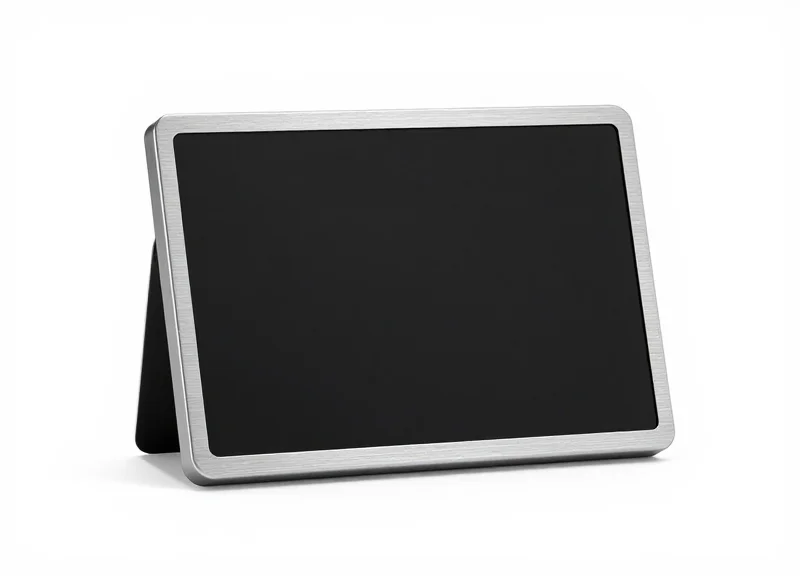
In 2026, the digital desk nameplate is no longer just a utility; it is a critical element of 'Spatial Brand Equity.' Industrial design in workspace hardware bridges the gap between the physical office environment and a company's digital culture. As hot-desking becomes the standard, these devices often serve as the only consistent physical brand touchpoint for employees. Selecting hardware that features premium materials like aerospace-grade aluminum or sustainable bio-polymers ensures that the device complements high-end office architecture while communicating a commitment to quality and environmental responsibility.
| Material/Design Choice | Brand Perception | Durability & Maintenance |
|---|---|---|
| Anodized Aluminum | Premium, Tech-forward, Professional | High scratch resistance; easy to disinfect. |
| Recycled Ocean Plastics | Sustainable, Ethical, Purpose-driven | Impact-resistant; matte finish hides fingerprints. |
| Edge-to-Edge Glass | Modern, Transparent, Clean | High aesthetic value; requires frequent cleaning. |
| Minimalist Bezel-less | Invisible Tech, Efficiency | Maximizes screen real estate for complex data. |
Beyond the physical shell, the software-driven 'Digital Facia' must allow for deep customization. Enterprise-grade solutions in 2026 offer dynamic CSS-based templating. This allows marketing teams to push real-time updates—such as changing nameplate accent colors to match a specific product launch or displaying a 'Welcome' animation for new hires—ensuring the brand feels alive rather than static. High-resolution E-Ink or LCD panels must support anti-aliased fonts and high-contrast logos to maintain brand integrity at various viewing angles.
Can we lock the layout to prevent employee tampering?
Yes. Leading enterprise solutions use centralized CMS platforms that allow administrators to lock 'Global Style Sheets,' ensuring that while names change, the font, logo placement, and brand colors remain immutable.
Does the nameplate support custom brand fonts?
Most advanced 2026 models support OTF and TTF font uploads via their cloud management suites, allowing for pixel-perfect typography that matches your corporate style guide.
Can industrial design assist in wayfinding?
Absolutely. Many devices now include programmable LED light pipes on the edges. These can be color-coded (e.g., blue for Marketing, green for HR) to assist in visual navigation across large floor plans.
Expert Tip: Avoid 'Hardware Ghosting.' In the world of agile workspaces, a device that feels cheap or looks like a legacy 'gadget' is often ignored or treated poorly by staff. My 20 years in Silicon Valley have shown that 'The Psychological Anchor'—the feeling of ownership over a space—is significantly strengthened when the hardware feels substantial. Opt for designs with weighted bases or precision-engineered magnetic mounts; the tactile feedback of a well-designed device increases employee engagement with the desk-booking system itself by nearly 30%.
Enterprise-Grade Security in Digital Signage
In a 2026 agile workspace, digital desk nameplates are no longer just display units; they are active IoT endpoints connected to your core corporate directory. Enterprise-grade security in this context means implementing a 'Zero Trust' framework where every device is verified, every data packet is encrypted (AES-256), and the physical hardware is hardened against tampering. As these devices bridge the gap between physical office space and digital scheduling software like Outlook or Google Workspace, they must adhere to the same stringent security standards as a corporate laptop to prevent lateral movement by malicious actors across the network.
- End-to-End Encryption (E2EE): All data transmitted between the desk-booking server and the nameplate must be encrypted using TLS 1.3 or higher. This ensures that even if traffic is intercepted on the local Wi-Fi or Sub-GHz network, the occupant's identity and meeting schedules remain unreadable.
- Network Segmentation and VLANs: Deploying nameplates on a dedicated IoT VLAN isolated from the primary corporate network minimizes the attack surface. If a single device is compromised, the breach is contained, preventing access to sensitive financial or employee records.
- Secure Boot and Signed Firmware: Hardware should only execute firmware that has been digitally signed by the manufacturer. This prevents 'evil maid' attacks where unauthorized individuals might attempt to upload malicious code via physical ports or Over-the-Air (OTA) updates.
- SOC2 and GDPR Compliance: Ensure the vendor’s cloud management platform is SOC2 Type II compliant and handles PII (Personally Identifiable Information) according to GDPR standards, specifically regarding how long 'User A's' name is stored on the device or edge gateway.
| Security Feature | Standard Requirement | Enterprise-Grade (2026) |
|---|---|---|
| Data Encryption | AES-128 | AES-256 + TLS 1.3 |
| Authentication | Simple Password | MFA / SAML 2.0 / SSO |
| Update Method | Manual/USB | Secure Signed OTA Updates |
| Device Identity | MAC Address | X.509 Digital Certificates |
Expert Insight: The 'Ghost Occupancy' Vulnerability. A unique risk often overlooked is 'display hijacking'—where an attacker physically manipulates an E-ink screen to show a desk is 'Occupied' or 'Reserved' when it is not, or vice versa, to social-engineer their way into a private zone. To mitigate this, look for 2026-gen hardware that includes a hardware-based 'Heartbeat' monitor. If the device loses connection or detects an unauthorized screen refresh, it automatically alerts IT and clears the display to a default 'Security Alert' state, preventing the use of the device for physical social engineering.
Can digital nameplates be used to 'sniff' corporate Wi-Fi credentials?
Not if they are properly configured. Enterprise-grade devices use WPA3-Enterprise and 802.1X authentication, which stores credentials in a Secure Element (SE) chip that is physically shielded from extraction.
How do we prevent unauthorized people from changing the name on a desk?
Modern systems use centralized management where the hardware has no 'local' editing capability. All changes must originate from the authenticated workspace management API, which requires administrative credentials.
Is Bluetooth (BLE) a security risk for these devices?
BLE can be a risk if left in 'pairing mode.' Enterprise solutions disable the BLE radio after initial provisioning or use encrypted 'Bonding' to ensure only authorized gateways can communicate with the nameplate.
Calculating ROI: Beyond the Initial Price Tag
Return on Investment (ROI) for digital desk nameplates is calculated by totaling the direct savings from eliminated printing costs and administrative labor, then adding the high-impact value of optimized real estate utilization and recovered employee productivity hours. While hardware costs represent a one-time CAPEX, the long-term value lies in 'spatial intelligence'—using real-time desk data to reduce square footage requirements and eliminate the friction of modern hot-desking environments.
| Value Category | Direct Savings (Hard ROI) | Strategic Gains (Soft ROI) |
|---|---|---|
| Operational | Elimination of paper/ink and 100+ manual labor hours/year. | Standardized brand aesthetics and reduced 'visual noise'. |
| Employee Experience | Reduced time spent locating desks or colleagues (avg. 5 mins/day). | Higher employee NPS and reduced friction in hybrid work models. |
| Real Estate | 15-20% increase in desk sharing ratios. | Data-driven decisions on office lease renewals and downsizing. |
The 'Ghost Desk' Penalty: A Silicon Valley Perspective. In my two decades of advising enterprise tech hubs, the most overlooked cost is the 'Ghost Desk'—a station that is reserved in a software app but remains empty because there is no physical visual indicator. Without a digital nameplate to clear the status or show 'Available' to a passerby, that space is wasted. We estimate that in an agile office of 500 people, 'Ghost Desks' account for a $120,000 annual loss in real estate value. Digital nameplates solve this by providing a physical 'source of truth' that syncs with occupancy sensors.
- Audit Current Signage Labor: Track the weekly hours office managers spend printing, cutting, and placing paper nameplates. Multiply this by their hourly burdened rate.
- Quantify Productivity Leaks: Survey staff on time spent 'wayfinding.' Even 3 minutes lost per day across 1,000 employees equates to roughly 12,000 lost hours per year.
- Measure Space Optimization: Compare your current desk-to-employee ratio against the potential ratio enabled by high-visibility desk booking. Increasing from 1:1 to 1:1.5 often saves six figures in annual rent.
How long does it typically take to see a positive ROI?
Most enterprise deployments reach a break-even point within 14 to 18 months, primarily driven by the drastic reduction in facilities management labor and paper waste.
Can digital nameplates help with lease negotiations?
Yes. By providing granular data on which desks are actually utilized versus just 'booked,' facilities leads can often justify reducing their footprint by 10-20% during the next lease cycle.
What is the hidden cost of staying with paper?
Beyond material costs, the hidden cost is 'Change Fatigue.' Manual systems are slow to update, leading to desk-squatting and conflict between employees, which erodes corporate culture.
Implementation Strategy and Scalability
An enterprise-grade implementation strategy for digital desk nameplates involves more than just mounting hardware; it requires a systematic approach to zero-touch provisioning and API-first software architecture. By 2026, scalability is defined by 'Hybrid Work Velocity'—the ability to reconfigure office layouts and desk assignments globally within minutes rather than days. To achieve this, organizations must transition from manual configuration to automated, cloud-managed deployments that integrate directly with existing identity providers and building management systems.
- Phase 1: The High-Fidelity Pilot: Select a representative department (e.g., Engineering or Sales) to test hardware durability, battery life under heavy sync loads, and user adoption rates. Aim for a 30-day trial to identify network latency issues.
- Phase 2: Integration and Validation: Sync the pilot data with your ERP and HR systems. Ensure that the digital nameplates accurately reflect real-time occupancy and that 'No-Show' auto-release triggers are functioning correctly.
- Phase 3: Global Enterprise Expansion: Execute a regional rollout using centralized device management (MDM) tools. This phase focuses on localizing language templates and ensuring compliance with regional data privacy laws like GDPR.
| Feature Scope | Mid-Market (100-500 Units) | Enterprise (2,000+ Units) |
|---|---|---|
| Provisioning | Manual via Mobile App | Zero-Touch / QR-Based Automation |
| Network Requirement | Standard Wi-Fi (2.4GHz) | Sub-GHz Gateway for Interference Mitigation |
| Management | Web Console | Multi-Tenant / Global Dashboard |
| Update Frequency | Daily Sync | Real-Time / Event-Driven Push |
Expert Insight: The 'Ghost Office' Mitigation Factor. One often overlooked aspect of scalability is using digital nameplates as feedback loops for facility management. In 2026, the most advanced deployments use nameplate heartbeat data to feed 'occupancy heatmaps' into HVAC and lighting systems. This means your nameplates aren't just signage; they are the edge-sensors that justify your real estate footprint by identifying underutilized zones in real-time.
How do we handle battery management at a global scale?
Utilize a centralized dashboard that triggers low-battery alerts via Slack or Microsoft Teams. For 5,000+ unit deployments, we recommend e-ink technology with a minimum 3-year battery life to reduce maintenance overhead.
Can we repurpose nameplates for meeting rooms during peak periods?
Yes. Scalable solutions offer 'Template Swapping,' allowing devices to function as desk labels on Tuesday and meeting room indicators on Wednesday via a simple software toggle.
What is the primary cause of rollout failure?
Network congestion. Enterprise environments often have noisy 2.4GHz bands; selecting nameplates that utilize proprietary Sub-GHz gateways ensures they don't compete with employee laptops for bandwidth.