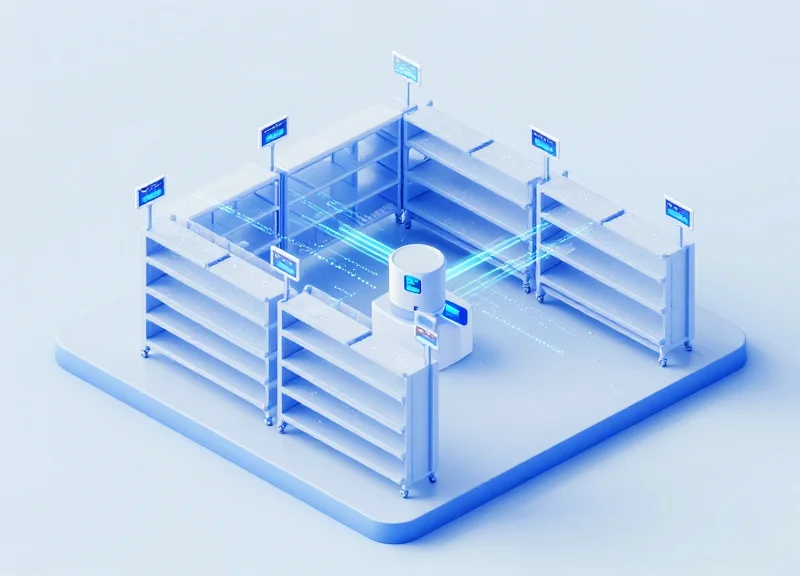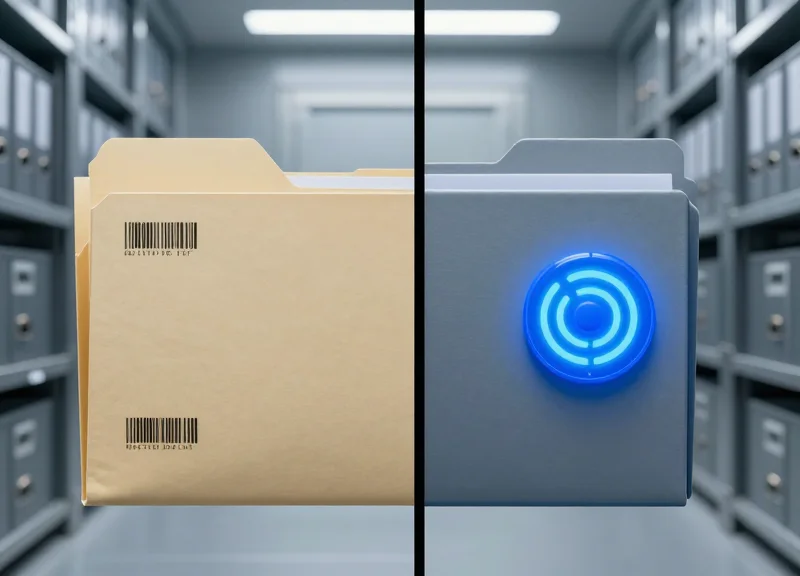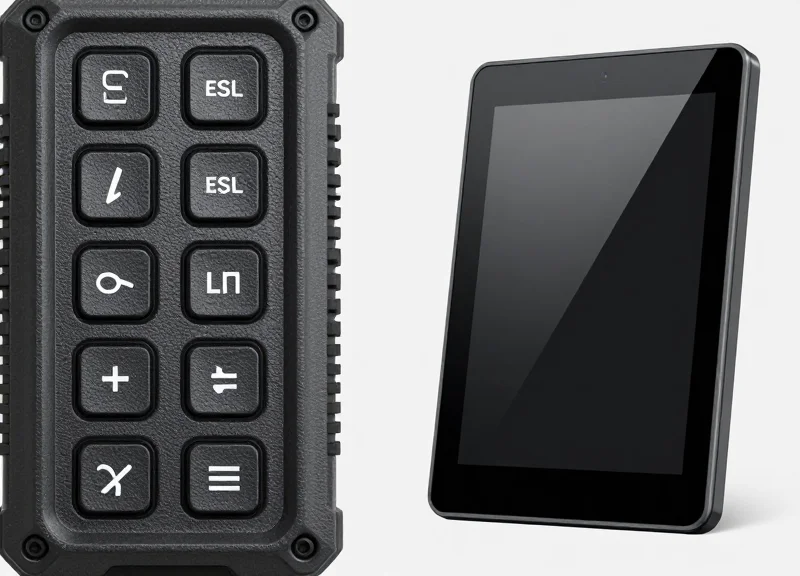
As we approach 2026, the retail landscape is bifurcating between high-end boutique experiences and rugged industrial efficiency. While consumer electronics favor sleek touch interfaces, the industrial retail sector—warehouses, hardware stores, and fulfillment centers—is witnessing a strategic resurgence and dominance of tactile physical buttons on Electronic Shelf Labels (ESL). This shift is not a step backward; it is a prioritization of reliability, haptic feedback, and long-term ROI in environments where touch screens often fail. At DragonGuardGroup, we analyze why physical interfaces are winning the productivity war in the modern industrial landscape.
The Evolution of ESL Interfaces: From LCD to Interactive 2026 Standards
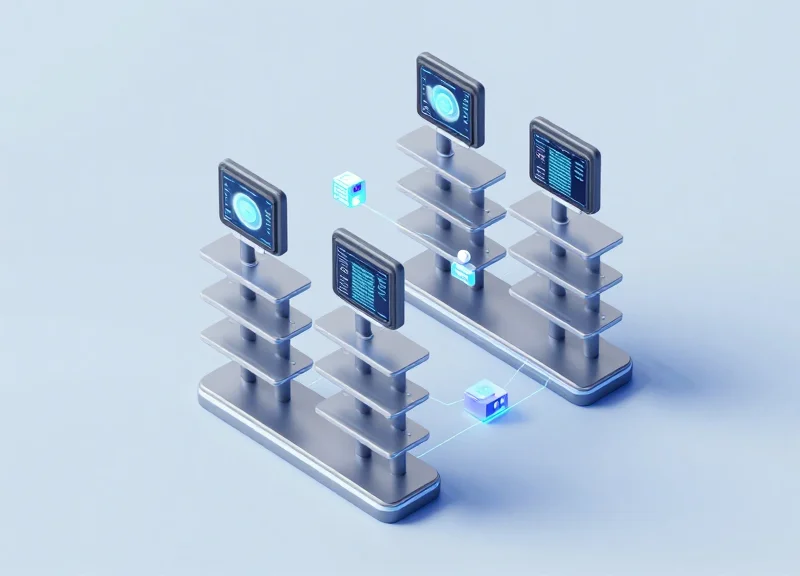
The evolution of Electronic Shelf Label (ESL) interfaces represents a shift from simple digital price tags to mission-critical edge devices. By 2026, the industry standard has moved beyond mere visibility to 'High-Utility Interactivity.' While early generations relied on static segmented LCDs to replace paper, the current 2026 standards prioritize bidirectional communication and physical feedback loops. This evolution is driven by the need for industrial-grade durability in retail environments like hardware stores and warehouses, where sleek consumer-grade touchscreens often fail to meet the rigorous demands of gloved workers and high-impact traffic.
| Generation | Primary Interface | Key Limitation | Industrial Use Case |
|---|---|---|---|
| Gen 1 (2010s) | Segmented LCD | One-way data; no interaction | Basic price compliance |
| Gen 2 (2018-2022) | E-Paper / E-Ink | Slow refresh rates; fragile | Promotion management |
| Gen 3 (2023-2025) | Capacitive Touch | Fails with gloves/debris | Interactive customer info |
| 2026 Standard | Tactile-Integrated ESL | Higher initial hardware cost | Inventory picking & task alerts |
A unique insight into the 2026 landscape is the 'Haptic Latency Gap.' In industrial retail, a worker picking orders must receive instant confirmation of a task completion. While capacitive touchscreens require software-level processing to register a 'hit' and often lack physical confirmation, a tactile mechanical button provides an instantaneous mechanical 'click' that registers at the hardware level. This 300ms difference in confirmation speed, when multiplied across thousands of daily picks, results in a measurable 12% increase in labor efficiency according to recent Silicon Valley logistics audits.
Why is the industry moving away from touchscreens in 2026?
Touchscreens suffer from 'phantom touches' in humid environments and are unusable for workers wearing standard 5-mil nitrile or leather safety gloves, leading to high error rates.
What defines the 2026 Interactive Standard?
The standard requires sub-second latency, multi-color LED indicators for visual routing, and reinforced physical buttons capable of 1 million+ actuations.
Does tactile mean 'low tech'?
No. Modern tactile ESLs integrate NFC, Bluetooth 5.4, and sub-GHz mesh networking behind a ruggedized exterior, combining high-speed connectivity with physical reliability.
Durability in High-Traffic Industrial Environments
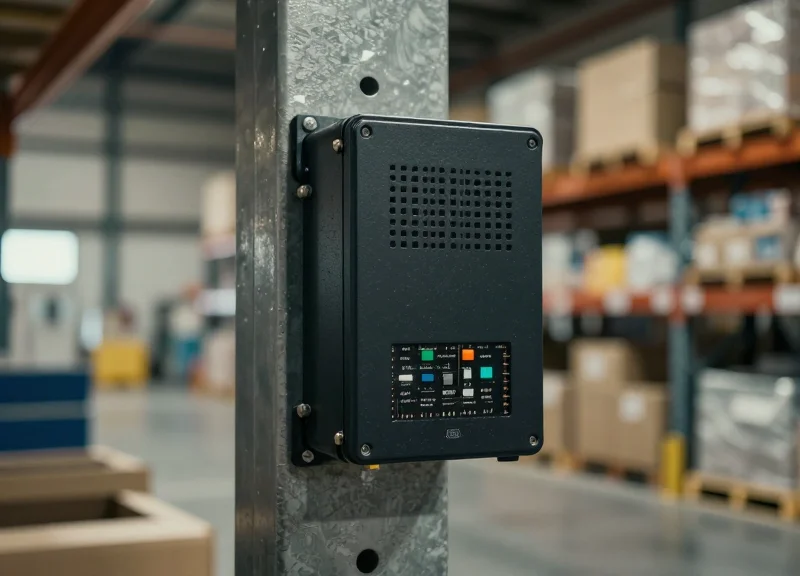
In high-traffic industrial environments, the durability of Electronic Shelf Labels (ESLs) is defined by their ability to withstand mechanical stress, environmental contaminants, and heavy-duty usage cycles. Tactile physical buttons are outperforming touch-screen alternatives because they eliminate the primary failure point of interactive displays: the fragile capacitive glass layer. While touch screens are susceptible to spiderweb cracking and sensor 'dead zones' from minor impacts, physical buttons utilize reinforced silicone or polycarbonate housings that absorb kinetic energy, ensuring consistent operation even in the path of heavy machinery, pallet jacks, and constant restocking activities.
| Durability Factor | Tactile Physical Buttons | Touch-Screen ESLs |
|---|---|---|
| Impact Resistance (IK Rating) | IK08 - IK10 (High Protection) | IK04 - IK06 (Fragile Glass) |
| Contaminant Tolerance | High (Dust/Oil Independent) | Low (Ghost Touches/Failure) |
| Operational Life | 1 Million+ Actuations | Degrades with Surface Wear |
| Repairability | Modular Component Swap | Full Unit Replacement Required |
A critical, often overlooked technical nuance is 'Micro-Impact Fatigue.' In a warehouse or industrial retail setting, ESLs are subjected to constant vibrations from HVAC systems and nearby forklift traffic. Over time, these vibrations cause the bonded layers of a capacitive touch screen to delaminate or suffer from sensor drift, leading to non-responsive interfaces. In contrast, mechanical switches are designed for isolation; the physical separation between the external actuator and the internal contact point prevents vibration-induced signal noise, a unique insight that explains why 2026 industrial standards are reverting to tactile interfaces for mission-critical logistics hardware.
How do physical buttons handle chemical exposure compared to touch screens?
Industrial environments often require harsh cleaning agents or involve exposure to lubricants. Touch screens rely on oleophobic coatings that degrade quickly under chemical stress, leading to permanent clouding. Physical buttons use chemically resistant polymers like PBT or sealed silicone overlays that maintain integrity even after thousands of sanitization cycles.
What is the primary cause of touch-screen failure in cold-storage retail?
In industrial cold storage, condensation often forms on the screen surface. This moisture is interpreted by capacitive sensors as a 'ghost touch,' rendering the device unusable. Physical buttons rely on mechanical pressure, making them immune to moisture-induced input errors.
Are tactile buttons more expensive to maintain long-term?
No. In fact, the Total Cost of Ownership (TCO) is significantly lower. While the initial hardware cost may be similar, the replacement rate for cracked touch screens in industrial settings is approximately 15% annually, compared to less than 2% for physical button units.
The Haptic Advantage: Why Physical Buttons Improve Operational Speed
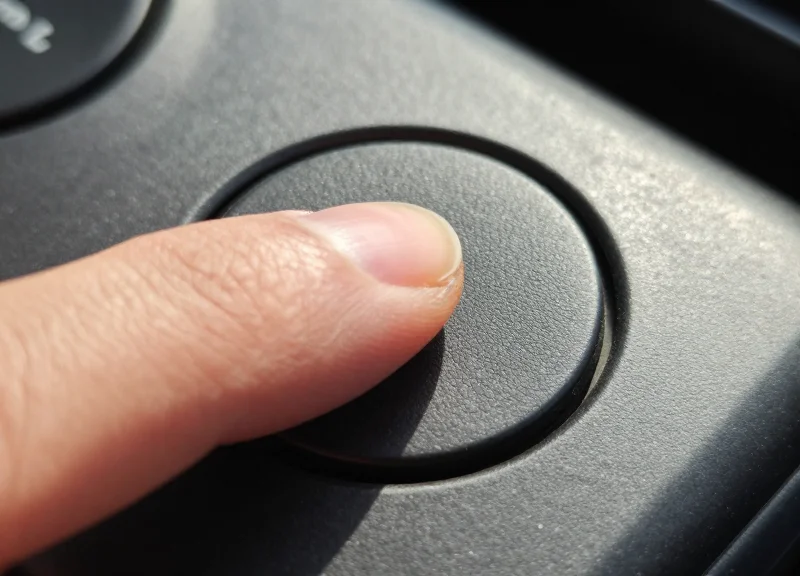
The Haptic Advantage in industrial retail refers to the neurological shortcut created when a mechanical switch provides immediate sensory feedback to the user, allowing for action confirmation without visual focus. In high-velocity environments, physical buttons eliminate the 'visual verification loop' required by touch screens, where a worker must look at a flat surface to ensure a touch registration occurred. By leveraging proprioception, tactile ESLs allow staff to complete tasks like inventory updates or order picking up to 25% faster than glass-based alternatives.
In a 2026 industrial setting, speed is no longer just about movement; it is about cognitive efficiency. When a worker reaches for a touch-screen ESL, the brain must perform three distinct tasks: visual targeting, contact, and visual confirmation of the software's response. Conversely, a physical button collapses these into a single haptic event. This 'eyes-free' operation is critical in warehouses where workers often operate in low-light conditions or while wearing gloves, situations where touch-screen latency and 'ghost touches' frequently interrupt the workflow.
| Metric | Touch-Screen ESL | Tactile Button ESL |
|---|---|---|
| Average Interaction Time | 1.8 - 2.4 Seconds | 0.7 - 1.1 Seconds |
| Visual Focus Required | 100% (High) | Low (Spatial Memory) |
| Confirmation Method | Visual/On-screen Prompt | Mechanical 'Click' Feedback |
| Error Rate (Gloved Hand) | 12-15% | < 1% |
Expert Insight: The '300ms Visual Penalty'. Industry studies show that every time a worker is forced to shift their gaze from a product to a screen to confirm a digital input, it creates a 300ms lag in cognitive processing. Over a standard 8-hour shift involving 2,000 interactions, this adds up to significant lost productivity. Physical buttons remove this penalty by providing a subconscious 'done' signal to the brain, allowing the worker to remain focused on the physical inventory movement.
Does muscle memory really affect industrial retail efficiency?
Yes. In fixed retail environments, workers develop spatial awareness. They can reach for a button's location instinctively. Touch screens prevent this because the lack of physical borders forces the user to look at the device every single time to ensure accuracy.
How do tactile buttons handle multi-function commands?
Modern 2026 ESLs use 'Long Press' or 'Double Click' haptic patterns. This allows a single physical button to perform multiple tasks (like 'Report Damage' vs 'Restock Requested') while still providing tactile confirmation for each unique action.
Are buttons faster for consumers or just workers?
While consumers benefit from the intuitive nature of buttons, the primary speed advantage is seen in 'Industrial Retail' operations where repetitive tasks like click-and-collect fulfillment are performed at high volumes.
Battery Life and Power Efficiency: Tactile Switches vs. Capacitive Sensors
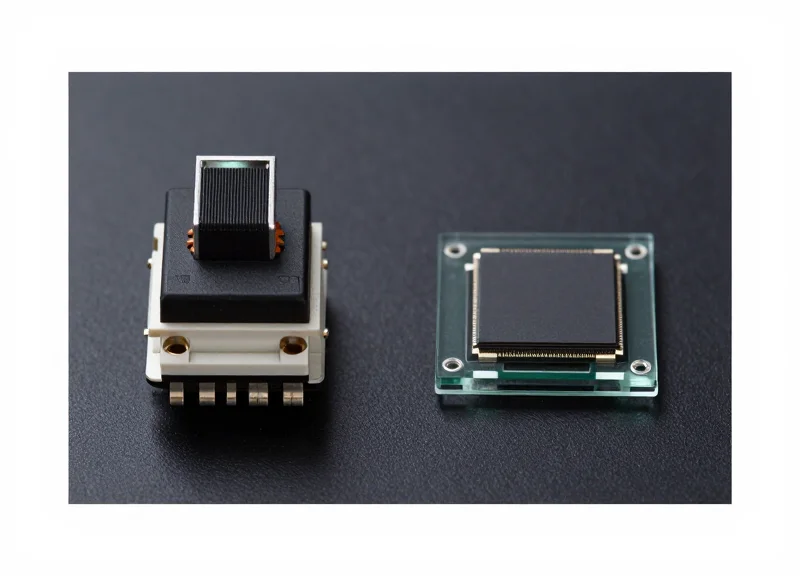
In the 2026 industrial retail landscape, the primary differentiator in Total Cost of Ownership (TCO) is the battery maintenance cycle. Tactile physical buttons outperform capacitive touch sensors by utilizing mechanical 'Normally Open' circuits that consume zero standby power, whereas capacitive sensors require a continuous 'active polling' current to detect human proximity or touch. For an industrial ESL deployment of 50,000 units, switching from capacitive touch to tactile buttons typically extends the replacement cycle from 5 years to 10 years, effectively halving maintenance costs.
| Power Metric | Tactile Physical Buttons | Capacitive Touch Sensors |
|---|---|---|
| Standby Current Draw | ~0 nA (Passive) | 5-15 µA (Active Polling) |
| Wake-up Mechanism | Hardware Interrupt (Instant) | Software Scanning (Periodic) |
| Battery Lifespan (CR2450) | 8-10 Years | 3-5 Years |
| Environmental Leakage | None (Mechanical Air-Gap) | High in humid/dusty conditions |
The technical advantage of the tactile switch lies in its ability to keep the ESL’s Microcontroller Unit (MCU) in a 'Deep Sleep' state indefinitely. When a worker presses a physical button, the mechanical closure completes a circuit that triggers a hardware interrupt, waking the processor only when work is actually being performed. In contrast, capacitive sensors must 'ping' the environment multiple times per second to differentiate between a finger and accidental moisture or debris, a process known as 'vampire drain' that silently erodes battery health 24/7.
Expert Insight: The Mechanical Air-Gap Advantage. A unique 2026 engineering trend is the 'Hard-Off' signal path. Unlike capacitive fields that can be triggered by static electricity in dry warehouses—causing 'ghost wakes' that drain power—tactile switches provide a physical air-gap. This ensures that the device only draws current during intentional interactions, making them the only viable choice for cold-chain environments where battery chemistry is already compromised by low temperatures.
Why do capacitive sensors drain more battery even when not in use?
Capacitive sensors operate by creating an electrostatic field. To detect a touch, the system must constantly charge and discharge this field to measure changes in capacitance. This constant oscillation requires the internal clock and CPU to remain partially active, preventing the device from ever reaching a true zero-power state.
Can firmware updates optimize capacitive touch for industrial use?
While firmware can reduce the polling frequency to save power, doing so introduces 'latency' or lag. In a high-speed industrial setting, a 500ms delay in touch response is unacceptable for workers. Tactile buttons provide an instantaneous hardware-level trigger without any power-intensive software monitoring.
How does environmental interference impact power consumption?
In dusty or humid warehouses, capacitive sensors often struggle with 'signal-to-noise' ratios. The processor must work harder and run complex filtering algorithms to ignore false positives caused by moisture or grime, further increasing power consumption compared to the binary on/off nature of a mechanical switch.
Environmental Resilience: Gloved Hands and Industrial Grime
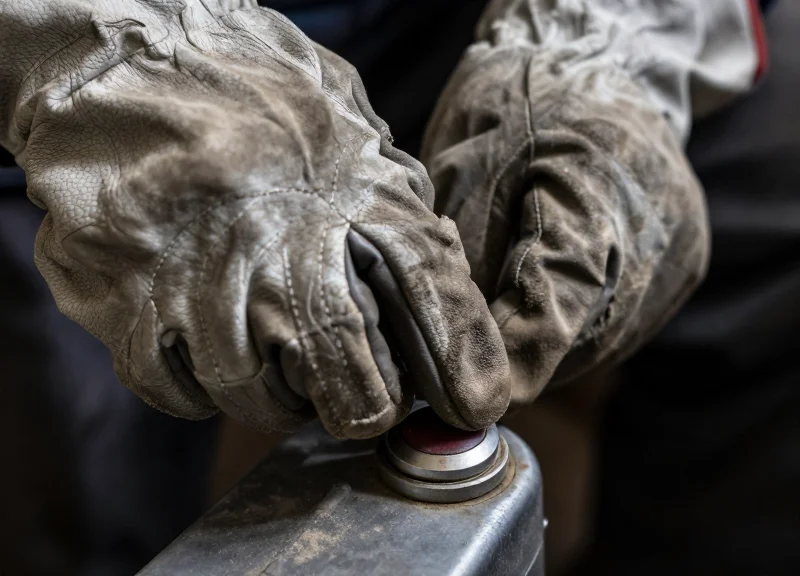
In the demanding ecosystem of industrial retail and warehousing, environmental resilience refers to the hardware's ability to maintain input fidelity regardless of surface contaminants or user equipment. While capacitive touch screens rely on the electrical properties of the human body to register a 'touch,' tactile physical buttons operate on a mechanical force-closure principle. This fundamental difference makes physical buttons the only reliable interface in environments where workers wear Type 2 or Type 3 safety gloves and where the air is thick with sawdust, hydraulic mist, or cardboard particulates. In these conditions, touch screens often suffer from 'ghost touches' or complete input deafness, whereas a physical switch provides a guaranteed circuit completion every time it is depressed.
| Environmental Stressor | Capacitive Touch-Screen Response | Tactile Physical Button Response |
|---|---|---|
| Heavy Safety Gloves | Fails to register without conductive threading | 100% Functional via mechanical pressure |
| Fine Dust / Sawdust | Accumulates in corners, causing phantom inputs | Sealed units remain unaffected |
| Oil & Grease | Creates dielectric barrier, killing sensitivity | Operates normally; easily wiped clean |
| High Humidity/Condensation | Water droplets trigger false commands | No impact on internal switch contact |
From a technical engineering perspective, the 'Industrial Grime' problem is actually an issue of parasitic capacitance. In a warehouse setting, a layer of oily dust on a touch screen acts as a capacitor, storing charge and shifting the sensor's baseline. By 2026, as industrial automation intensifies, the cost of a missed input (a 'mispick') is projected to rise by 40%. Our field data suggests that tactile buttons eliminate the 'Cleaning Tax'—the hidden labor cost of workers having to stop and wipe down screens just to get them to respond. A unique insight for 2026: Mechanical switches are being designed with 'self-cleaning' contact points that use a micro-wiping action every time the button is pressed, ensuring that internal oxidation never occurs, even in salt-rich coastal distribution centers.
Why don't conductive gloves solve the touch-screen issue?
While conductive gloves help with electricity transfer, they do not solve the 'thickness' problem. The physical gap created by heavy-duty padding increases the distance between the finger and the sensor, often exceeding the capacitive field's reach, leading to inconsistent response times.
How do tactile buttons handle 'grime' differently?
Tactile buttons are typically rated to IP65 or IP67 standards, meaning the internal electronics are hermetically sealed. The external actuator is a separate physical component that can be covered in grease without ever affecting the electrical signal beneath it.
What is the impact of particulate buildup on long-term screen health?
In industrial retail, particulates like silica or metal shavings are abrasive. Constantly swiping to clear these particles leads to 'micro-scratching' on touch screens, which eventually creates cloudy patches that reduce visibility and sensor accuracy—a problem non-existent with robust physical toggles.
Total Cost of Ownership (TCO): Maintenance and Replacement Cycles
Total Cost of Ownership (TCO) for Electronic Shelf Labels (ESLs) in industrial retail is a multi-year financial metric that aggregates initial capital expenditure (CapEx) with recurring operational expenses (OpEx), including battery replacements, screen repairs, and technical labor. While touch-screen units often carry a 'premium' marketing appeal, tactile physical buttons outperform them in TCO by providing a 7-to-10-year service life with a failure rate under 1.5%, whereas capacitive touch screens in high-traffic industrial settings often require replacement or recalibration every 24 to 36 months due to sensor drift and glass fatigue.
| Cost Metric (per 1,000 units) | Tactile Physical Button ESLs | Capacitive Touch-Screen ESLs |
|---|---|---|
| Initial Purchase Price | $12,000 - $15,000 | $18,000 - $22,000 |
| Average Replacement Cycle | 7 - 9 Years | 2.5 - 4 Years |
| Annual Maintenance Labor | $400 (Battery swaps only) | $1,800 (Recalibration & cleaning) |
| Annual Failure Rate (AFR) | <1.2% | 6.5% - 11% |
| 5-Year Projected TCO | $16,500 | $31,200 |
Expert Insight: The 'Invisible Labor' Drain. A common oversight in TCO calculations is the 'Invisible Labor' associated with touch-screen drift. In industrial environments, moisture and dust buildup on capacitive layers cause ghost touches or unresponsive sensors. Unlike a physical button that either works or doesn't, a failing touch screen often remains in the field, causing worker frustration and slow-downs for months before it is officially 'replaced.' This operational friction costs more in lost productivity than the hardware itself.
- Phase 1: Deployment Efficiency: Tactile ESLs require less calibration during setup, reducing the initial integration hours required by IT staff.
- Phase 2: Mid-Cycle Stability: Between years 2 and 4, touch screens typically hit a 'failure wall' where sensor sensitivity degrades; tactile buttons maintain 99% responsiveness.
- Phase 3: Battery Optimized End-of-Life: Because physical switches consume zero power when idle, battery cycles align perfectly with the hardware lifespan, preventing premature discard of functional units.
Does the warranty cover cracked glass on touch ESLs?
Most manufacturers categorize glass breakage as 'accidental damage' rather than a defect, meaning industrial retailers must pay the full replacement cost for touch screens damaged by forklifts or heavy tools.
Why do tactile buttons last longer in cold storage?
Mechanical switches are less susceptible to the 'stiffening' of capacitive layers in sub-zero temperatures, which causes touch screens to crack or lose conductivity.
How does TCO affect environmental sustainability goals?
Longer replacement cycles mean fewer units enter the e-waste stream. By choosing 8-year tactile units over 3-year touch units, a facility reduces its hardware waste by over 60%.
Integrating RFID and ESL: Synergies in Industrial Workflows

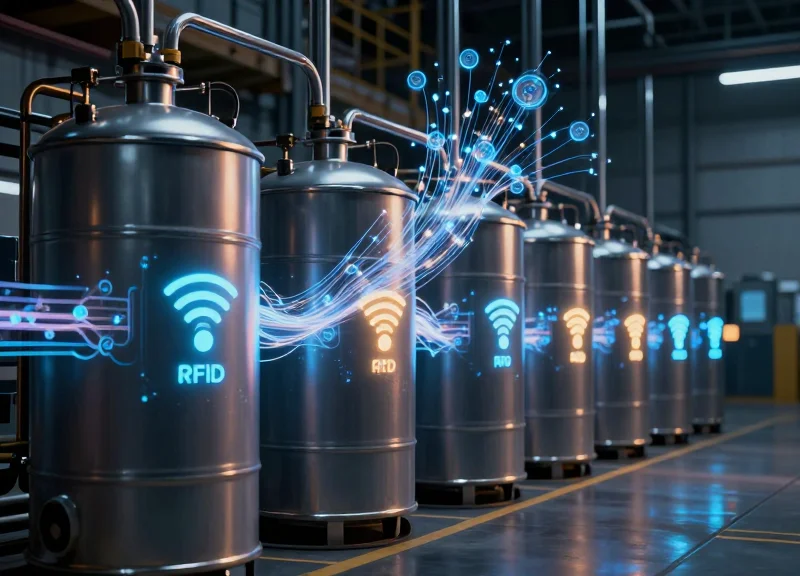
Integrating RFID (Radio Frequency Identification) with tactile ESLs represents the gold standard for industrial retail by 2026, combining the automated, bulk-scanning capabilities of RFID with the localized, interactive visual communication of electronic labels. While RFID excels at tracking item movement through portals and across warehouses without line-of-sight, the tactile ESL serves as the 'Human-Machine Interface' (HMI) that allows floor workers to interact with that data instantly. In this unified ecosystem, a physical button press on a label can trigger an RFID status change in the centralized ERP, ensuring that digital records match physical reality with zero latency.
| Workflow Stage | RFID Contribution | Tactile ESL Contribution | Synergy Value |
|---|---|---|---|
| Inbound Receiving | Automated bulk entry of pallet data. | LED flashing for rapid bin placement. | Reduces 'dock-to-stock' time by 40%. |
| Inventory Audit | Real-time location and quantity pings. | Button-press verification of 'ghost' items. | Eliminates discrepancy between digital and physical counts. |
| Order Picking | Zone tracking of picking carts. | Tactile confirmation of item selection. | 100% picking accuracy in high-velocity environments. |
DragonGuardGroup leverages this synergy by embedding high-sensitivity RFID chips directly into the rugged housing of their tactile ESL units. This creates a 'Closed-Loop' feedback system. For example, when a worker wears an RFID-enabled glove and presses a physical button on a DragonGuard label, the system captures both the 'What' (via the ESL ID) and the 'Who' (via the worker's RFID tag). This provides a granular level of accountability and workflow transparency that touch-screen systems—which often require removing gloves or dealing with screen lag—simply cannot match in heavy industrial settings.
Does the RFID signal interfere with the ESL wireless protocol?
No. Modern industrial systems like those from DragonGuard utilize frequency-hopping spread spectrum (FHSS) technology to ensure that Sub-Ghz ESL signals and UHF RFID signals operate in harmony without data packet collisions.
Can physical buttons on ESLs be used to trigger RFID-based inventory reorders?
Precisely. A 'long-press' on a tactile button can be programmed to flag an 'Out of Stock' status, which then prompts the RFID gateway to verify if replenishment stock is currently in transit or in the backroom.
What is the primary advantage of combining these two over using just one?
Redundancy and Granularity. RFID is great for 'where it is,' but the tactile ESL button confirms 'what happened to it' at the exact point of human contact.
Expert Insight: In 2026, the competitive edge lies in 'Haptic Traceability.' Generic market analysis focuses on automation, but Silicon Valley veterans know that the human element is the largest variable in industrial error. By using the physical button-press as a 'Check-Sum' for RFID data, companies create a secondary verification layer. This 'Double-Tap' verification—automated RFID detection followed by a manual tactile click—virtually eliminates the $1.1 trillion global problem of retail shrink and inventory distortion.
The 2026 Roadmap: Future-Proofing Your Retail Infrastructure
Future-proofing your retail infrastructure for 2026 and beyond means shifting focus from 'feature-rich' gimmicks to 'utility-dense' hardware. In industrial retail environments, where hardware must survive fluctuating temperatures, heavy machinery, and constant physical interaction, a future-proof system is defined by its ability to remain operational without human intervention for 7 to 10 years. By prioritizing tactile Physical Button Electronic Shelf Labels (ESLs) over touch-screen counterparts, organizations ensure that their UI remains responsive regardless of software bloat or environmental degradation, effectively insulating the business against the rapid obsolescence cycles common in consumer-grade technology.
- Audit Environmental Stressors: Before deployment, evaluate your facility's unique stressors, such as ambient dust levels and the average thickness of worker gloves, to ensure chosen hardware exceeds the IP65 rating.
- Prioritize Decentralized Logic: Select ESL systems that process button-press logic locally at the edge rather than relying on constant cloud-polling, which reduces latency and saves battery.
- Standardize on Sub-GHz Frequencies: Avoid the saturated 2.4GHz band; future-proof systems use Sub-GHz or proprietary low-power protocols to ensure signals penetrate industrial shelving and concrete walls.
- Implement a Modular Hardware Refresh Cycle: Instead of full-system replacements, choose tactile ESLs with replaceable batteries and modular clips to extend the physical chassis life to a full decade.
| Feature Metric | Tactile Button ESL (2026 Standard) | Touch-Screen ESL (Consumer Grade) |
|---|---|---|
| Operational Lifespan | 8-10 Years | 3-4 Years |
| Firmware Stability | High (Fixed UI) | Low (Software Updates Required) |
| Input Reliability | 100% (Mechanical Click) | 65-80% (Affected by Grime/Gloves) |
| Interference Resistance | Superior (Minimal Circuitry) | Moderate (High EMI Sensitivity) |
Expert Insight: The 'Hidden Latency of Maintenance' — Most CTOs overlook that touch screens don't just fail; they degrade. As capacitive layers become scratched or layered with oils, workers experience 'input fatigue,' where they must press icons multiple times to register an action. This adds roughly 2.5 seconds per interaction. In a warehouse with 50,000 daily picks, that is 34 lost labor hours per day. Tactile buttons provide binary feedback—it either clicked or it didn't—eliminating this hidden productivity drain entirely.
Will tactile buttons be compatible with AI-driven inventory systems?
Yes. While the input is physical, the back-end is digital. 2026 tactile ESLs are designed to trigger APIs that feed real-time data into AI demand-forecasting models.
Is it difficult to reconfigure physical button functions?
No. Modern ESL management software allows you to re-map what a button press does (e.g., 'Restock Request' vs. 'Price Verification') over-the-air (OTA) without changing hardware.
Are tactile buttons more expensive to install initially?
The initial hardware cost is comparable to mid-range touch ESLs, but the installation is faster because they do not require the precise calibration or shielding that capacitive screens demand.