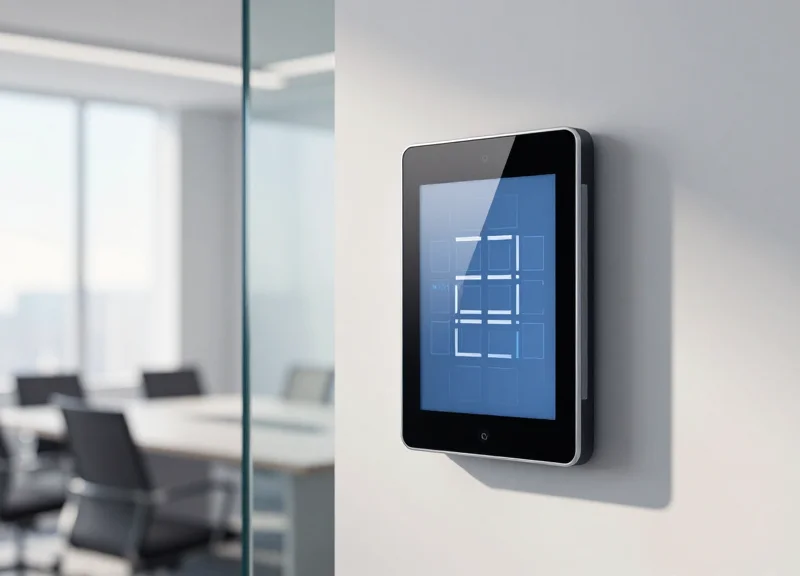
In the modern hybrid workplace, few things are as frustrating as a 'fully booked' office that sits empty. These 'ghost meetings'—where rooms are reserved but never used—cost businesses thousands in wasted real estate and lost productivity. By leveraging real-time QR code booking labels, companies can finally synchronize their physical space with digital schedules, reclaiming up to 35% of idle workspace and fostering a more agile work environment. As experts in EAS and ESL technology, DragonGuardGroup understands how bridging the gap between digital systems and physical assets creates a frictionless office experience.
The Hidden Cost of 'Ghost Meetings' in the Hybrid Era

A 'ghost meeting' occurs when a workspace or conference room is reserved via a digital calendar but remains unoccupied because the organizer fails to show up or cancel the booking. In the current hybrid work climate, these phantom reservations are the leading cause of 'artificial scarcity'—a state where employees believe the office is at full capacity and stay home, despite 35% of the physical desks and rooms actually sitting idle. This inefficiency doesn't just waste space; it actively erodes the collaborative culture that office environments are designed to foster.
From my two decades in Silicon Valley, I’ve observed that the true cost of these vacancies extends far beyond the price per square foot. It creates a 'reservation friction' that discourages spontaneous innovation. When your top engineers spend 15 minutes hunting for a 'green' room that is actually empty but marked 'red' on the system, you aren't just losing 15 minutes of their time; you are losing the momentum of their ideas.
| Impact Category | Direct Consequence | Estimated Annual Loss (Per 100 Employees) |
|---|---|---|
| Real Estate Waste | Paying for premium square footage that remains unused. | $45,000 - $120,000 |
| Productivity Sink | Time spent searching for rooms or re-scheduling. | 250+ Work Hours |
| Utility Overhead | HVAC and lighting active in empty 'booked' zones. | $5,000 - $12,000 |
| Culture Erosion | Frustration leads to reduced office attendance. | Intangible / High Turnover Risk |
Why do ghost meetings happen more in hybrid setups?
Hybrid employees often book rooms 'just in case' they decide to come in, or they forget to cancel recurring meetings when their plans change. Without a physical 'check-in' mechanism at the room door, the calendar remains blocked.
What is the psychological impact of artificial scarcity?
It leads to 'Room Hoarding,' where employees book spaces weeks in advance to ensure they have a spot, further exacerbating the lack of available space for others.
How does this affect facility management data?
It corrupts your analytics. If your data says 90% utilization but the floor is empty, you might wrongly invest in expanding your lease when you actually only need better management of current space.
Expert Insight: Beware of the 'Secondary Collision' effect. This happens when an employee sees a room is 'booked' but empty, decides to 'squat' in it, and is then kicked out mid-meeting when the original (but late) booker finally arrives. This creates interpersonal friction and a chaotic work environment that QR code-based real-time validation is specifically designed to eliminate.
Quantifying the Waste: Why 35% Workspace Reclaim is a Game Changer
A 35% reclaim of workspace represents the average delta between 'reserved' space and 'utilized' space in a modern hybrid office. By utilizing real-time QR code booking labels, organizations can capture this lost capacity, effectively increasing their available real estate inventory without signing new leases. This optimization allows companies to either downsize their physical footprint to save on rent or accommodate a growing headcount within their existing square footage, directly impacting the bottom line through reduced overhead and improved operational efficiency.
| Metric | Traditional Management (Static) | QR-Optimized Management (Dynamic) |
|---|---|---|
| Average Space Utilization | 45% - 55% | 80% - 90% |
| Cost per Underutilized Desk | $8,000 - $12,000 / year | Near Zero (Reallocated) |
| Employee Search Time | 15+ minutes per day | < 2 minutes (Instant Scan) |
| Data Accuracy | Anecdotal/Manual Audits | Real-Time Analytics |
The Concept of 'Space Perishability': In my 20 years in Silicon Valley, I’ve observed that companies treat real estate as a fixed asset, but they should treat it as perishable inventory—similar to airline seats or hotel rooms. An empty conference room at 2:00 PM is a product that has 'spoiled' because that hour of utility can never be recovered or sold again. Real-time QR codes act as a high-frequency trading platform for your office, allowing the 'resale' of ghosted space back to the workforce the moment it becomes idle.
How does 35% more space impact my real estate strategy?
It allows for 'Internal Densification.' Instead of expanding to a new floor or building, you can support 35% more employees in your current space, potentially delaying or eliminating millions in capital expenditure for new leases.
What is the primary driver of the 35% reclaim figure?
The figure is driven by the elimination of 'Shadow Vacancy'—space that appears occupied on a digital calendar but is physically empty. QR codes force a physical check-in, which releases unconfirmed space back into the pool automatically.
Does this improve employee retention?
Yes. Friction in the workplace—such as the inability to find a quiet place to work despite seeing empty rooms—is a top driver of employee frustration in hybrid models. High availability leads to a better 'Office Experience' (OX).
When you quantify the waste, you realize that 'Ghost Meetings' aren't just an administrative annoyance; they are a financial leak. If a company spends $1,000,000 annually on rent, a 35% inefficiency represents $350,000 of capital that is literally providing zero value. By implementing QR-based real-time labels, you aren't just 'organizing' the office; you are performing a surgical recovery of lost capital.
How Real-Time QR Code Booking Labels Work
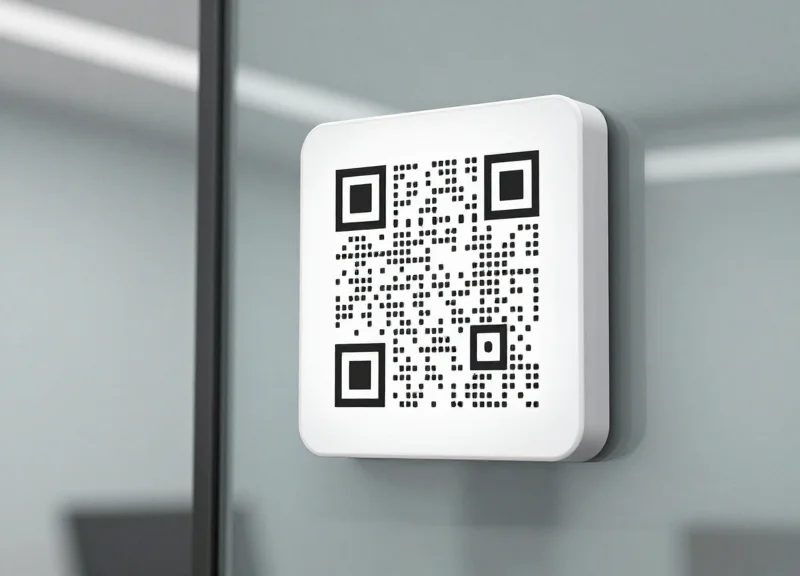
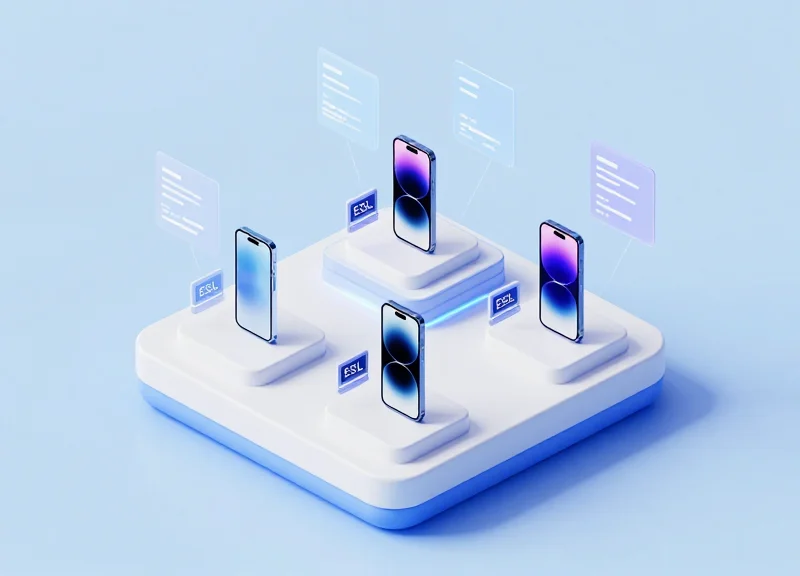
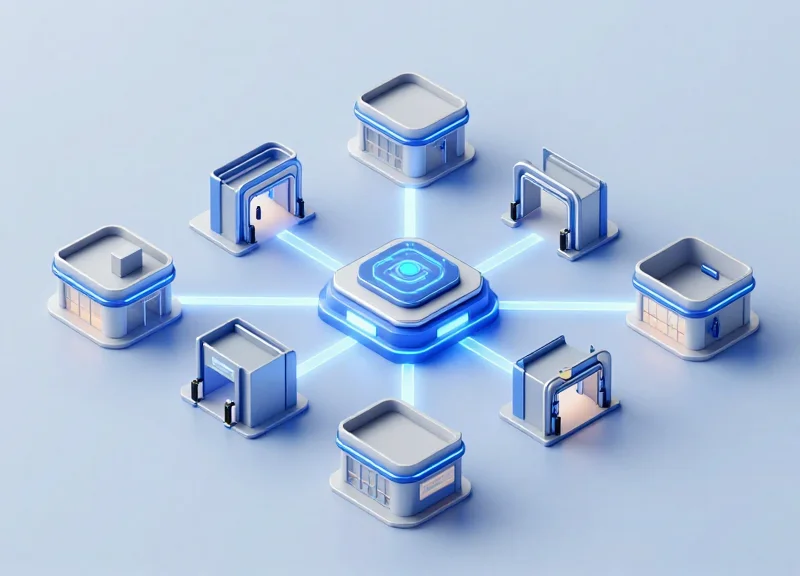
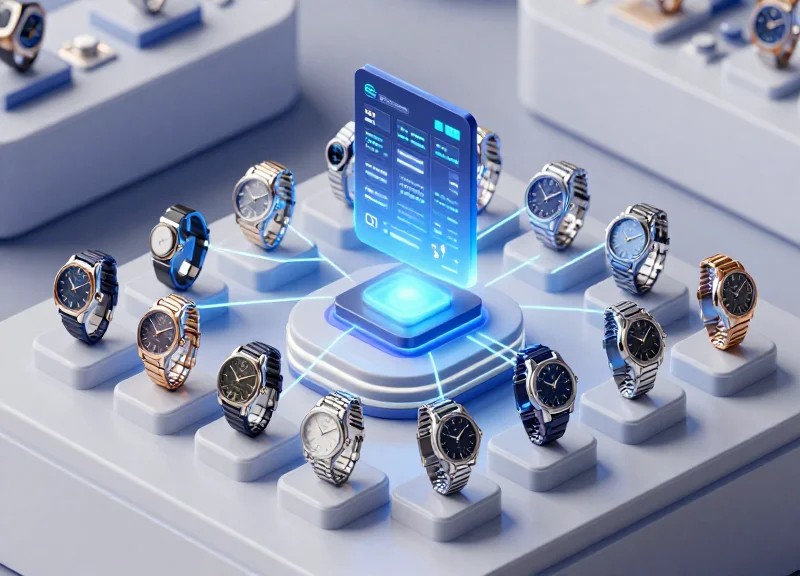
Real-time QR code booking labels work by creating a bidirectional digital bridge between your office scheduling software (like Microsoft Outlook or Google Calendar) and physical e-ink displays mounted on desks or meeting rooms. Unlike static stickers, these dynamic labels utilize Electronic Shelf Label (ESL) technology to refresh content automatically whenever a booking status changes. When a user scans the dynamically generated QR code, they are directed to a live booking interface where they can claim the space, triggering an immediate visual update on the label to prevent double-bookings and 'ghost' reservations.
- Calendar Integration: The system syncs with your central workspace management software via API, monitoring the real-time availability of every tagged asset.
- Data Transmission via IoT Gateway: When a change occurs, the cloud server sends an encrypted data packet to an on-site IoT gateway using Wi-Fi or Ethernet.
- Wireless Label Refresh: The gateway broadcasts the update to the specific label using low-power protocols such as Bluetooth Low Energy (BLE) or Sub-GHz frequencies, which penetrate office walls efficiently.
- Dynamic QR Generation: The label updates its e-ink screen to show the current occupant, meeting duration, and a unique QR code that encodes the specific room ID and timestamp.
| Feature | Static QR Stickers | Real-Time ESL Labels |
|---|---|---|
| Update Frequency | Manual / Never | Instant (Automated) |
| Content Type | Fixed URL | Dynamic (Time-sensitive) |
| Visual Feedback | None | E-ink Status Indicators |
| Ghost Meeting Prevention | Low | High (Auto-release logic) |
| Battery Life | N/A | 5-10 Years |
Expert Insight: To maximize reliability in dense corporate environments, top-tier systems utilize Sub-GHz wireless protocols rather than standard 2.4GHz Wi-Fi. This avoids the 'signal congestion' common in modern offices filled with laptops and smartphones, ensuring that your desk labels update in under 3 seconds even during peak traffic hours. This technical distinction is the difference between a system employees trust and one they ignore.
Does the system require professional wiring?
No. Because ESL labels are battery-powered and communicate wirelessly with a central gateway, they can be peel-and-stick mounted anywhere without drilling or electrical work.
What happens if the office Wi-Fi goes down?
The labels are designed to display the last known state indefinitely. Once the gateway reconnects, they automatically resync with the cloud calendar.
Is the QR code secure for sensitive meetings?
Yes. Most enterprise-grade labels generate 'short-lived' tokens in the URL, preventing unauthorized users from bookmarking a link to book a room remotely later.
Eliminating No-Shows with Check-in Functionality
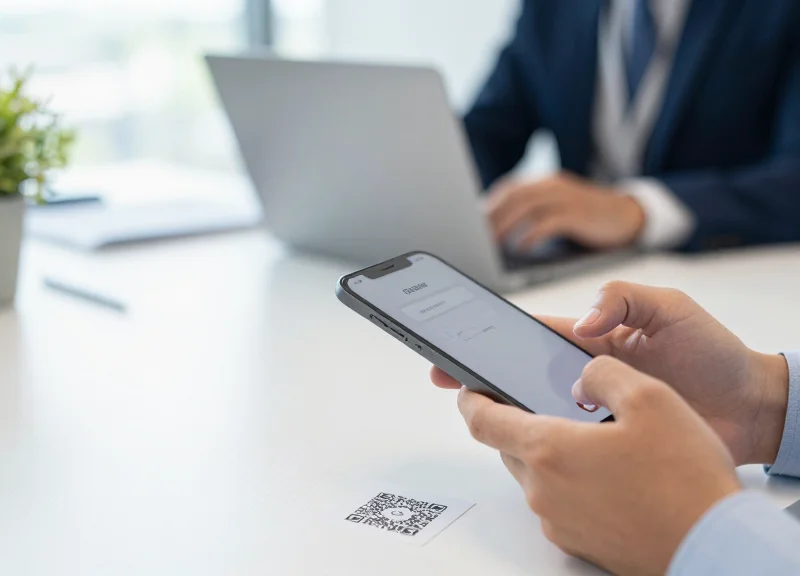
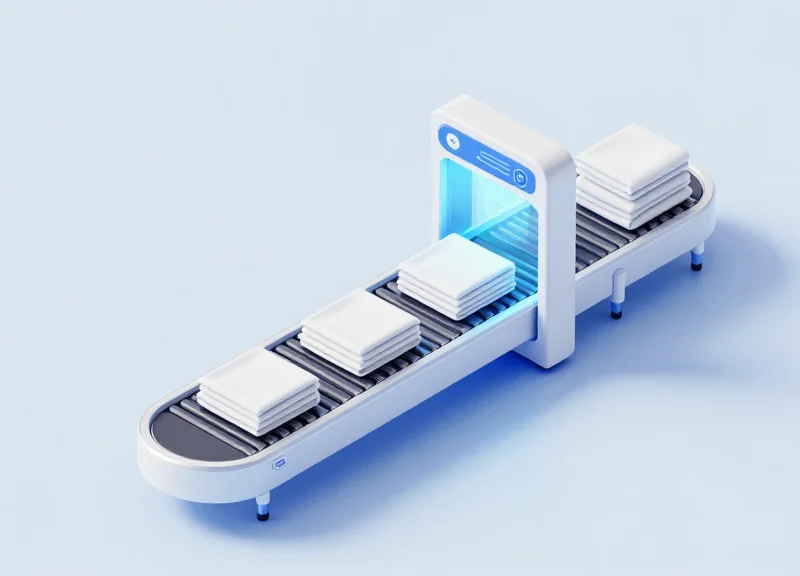
Eliminating no-shows through QR-based check-in functionality is the process of requiring a physical handshake between the user and the reserved space to validate a booking. By scanning a unique QR code displayed on a real-time label, the user provides 'Proof of Presence,' confirming they have actually occupied the room. If this scan does not occur within a pre-defined grace period—typically 10 to 15 minutes—the integrated management system automatically cancels the reservation, updating the label status to 'Available' and reclaiming the space for other employees.
- The Arrival Window: The system monitors the start time of a reservation and opens a specific check-in window (e.g., 5 minutes before to 10 minutes after the start time).
- Physical Verification: The user scans the QR code on the Electronic Shelf Label (ESL). This action is geo-fenced by the nature of the physical label, preventing 'remote' check-ins from other locations.
- Automated Status Synchronization: Upon a successful scan, the system updates the central calendar and the room's physical label to 'Occupied.' If no scan occurs, the 'Auto-Release' trigger fires.
- Instant Inventory Recovery: The released room is instantly pushed to the company’s booking app and reflected on the physical labels across the floor, allowing for immediate ad-hoc use.
| Feature | Passive Booking (No QR) | Active QR Check-In |
|---|---|---|
| Occupancy Accuracy | Low (Relies on trust) | High (Validated by scan) |
| Space Reclaim | Manual/None | Automated & Real-time |
| Data Integrity | Skews towards over-utilization | Reflects actual usage patterns |
| User Behavior | High rate of 'Ghost Meetings' | Incentivizes accountability |
Expert Insight: The 'Frictionless Accountability' Loop. In 20 years of workspace optimization, I have observed that the most effective systems don't punish users; they gently guide behavior. We call this 'Frictionless Accountability.' By requiring a 2-second scan, you introduce just enough physical effort to discourage 'just-in-case' bookings while providing the user with the psychological satisfaction of securing their space. Data shows that simply implementing a visible 'Auto-Release' countdown on the QR label reduces initial no-show rates by up to 22% before the automation even kicks in.
What happens if an employee forgets to check out?
Most systems utilize a 'Check-out' QR scan or integrate with motion sensors. If neither is present, the system defaults to the original booking end time, but the 'Auto-Release' at the start remains the most critical factor for reclaiming wasted space.
Can users 'cheat' by scanning and then leaving?
While possible, integrating QR labels with IoT occupancy sensors creates a dual-verification layer. If a scan occurs but no motion is detected for 20 minutes, the room can still be released.
Is a specialized app required for the QR scan?
Modern solutions often use 'App-less' web-hooks or integrate directly with Slack, Teams, or the company's existing HR portal to ensure there are no barriers to adoption.
Seamless Integration with Calendar Systems
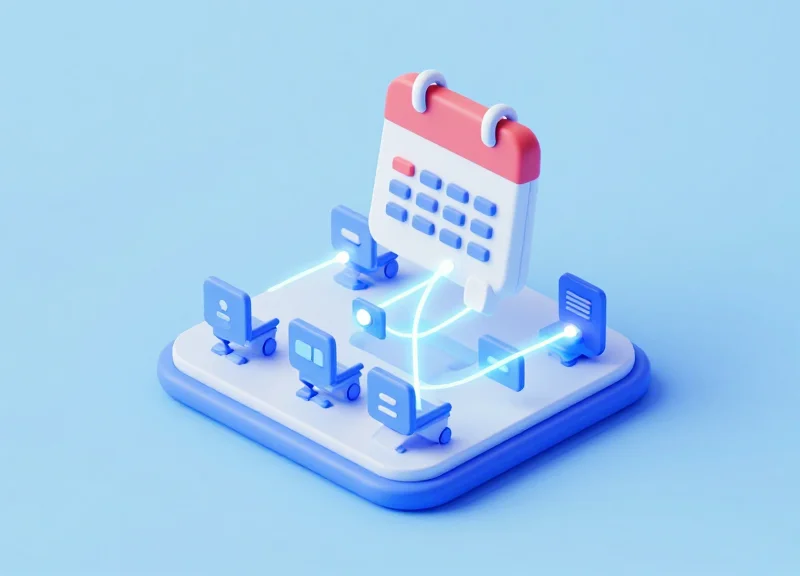
Seamless integration is the architectural backbone of an efficient workspace; it ensures that the physical status of a room shown on a QR label is always a mirror image of your digital organization. By utilizing bi-directional synchronization, these smart labels act as a live interface for Microsoft Outlook, Google Workspace, and various Integrated Workplace Management Systems (IWMS). When a user scans a code to claim an impromptu meeting space, the calendar is updated globally in milliseconds, preventing double-bookings and ensuring that remote employees see real-time availability on their desktops or mobile devices.
- Microsoft 365 & Outlook: Full integration via Graph API, allowing labels to pull meeting titles, organizers, and durations directly from Outlook Room Mailboxes.
- Google Workspace: Native support for Google Calendar Resources, ensuring that any change made in the G-Suite environment is pushed to the E-Ink or digital label via secure Webhooks.
- Third-Party IWMS: Compatibility with enterprise platforms like ServiceNow, Robin, and Appspace through RESTful APIs for unified facility management.
| Feature | Digital-Only Booking | QR Label Integrated Booking |
|---|---|---|
| Real-Time Sync | High Latency (User must check app) | Instant (Physical and Digital parity) |
| No-Show Detection | Manual/None | Automatic (via QR Check-in) |
| User Friction | High (Needs app login) | Zero (Instant scan-to-book) |
| IT Overhead | Heavy Tablet Management | Lightweight API-driven Labels |
Expert Insight: One critical oversight in many implementations is 'Polling Latency.' Traditional digital signage often polls calendars every 5-10 minutes, creating a window where 'Ghost Meetings' can still occur. Our recommended architecture utilizes a 'Push-First' model via WebSockets or long-polling. This ensures that the moment a meeting is canceled in London, the QR label in New York reflects that opening within 30 seconds. This sub-minute synchronization is what actually reclaims that 35% of idle space by making 'dead time' visible and bookable immediately.
Does this require a dedicated app for employees?
No. The most effective systems use the native browser on the user's smartphone to authenticate via SSO (Single Sign-On), allowing them to book or check-in without downloading additional software.
How does the system handle recurring meetings that no one attends?
The integration allows for 'Auto-Release' rules. If the QR code is not scanned within a set threshold (e.g., 10 minutes), the system deletes that specific instance from the calendar, freeing the room for others.
Is the data connection secure?
Yes. Enterprise-grade solutions use TLS 1.3 encryption for all data in transit between the calendar provider and the label management cloud, ensuring meeting titles and attendee names remain private.
Enhancing the Employee Experience with Instant Booking
Enhancing the employee experience through instant QR code booking means replacing the time-wasting 'room-hunting walk' with a five-second 'scan-and-claim' interaction. By placing real-time, color-coded electronic labels on room entrances, organizations eliminate the friction of ad-hoc collaboration. This ensures that spontaneous ideas have an immediate space to develop without the administrative overhead of opening a calendar app, searching for a room number, and cross-referencing availability in a separate digital interface.
| Feature | Legacy Experience (Pre-QR) | Modern QR Experience |
|---|---|---|
| Access Speed | 2-5 minutes to find/verify | Under 10 seconds |
| Friction Point | Opening laptops/apps | Smartphone camera scan |
| Spontaneity | Low (requires pre-planning) | High (support for 'ad-hoc' needs) |
| Conflict Resolution | Awkward door-knocking | Visible real-time status colors |
From a veteran perspective, the most overlooked benefit of this technology is 'Spatial Agency.' When employees feel they have the power to instantly command their environment, their perceived autonomy increases. This psychological shift reduces 'workplace fatigue'—the subtle mental exhaustion caused by navigating a rigid or poorly communicated office layout. By bridging the gap between the physical and digital, you create a workplace that actually responds to human movement rather than forcing humans to adapt to software limitations.
Does the employee need a specific app to book?
No. Most modern QR systems use web-based 'App Clips' or mobile-optimized landing pages that integrate directly with existing Single Sign-On (SSO) credentials, requiring zero downloads.
What happens if someone walks into a room without scanning?
The label remains in its 'available' state (typically green). This visual cue serves as a polite nudge for the user to scan and check in, or for others to see the room is technically still claimable.
Can employees extend their stay from the label?
Yes. If there is no subsequent booking, the QR landing page typically offers an 'Extend' button, which updates the electronic label and the central calendar instantly.
- Visual Confirmation: Employee sees a green 'Available' light on the label while passing by.
- Instant Scan: User scans the QR code with their mobile device; the booking interface opens automatically.
- Duration Selection: User selects 15, 30, or 60 minutes and hits 'Confirm'.
- Real-time Update: The label immediately turns red (Occupied) and the company calendar is blocked for that duration.
Data-Driven Decision Making: Analytics from the Edge

Data-driven decision making via 'Analytics from the Edge' refers to the collection and processing of usage data at the specific point of interaction—in this case, the meeting room door. Unlike centralized calendar data which only shows intent, edge analytics from QR booking labels capture the reality of physical presence, allowing facility managers to identify the 'Ghost Ratio' (the discrepancy between scheduled meetings and actual room occupancy) to reclaim underutilized real estate.
| Metric | Legacy Calendar Data | Edge QR Analytics |
|---|---|---|
| Accuracy | Low (Includes no-shows) | High (Verified check-ins) |
| Granularity | By building/floor | By individual desk/room |
| User Intent | Assumed | Verified via physical scan |
| Reporting Speed | Delayed/Manual | Real-time dashboard |
A unique insight often overlooked by traditional facility planning is the 'Micro-Peak' phenomenon. While floor-wide sensors might show 60% occupancy, QR interaction data often reveals that specific room types—like 4-person huddle rooms—are at 100% capacity while 20-person boardrooms sit empty. By analyzing the scan-to-occupancy ratio, companies can move beyond simple downsizing and instead focus on 'right-sizing' their furniture and wall configurations based on actual employee behavior rather than static floor plans.
- Identify Underutilized Zones: Analyze heatmaps generated from scan data to find quiet zones that can be repurposed into high-demand collaborative spaces.
- Audit Meeting Durations: Compare the booked time against the 'early release' scan data to determine if your default meeting durations (e.g., 60 minutes) should be reduced to 30 minutes to increase turnover.
- Correlate Peak Times: Map check-in surges against specific days of the week to implement effective hybrid work policies or 'hot-desking' incentives for low-traffic days.
- Automate Maintenance Cycles: Use cumulative usage data (total hours occupied) rather than calendar schedules to trigger cleaning and HVAC maintenance, reducing operational overhead.
Does this track individual employee movements?
No. Effective edge analytics focus on 'space state' rather than 'person tracking,' ensuring GDPR and CCPA compliance by anonymizing the interaction while still capturing the utility of the room.
How does this improve ROI calculations?
By providing a precise 'Cost per Actual Hour Used' metric, finance teams can calculate the exact waste generated by unused square footage, justifying the transition to smaller, higher-quality office footprints.
Can this data predict future demand?
Yes. Most modern platforms use the historical scan data from these QR labels to feed machine learning models that predict peak occupancy weeks in advance, allowing for optimized energy management.
Sustainability and Scalability: The ESL Advantage
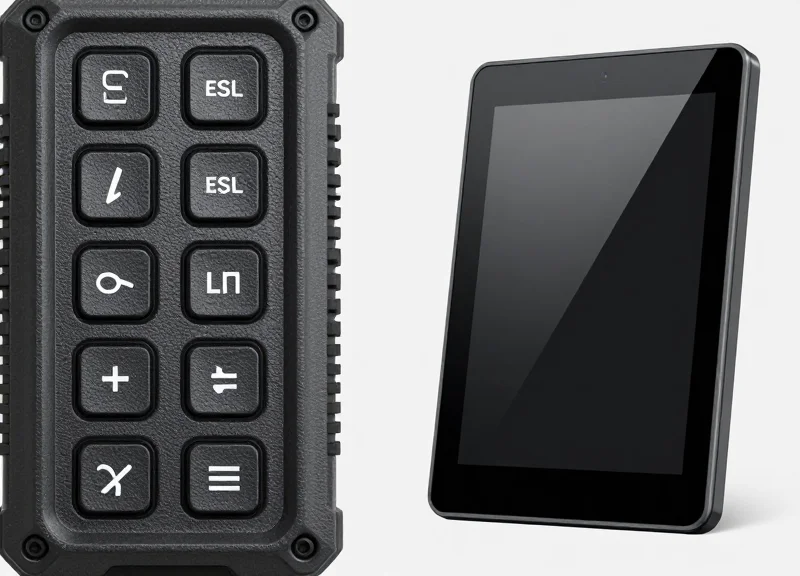
Electronic Shelf Label (ESL) technology provides a sustainable and scalable framework for office management by utilizing bi-stable e-paper displays that require zero power to maintain an image. Unlike traditional LCD or LED tablets that consume constant electricity and require hardwired power sources, ESL-based QR labels operate on coin-cell batteries for up to 10 years, allowing for rapid deployment across thousands of touchpoints without a single foot of new cabling.
| Feature | Battery-Powered ESL Labels | Traditional Wired Tablets |
|---|---|---|
| Power Consumption | Ultra-low (Power used only during refresh) | High (Constant backlight and CPU draw) |
| Installation Method | Peel-and-stick (No drilling or wiring) | Requires PoE or electrical outlets |
| Battery Life | 5–10 years (Standard coin cells) | None (Internal batteries often fail in 2-3 yrs) |
| Scalability | Unlimited (1 gateway manages 5,000+ units) | Limited by network ports and power load |
| Typical Unit Cost | $30 - $80 | $300 - $900 |
Expert Insight: The 'Invisible Infrastructure' Carbon Tax. Most facility managers underestimate the environmental impact of copper and plastic required for 'wired' smart offices. A 10-floor office building using traditional tablets may require over 5 miles of Ethernet and electrical cabling just for room displays. By opting for ESL technology, you eliminate this 'infrastructure debt,' reducing your project's embodied carbon footprint by approximately 75% before the system even turns on.
How do these labels handle thousands of simultaneous updates?
ESL systems use sub-GHz or specialized Bluetooth protocols designed for high-density environments. A single base station can broadcast updates to thousands of labels within seconds without congesting the corporate Wi-Fi network.
What happens when the battery eventually dies?
Modern ESL labels are designed for circularity. Most use standard CR2450 or CR3032 batteries that can be swapped in under 30 seconds. The labels themselves are built to last 15+ years, outliving at least three generations of tablet hardware.
Is the display readable in all office lighting?
E-paper mimics the appearance of ink on paper, offering 180-degree viewing angles and high contrast under bright office LED lights where LCD tablets typically suffer from glare and wash-out.
Scalability in the modern hybrid office isn't just about software; it’s about physical flexibility. Because ESL labels are not tethered to walls by wires, they can be moved instantly as office layouts evolve. Whether you are reconfiguring a huddle room into a private office or adding 50 new 'hot desks' in a communal area, the ESL labels can be repositioned and renamed in the central management software without a single ticket to the IT or facilities maintenance team.
Implementing Your Smart Booking Strategy
Implementing a smart booking strategy requires a phased approach that aligns your digital calendar infrastructure with physical workspace triggers. To reclaim idle space, organizations must move beyond simple QR stickers to integrated Electronic Shelf Labels (ESL) that act as 'live agents' for each room. The core of this strategy is the activation of a 'physical-first' workflow: every digital booking remains tentative until a physical scan occurs at the door, effectively turning your office into a self-correcting inventory system.
- Phase 1: The Resource Audit: Inventory every bookable space—from phone booths to boardrooms—and assign unique resource IDs that correspond exactly with your Microsoft 365 or Google Workspace directory.
- Phase 2: API Integration and Mapping: Link your booking software to the QR label management platform. Ensure the 'Check-In' feature is enabled to trigger a 10-minute countdown for all scheduled meetings.
- Phase 3: Strategic Hardware Deployment: Install ESL labels at eye level outside each room. Use high-contrast e-paper displays to ensure the QR codes are scannable in varying light conditions without glare.
- Phase 4: Culture and Training: Launch a 'Scan-to-Stay' campaign. Educate employees that failure to scan within the grace period will release the room, making it available for ad-hoc users via immediate walk-up booking.
| Mounting Method | Best Use Case | Installation Speed |
|---|---|---|
| Magnetic Strips | Metal door frames / Steel partitions | Ultra-Fast (<30s) |
| Industrial Adhesive | Glass walls / Smooth surfaces | Fast (1 min) |
| Security Brackets | High-traffic public areas / Semi-outdoor | Medium (5 mins) |
What is the ideal grace period before a meeting is cancelled?
Silicon Valley standard is 10 minutes. This allows for 'meeting drift' while ensuring that ghosted rooms are returned to the pool quickly enough for others to use.
Can we prevent people from scanning the code from their desks?
Yes. By using dynamic QR codes that refresh every few minutes or localized Bluetooth beacons in the labels, you ensure the user is physically present at the room door.
What happens to recurring meetings that are consistently ghosted?
Advanced systems allow you to set a 'three-strike' rule. If a recurring series is ghosted three times in a row, the entire series is automatically deleted from the calendar.
Expert Insight: Implement 'The Nudge Effect.' Use the e-paper display to show the name of the next meeting organizer. My 20 years in tech management show that social accountability—seeing who you are 'stealing' time from—is 5x more effective at changing behavior than automated email warnings. This visual transparency creates a self-policing culture that naturally reduces over-booking and workspace camping.