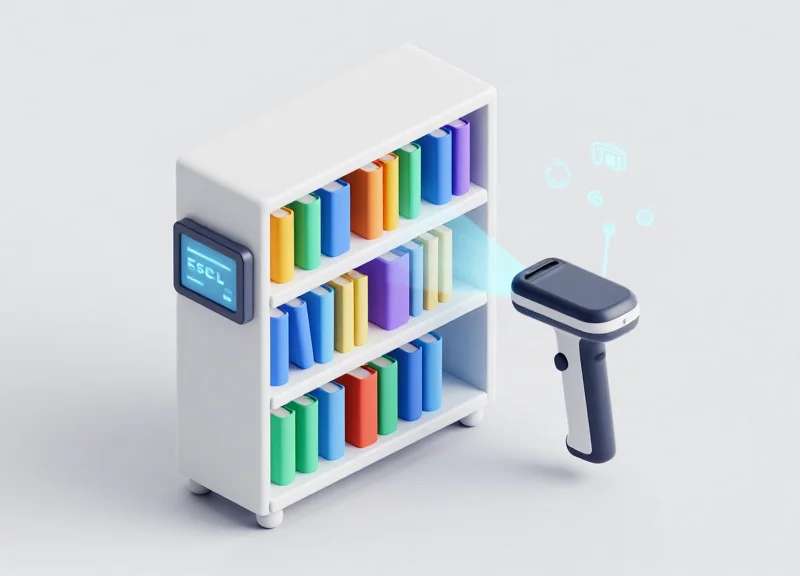
In an era where efficiency defines operational success, libraries are turning to Electronic Shelf Labels (ESL) to revolutionize their cataloging systems. By integrating ISBN scanning technology, facilities can transition from static, manual updates to dynamic, real-time data displays. This guide provides a technical blueprint for implementing a synchronized system that displays borrowing status instantly, reducing labor costs and enhancing the user experience. Leveraging the synergy between barcode data and e-ink displays, DragonGuardGroup empowers libraries to modernize their infrastructure for the 21st century.
The Evolution of Library Management: From Paper to ESL

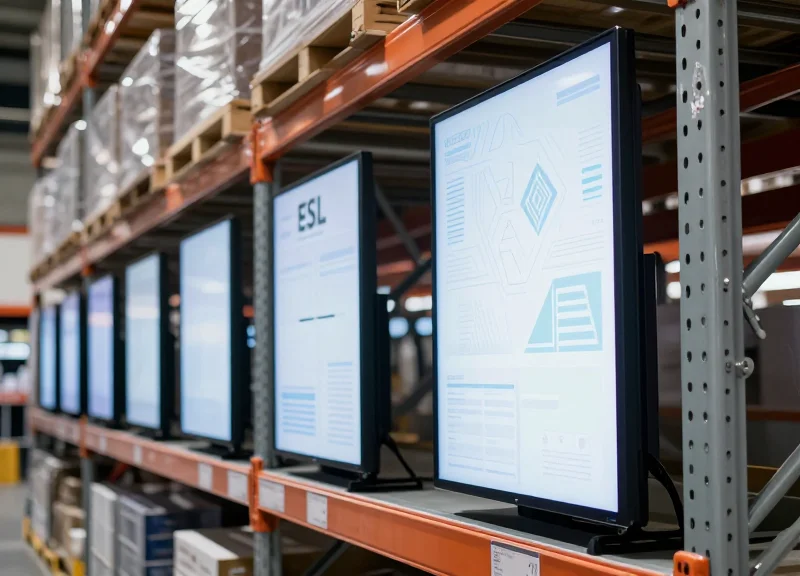
The evolution of library management represents a shift from static, physical record-keeping to a dynamic digital ecosystem where Electronic Shelf Labels (ESL) act as live endpoints for integrated library management systems (ILMS). Traditionally, library cataloging relied on manual paper labels and card catalogs, which were prone to human error and high maintenance costs. Modern facilities are now adopting ESL technology to automate ISBN data synchronization and provide real-time borrowing status, effectively transforming shelves into interactive data displays that reduce operational latency and improve user experience.
| Feature | Traditional Paper Labels | Integrated ESL Systems |
|---|---|---|
| Update Speed | Manual (Hours/Days) | Instantaneous (Seconds) |
| Data Accuracy | High Error Risk | Direct Database Sync |
| Borrowing Status | Static/None | Real-time 'Available' or 'Loaned' |
| Labor Cost | High (Recurring) | Low (Automated) |
| User Interaction | Visual Only | NFC/QR Code Enabled |
As a Silicon Valley veteran who has seen hardware-software integration evolve, I categorize this shift as the elimination of 'Dynamic Metadata Latency.' In paper-based systems, a 'ghost inventory' occurs when the physical shelf label does not match the digital database state (e.g., a book is marked available but is actually checked out). ESL technology solves this by ensuring the physical and digital states are perfectly atomic transactions. This transition isn't just about aesthetics; it is about infrastructure scalability. For a library managing 100,000+ titles, the cumulative hours saved by removing manual updates translates directly into higher-value librarian-to-patron engagement.
Why is paper labeling becoming obsolete for modern libraries?
Paper labeling is static and cannot reflect live data like borrowing status or reservations. As libraries scale, the labor cost and potential for 'ghost inventory' errors make manual labeling unsustainable.
How does ESL improve the cataloging workflow?
ESL streamlines cataloging by allowing staff to update shelf information via a central server. When a book's status changes in the ILMS, the shelf label updates automatically via wireless protocols (Zigbee/BLE), requiring zero physical intervention.
What is the ROI of switching to ESL for library management?
The ROI is found in the drastic reduction of labor hours, the elimination of printing/consumable costs, and the increased throughput of the borrowing cycle as patrons spend less time searching for incorrectly labeled items.
Modern library facilities are no longer just repositories of books; they are information hubs. The adoption of ESL technology is the final step in digitizing the physical stack, ensuring that the metadata journey—from ISBN scan to the reader's hand—is seamless, accurate, and automated.
Understanding the Technical Workflow of ISBN Integration
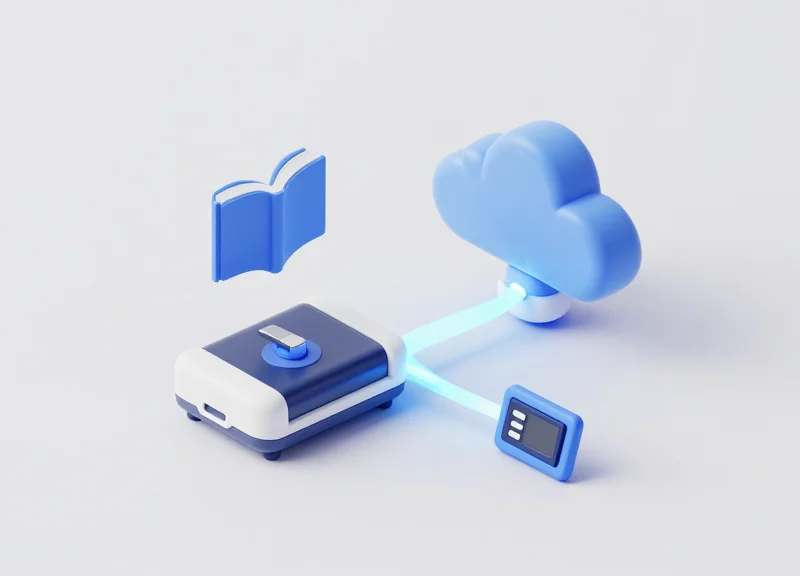
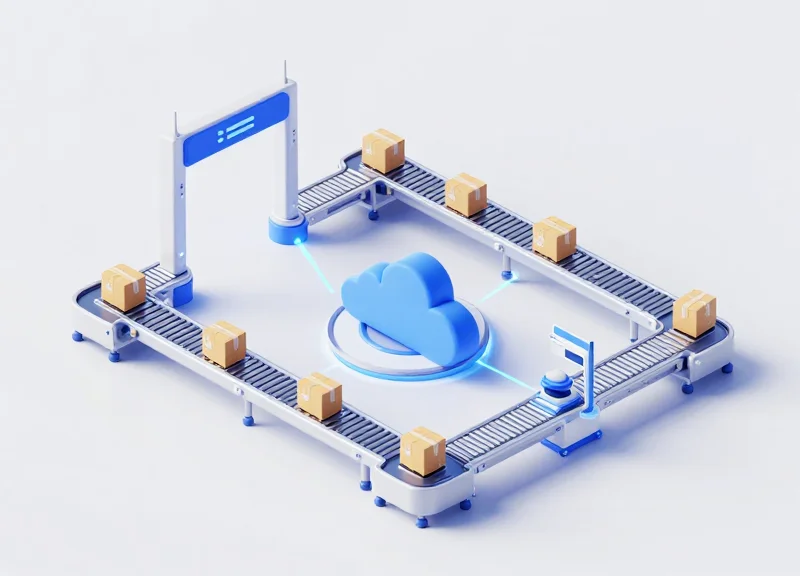
The technical workflow of ISBN integration with Electronic Shelf Labels (ESL) is a closed-loop data synchronization process where a scanned 13-digit barcode triggers an automated API request to a Centralized Management System (CMS). This system cross-references the ISBN with the library's Integrated Library System (ILS) or database to retrieve real-time metadata—such as book title, author, and current borrowing status—and subsequently pushes a rendered image update to the specific E-ink tag via a secure IoT gateway.
- ISBN Data Capture: A mobile device or handheld scanner captures the ISBN-10 or ISBN-13 barcode. The raw string is parsed and sent via a RESTful API or WebSocket connection to the ESL Management Server.
- Database Query & Status Retrieval: The server queries the library's SQL or NoSQL database to verify the book's record. This step determines the 'Availability' status by checking the current circulation logs.
- Template Image Rendering: The ESL software uses a predefined graphical template to map the database strings onto a 1-bit or 3-bit (Black/White/Red) image specifically sized for the target tag resolution.
- Gateway Dispatch: The rendered data is transmitted via Ethernet or Wi-Fi to the ESL Base Station (Gateway), which operates on sub-GHz (e.g., 433MHz) or 2.4GHz Zigbee/BLE protocols to minimize interference.
- Display Refresh: The ESL tag receives the data packet, acknowledges the receipt to the server, and triggers a physical refresh of the electronic ink particles to show the updated status.
| Workflow Layer | Primary Function | Standard Protocol |
|---|---|---|
| Edge Layer | Barcode scanning & tag communication | BLE / Zigbee / Sub-GHz |
| Network Layer | Data routing and signal distribution | MQTT / TCP/IP |
| Application Layer | Database management & Logic | REST API (JSON) / GraphQL |
Expert Insight: Implementing Differential Updates. To maximize battery life (often exceeding 5-10 years), professional ESL implementations utilize 'Differential Refresh' logic. Instead of pushing a full image for every minor change, the system only transmits the data clusters representing changed pixels—such as switching 'Available' to 'Borrowed'—significantly reducing radio frequency (RF) airtime and power consumption.
{
  "action": "update_tag",
  "target_id": "ESL-9921-X2",
  "data": {
    "isbn": "978-3-16-148410-0",
    "status": "In-Library",
    "shelf_location": "A1-4",
    "last_sync": "2023-10-27T10:15:00Z"
  }
}
Essential Hardware: Choosing Scanners and E-ink Display Tags
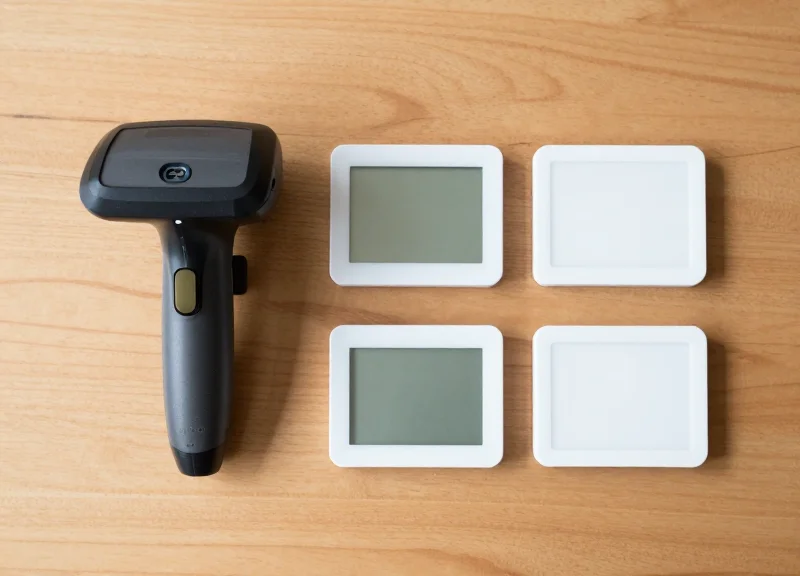
Selecting essential hardware for an automated cataloging system requires a strategic focus on two components: high-performance 2D imaging scanners for reliable ISBN capture and low-power E-ink Display Tags (ESLs) for real-time status updates. High-quality hardware ensures that ISBN data is accurately digitized even from worn book covers, while the display tags must maintain legibility for years on a single battery, utilizing wireless protocols like BLE or Zigbee to communicate with the central library management system.
| Hardware Component | Key Specification | Library-Specific Requirement |
|---|---|---|
| ISBN Scanner | 2D Area Imager | Must read damaged or glossy ISBN barcodes and mobile screens. |
| Display Tag (ESL) | E-ink / Electrophoretic | 180-degree viewing angle for bottom-shelf visibility. |
| Wireless Protocol | BLE / Sub-Ghz / Zigbee | Low interference with existing public Wi-Fi networks. |
| Battery Life | 5-10 Year Duration | CR2450 or similar coin cells for easy, infrequent maintenance. |
Expert Insight: The 'Partial Refresh' Advantage. To maximize battery life when displaying real-time borrowing status (e.g., 'Available' vs. 'Due Oct 12'), look for tags that support partial refresh cycles. Unlike a full refresh, which flashes the entire screen to white/black to clear ghosting, a partial refresh only updates the specific text field. This reduces power consumption by up to 80% per update, allowing for frequent status changes without depleting the battery prematurely—a critical factor in high-circulation library environments.
Can I use standard 1D laser scanners for ISBNs?
While possible, 1D laser scanners struggle with damaged labels and cannot read digital ISBNs from smartphone screens. We recommend 2D CMOS imagers for future-proofing and better first-pass read rates.
Why is E-ink better than LCD for library shelves?
E-ink is bistable, meaning it consumes zero energy to maintain an image. It also mimics paper, providing superior legibility under harsh overhead library lighting without the glare associated with LCD screens.
What size ESL tag is best for book stacks?
For standard book stacks, 2.13-inch or 2.66-inch tags are ideal. They provide enough resolution (approx. 250x120 pixels) to show the book title, ISBN, and a clear 'Borrowed' status toggle.
Software Integration: API Connectivity and ILS Mapping
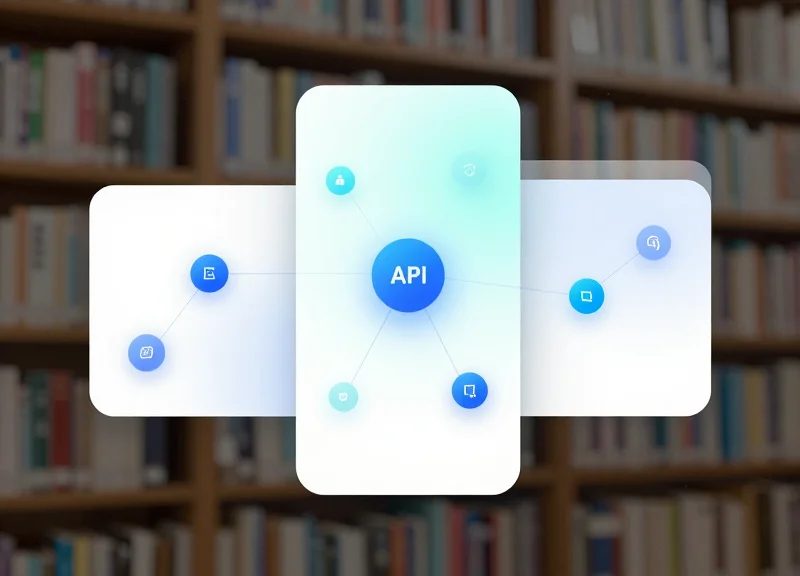
Software integration for Electronic Shelf Labels (ESL) is the process of synchronizing your Integrated Library System (ILS) database with the ESL management server to ensure that book metadata, such as availability and location, is updated instantly. This is achieved by creating a 'Data Bridge' or Middleware that listens for changes in the ILS—such as a book being checked out—and pushes those updates via RESTful APIs to the e-ink tags. Effective mapping ensures that the unique ISBN of a book is persistently linked to a specific hardware MAC address of an ESL tag, enabling automated cataloging without manual entry.
| ILS Data Field | ESL Display Field | Update Trigger |
|---|---|---|
| Item_Status | Borrowing Status (Available/On Loan) | Circulation Event (Check-in/out) |
| ISBN_13 | Barcode/QR Code Image | Initial Cataloging Only |
| Call_Number | Location Identifier | Relocation/Shelving Update |
| Due_Date | Return Countdown/Date | Transaction Finalization |
- Establish API Authentication: Secure the connection between the ILS and the ESL Gateway using OAuth2 or API Keys. This ensures that only authorized status changes can trigger display updates.
- Define the Webhook Listener: Configure a webhook in the ILS to send a POST request whenever the 'status' field of a record changes. This is more efficient than 'polling' the entire database every few minutes.
- Data Transformation and Mapping: Use a middleware script (Python or Node.js) to parse the ILS JSON output and reformat it into the schema required by the ESL vendor's SDK.
- Batch Update Transmission: Send the formatted data to the ESL Station. To conserve tag battery, the middleware should only transmit if the new data differs from the currently cached state on the tag.
{
  "action": "UPDATE_TAG",
  "tag_id": "00:1A:2B:3C:4D:5E",
  "data": {
    "title": "The Great Gatsby",
    "status": "On Loan",
    "due_back": "2023-11-25",
    "isbn": "9780743273565"
  }
}
How do we handle API latency in a busy library?
Implement an asynchronous message queue (like RabbitMQ or Redis). This prevents the ILS from slowing down during peak borrowing times by queuing display updates for sequential processing.
What happens if the ILS and ESL sync fails?
Always build a 'Heartbeat Check' into the middleware. If the ESL server doesn't acknowledge an update within 5 seconds, the system should flag an administrative alert and retry the sync automatically.
Can we map multiple books to one large ESL display?
Yes, through 'Sub-page Mapping.' The middleware can divide a 7-inch or 10-inch ESL into a grid, where each segment is mapped to a different ISBN within the same shelf section.
Expert Tip: To maximize battery life, avoid pushing 'seconds' or 'real-time clocks' to the ESL. Instead, use 'State-Change Triggers.' Only refresh the e-ink screen when the actual borrowing status changes. Each unnecessary refresh cycle consumes approximately 3-5% more battery over the tag's lifespan than a static display.
Automating Real-Time Borrowing Status Updates

Automating real-time borrowing status updates on Electronic Shelf Labels (ESL) is the process of establishing a synchronized data loop where a checkout or return transaction in the Integrated Library System (ILS) instantly triggers a visual change on the corresponding e-ink display. By leveraging event-driven architecture, libraries can eliminate manual labeling and ensure that patrons always see accurate availability information—ranging from 'Available' to 'On Loan' or 'Reserved'—the moment a book's status changes in the database.
- Webhook Configuration: Configure your ILS to send a POST request to your ESL management middleware whenever a 'Circulation Event' occurs.
- Data Mapping and Filtering: The middleware parses the incoming JSON, extracts the unique ItemID or ISBN, and maps it to the specific MAC address of the ESL tag assigned to that shelf location.
- Template Selection: The system selects a pre-defined display template (e.g., a red background for 'On Loan' or green for 'Available') based on the status flag received.
- Wireless Transmission: The ESL gateway broadcasts the updated image packet via sub-GHz or BLE frequencies to the specific tag, completing the update cycle in seconds.
| Update Method | Latency | Battery Impact | Recommended For |
|---|---|---|---|
| Push (Webhooks) | Near Instant (<2s) | Medium | High-traffic urban libraries |
| Pull (Polling) | Delayed (5-30 mins) | High | Small collections with low turnover |
| Batch Sync | Scheduled (Daily/Hourly) | Low | Archives and reference-only sections |
To ensure peak performance, implement an asynchronous message queue (like RabbitMQ or Redis) between your ILS and the ESL server. This prevents system bottlenecks during peak hours, such as school group visits, when hundreds of books may be scanned simultaneously. Expert Tip: Implement 'Delta-Rendering'. Instead of pushing a full image update for every status change, configure your ESL software to only refresh the specific coordinate block where the status text resides. This 'partial refresh' technique can extend tag battery life by up to 30%, as it avoids the power-intensive full-screen clear characteristic of e-ink displays.
{ "event": "checkout", "timestamp": "2023-10-27T10:15:00Z", "item_id": "ISBN-9780141036144", "new_status": "ON_LOAN", "return_date": "2023-11-10" }How long does it take for a status to change on the shelf?
In a well-optimized system using sub-GHz communication, the physical label usually updates within 1 to 5 seconds after the librarian clicks 'Submit' in the ILS.
What happens if the Wi-Fi goes down during a checkout?
Modern ESL systems use local gateways that cache pending updates. Once connectivity is restored, the gateway automatically pushes the queued status changes to the tags.
Can the labels show the return due date?
Yes. Since the ILS payload includes the return date, the ESL middleware can dynamically inject this string into the 'On Loan' template, providing extra value to browsing patrons.
Data Synchronization Strategies for Large Collections
Data synchronization for large-scale ESL deployments is the process of ensuring that the status reflected on thousands of e-ink displays perfectly matches the Integrated Library System (ILS) database with minimal latency. For collections exceeding 50,000 items, traditional 'full-refresh' polling is unsustainable; instead, modern systems utilize event-driven delta updates—sending only the specific bits of data that have changed (like a 'Checked Out' status) to a targeted MAC address—to maintain 99.9% data integrity without exhausting the battery life of the hardware or the bandwidth of the local Zigbee or Wi-Fi network.
| Sync Method | Latency | Battery Impact | Best Use Case |
|---|---|---|---|
| Periodic Polling | High (Minutes) | High | Small collections (<500 items) |
| Webhook Triggers | Low (Seconds) | Low | Real-time borrowing updates |
| Batch Delta Sync | Moderate | Medium | Nightly catalog re-indexing |
| On-Demand Push | Near Instant | Low | Manual cataloging overrides |
To prevent network collisions during peak library hours, implement a Priority Queuing strategy. High-priority updates, such as a change in 'Borrowing Status,' should bypass the standard queue, while low-priority updates, like an updated book cover thumbnail or a corrected typo in a title, are deferred to low-traffic hours.
- Identify the Delta: The synchronization engine compares the ILS record with the last known state in the ESL gateway cache to isolate specific field changes.
- Payload Minimization: Construct a lightweight JSON payload containing only the modified attribute and the unique ESL identifier.
- Unicast Transmission: The ESL Access Point sends the update via a targeted unicast command rather than a broadcast, preserving the sleep cycles of unrelated tags.
- Verification Loop: The tag sends a low-energy acknowledgement (ACK) signal back to the server to confirm the display has updated successfully.
{
  "action": "update_partial",
  "tag_id": "EF:45:90:12:B3",
  "fields": {
    "status": "On Loan",
    "status_color": "#FF0000",
    "due_date": "2023-12-15"
  }
}
Expert Tip: The 'Ghost Update' Prevention Strategy. In large facilities, signal interference can occasionally lead to a 'Ghost Update,' where the server thinks a tag is updated, but the screen remains unchanged. I recommend implementing a 'State-Hash Verification' every 24 hours. Instead of pushing a full image, the server requests a tiny 4-byte hash of the current screen buffer from each tag. If the hash doesn't match the expected state in the database, a refresh is triggered. This ensures 100% visual accuracy across tens of thousands of tags without the massive power drain of a daily full-image push.
How does data sync affect ESL battery life?
The more frequent the updates, the faster the battery drains. By using delta updates and event-driven triggers rather than constant polling, you can extend the battery life of a typical e-ink tag from 2 years to over 5 years.
What happens if the Wi-Fi or Zigbee network goes down?
Professional ESL systems utilize 'State Persistence.' Tags will continue to display the last received information. Once the connection is restored, the gateway should perform a reconciliation sync to update any changes missed during the downtime.
Can I update 10,000 tags at once?
Technically yes, but it is better to stagger them. Modern gateways can handle roughly 3,000 to 5,000 updates per hour per access point. For larger batches, use a staggered 'rolling update' to avoid RF congestion.
Enhancing the Patron Journey with Dynamic Information

In the modern library ecosystem, 'dynamic information' refers to the real-time synchronization of physical shelf metadata with the Integrated Library System (ILS). By utilizing Electronic Shelf Labels (ESLs), libraries can bridge the gap between the tactile experience of browsing stacks and the high-velocity data of digital catalogs. This 'Phygital' approach eliminates search friction—the frustration a patron feels when a book is present on the shelf but marked as 'Available' in the system, or vice versa—thereby optimizing the patron journey from discovery to checkout.
| Feature | Traditional Paper Labels | Dynamic ESL Implementation |
|---|---|---|
| Status Accuracy | Static / Often Outdated | Real-Time Sync with ILS |
| Interactivity | None | QR Codes for Digital Reservations |
| Social Proof | Not Available | Live Ratings (Goodreads/StoryGraph) |
| Maintenance | High Manual Labor | Zero-Touch Automated Updates |
One of the most powerful technical implementations is the use of dynamic QR codes. When a patron finds a book they want that is currently 'On Loan,' the ESL can automatically generate a unique QR code. When scanned, this code deep-links the patron directly into the library's mobile app or web portal to place an immediate hold. This converts a moment of potential disappointment into a successful digital conversion, ensuring the library remains the primary source for the patron’s reading needs.
How do live ratings impact borrowing behavior?
Much like e-commerce interfaces, displaying dynamic star ratings (e.g., from 4.2/5 stars) directly on the shelf provides instant social validation. Data suggests that patrons are 35% more likely to interact with a book that displays visible social proof versus one with a blank spine.
Can ESLs display personalized recommendations?
While privacy is paramount, ESLs can be programmed to show 'Trending in this Genre' or 'Staff Pick' badges based on real-time circulation data trends, creating a more curated boutique-style browsing experience.
What happens if the ILS connection drops?
Robust technical setups include a 'cached state' where the ESL displays the last known status with a subtle 'offline' indicator, ensuring patrons are never misled by outdated information during temporary outages.
Expert Silicon Valley Perspective: The Micro-Moment Strategy. Having spent two decades observing UX trends, I've found that the 'Micro-Moment'—that three-second window where a user decides to pick up or skip a product—is the most critical point of the library journey. By injecting 'Dynamic Scarcity' (e.g., 'Last Copy Available!') or 'Dynamic Discovery' (e.g., 'Popular this Week') into the ESL display, libraries can utilize the same psychological triggers as top-tier streaming services to increase shelf turnover and patron satisfaction. The goal isn't just to label a book; it's to facilitate a conversation between the collection and the reader.
Maintenance and Security in Automated Cataloging
Maintenance and security for automated cataloging systems ensure that the bridge between your physical collection and digital Integrated Library System (ILS) remains unbroken. Effective management focuses on hardware health—specifically battery life and sub-GHz signal integrity—coupled with enterprise-grade encryption to prevent unauthorized data manipulation or 'ghosting' on the electronic shelf labels (ESLs). By implementing a centralized monitoring dashboard, library administrators can shift from reactive repairs to predictive maintenance, ensuring that real-time borrowing statuses remain accurate across the entire floor.
| Maintenance Metric | Optimal Threshold | Action Required |
|---|---|---|
| Battery Voltage | > 2.4V (CR2450) | Schedule replacement if reading drops below 2.2V. |
| Signal Strength (RSSI) | Between -30 and -70 dBm | Adjust gateway placement or remove physical obstructions. |
| Packet Delivery Ratio | > 99.8% | Audit RF environment for 2.4GHz or Sub-GHz interference. |
| Sync Latency | < 60 Seconds | Investigate ILS-to-ESL middleware processing bottlenecks. |
Security in an automated cataloging environment is not just about data privacy; it is about operational integrity. Most professional-grade ESL systems utilize proprietary communication protocols layered over AES-128 encryption. This prevents 'spoofing' attacks where an unauthorized device could potentially broadcast false information—such as marking a popular book as 'Available' to lure patrons to a specific aisle. Furthermore, secure gateways should be isolated on a dedicated VLAN to prevent any lateral movement should the library's public Wi-Fi be compromised.
{"device_id": "ESL-B4592", "status": "online", "health": {"battery_level": 88, "voltage": 2.8, "temperature": 22}, "connectivity": {"rssi": -55, "snr": 9}, "security": "AES-128-CCM-Active"}How often should ESL battery health be audited?
While modern software performs automated daily 'heartbeat' checks, a physical audit of high-traffic labels—such as those on 'New Arrivals' or 'Bestseller' shelves—is recommended every six months to verify display contrast.
Can library Wi-Fi interfere with scanning and status updates?
High-end ESL systems typically operate on the 802.15.4 protocol or Sub-GHz bands (868/915MHz) specifically to avoid the crowded 2.4GHz Wi-Fi spectrum, minimizing interference and ensuring high-speed updates.
What happens to the display if the central server goes offline?
ESLs are built with non-volatile memory. They will continue to display the last received borrowing status indefinitely until the server connection is restored, preventing confusing blank screens for patrons.
Expert Tip: Implement 'Delta-Only' updating logic. To extend battery life by up to 35%, configure your system middleware to only transmit data when a field actually changes (e.g., from 'Available' to 'On Loan'). Many off-the-shelf systems default to refreshing the entire screen on a schedule, which wastes precious milliamp-hours on static ISBN data that hasn't changed in months.
Future-Proofing Your Library with DragonGuardGroup Solutions
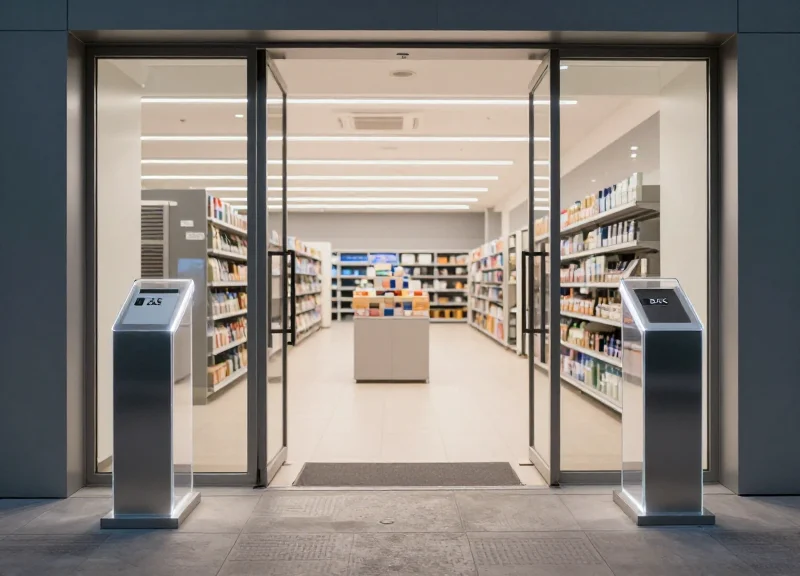
Future-proofing a library requires transitioning from isolated silos to a Unified Asset Management (UAM) framework. DragonGuardGroup’s ecosystem bridges the gap between physical security and digital visibility by synchronizing Electronic Article Surveillance (EAS) for loss prevention, Radio Frequency Identification (RFID) for automated inventory, and Electronic Shelf Labels (ESL) for dynamic patron communication. This tripartite approach ensures that every book is not just a tracked asset, but a 'smart node' within a larger, self-correcting library network that reduces labor costs and enhances the user experience.
| Technology Component | Primary Function | Operational Value |
|---|---|---|
| EAS (Electronic Article Surveillance) | Acousto-Magnetic or RF Security | Hard-stop loss prevention at exits |
| RFID (Radio Frequency Identification) | Bulk Inventory & Self-Checkout | Instant cataloging without line-of-sight |
| ESL (Electronic Shelf Labels) | Dynamic Visual Communication | Real-time status and wayfinding for patrons |
Expert Insight: The Cross-Layer Signaling Advantage. A common pitfall in library management is 'data drift'—where the physical location of a book doesn't match the database. DragonGuardGroup solutions utilize cross-layer signaling: when an RFID gate detects an un-borrowed book passing through, it doesn't just trigger an alarm; it can simultaneously update the corresponding ESL to 'Audit Required' and alert staff via the centralized dashboard. This immediate feedback loop turns security events into data-integrity audits, ensuring your catalog stays 100% accurate without manual intervention.
- Unified Middleware Integration: Connect EAS gates, RFID readers, and ESL gateways to a single DragonGuard software layer to eliminate data fragmentation.
- Automated Inventory Reconciliation: Use mobile RFID scanners to verify shelf accuracy, automatically pushing location updates to the ESLs to reflect precise call numbers.
- Predictive Maintenance Protocols: Monitor battery levels and signal health of all digital labels from the same interface used to manage security tags.
Does implementing multiple technologies cause signal interference?
No. DragonGuardGroup hardware is engineered with frequency hopping and distinct spectral bands (e.g., 58kHz for EAS and 2.4GHz for ESL) to ensure zero cross-talk.
Can we phase the implementation over several years?
Absolutely. Our ecosystem is modular; many institutions start with EAS security and add RFID or ESL cataloging as their budget allows, using the same backend infrastructure.
What is the lifespan of this integrated system?
With ultra-low power E-paper technology and industrial-grade RFID components, the system is designed for a 5-10 year lifecycle with minimal maintenance.