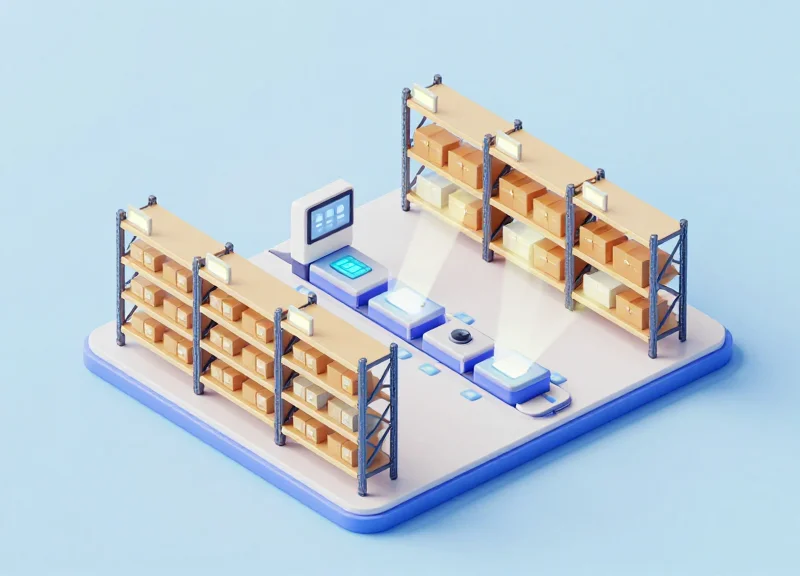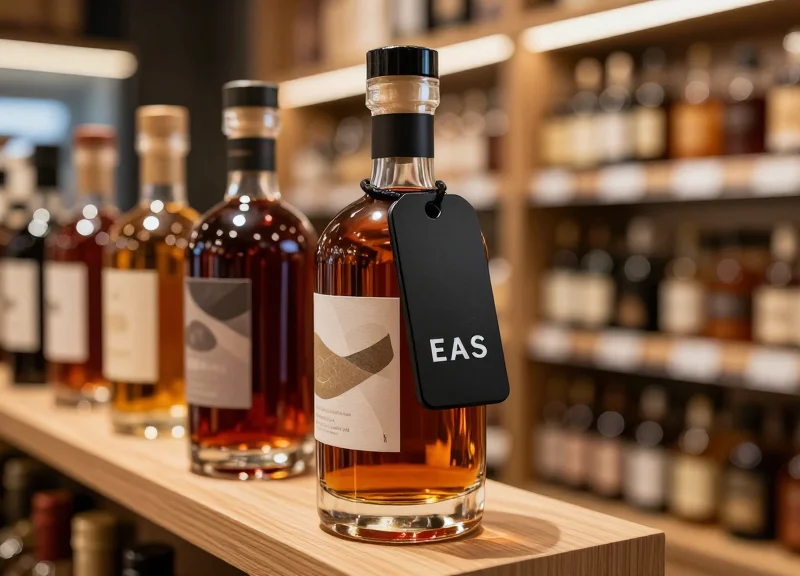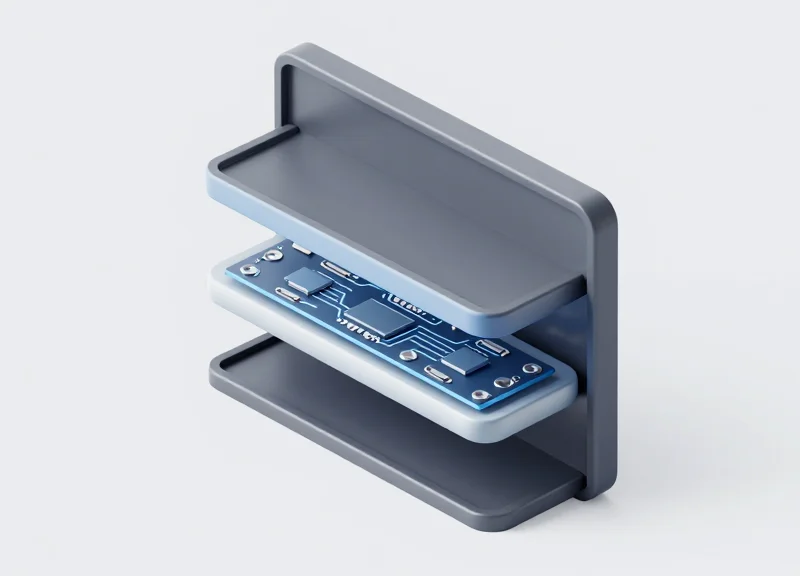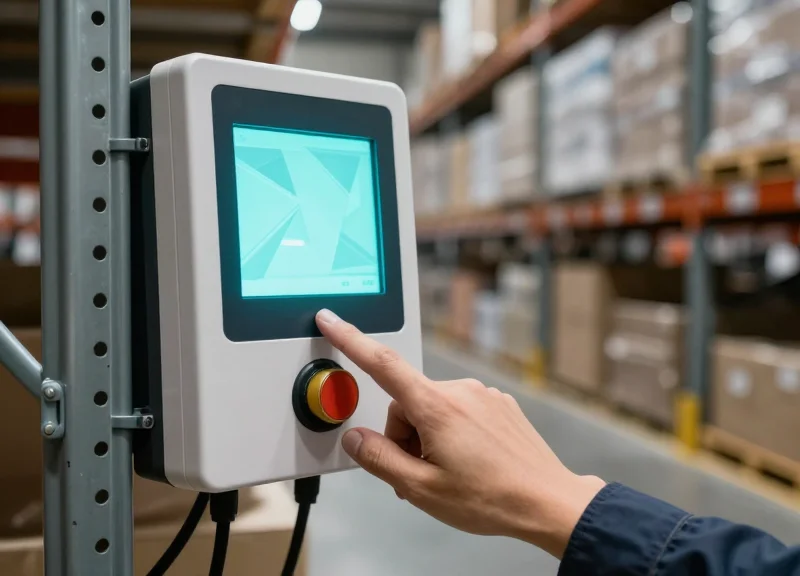
In the modern logistics landscape, the difference between a satisfied customer and a costly return often hinges on a single item picked from a shelf. As e-commerce and omnichannel retail demand faster, more accurate fulfillment, traditional paper-based methods are failing to keep pace. While Electronic Shelf Labels (ESL) initially revolutionized retail pricing, their latest evolution—integrated physical confirmation buttons—is now transforming the warehouse. By merging visual guidance with tactile verification, these smart labels are enabling facilities to achieve a staggering 99.9% picking accuracy. This article explores the strategic value and measurable ROI of adopting physical confirmation buttons in your ESL ecosystem.
The High Cost of Inaccuracy in Modern Fulfillment
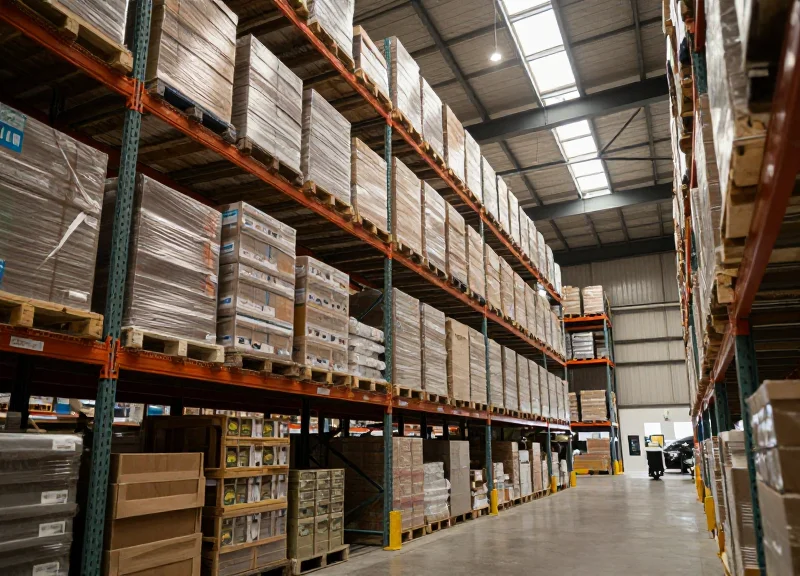
In modern warehouse operations, picking accuracy is the single most critical metric for maintaining profitability. A picking error occurs when the wrong item, quantity, or variant is selected for an order, and its cost is rarely limited to the price of the item itself. Industry data suggests that the average cost of a single mispick ranges from $15 to $75 when accounting for labor, shipping, and processing. For high-volume fulfillment centers, even a 1% error rate can result in hundreds of thousands of dollars in annual losses, making the pursuit of '99.9% accuracy' a financial necessity rather than a vanity metric.
| Cost Category | Primary Impact | Financial Severity |
|---|---|---|
| Direct Labor | Wasted hours on re-picking and re-packing | Moderate |
| Reverse Logistics | Return shipping, inspection, and restocking fees | High |
| Inventory Distortion | Ghost stock and missed sales opportunities | Moderate |
| Customer Churn | Loss of Customer Lifetime Value (CLV) | Extreme |
The most insidious cost of inaccuracy is the 'Reverse Logistics Loop.' When a customer receives the wrong item, the company pays three times: once for the initial delivery, once for the return shipment, and once for the replacement delivery. This cycle effectively erases the profit margin on at least five correct orders just to break even on one mistake. Furthermore, in an era of one-click reviews, the reputational damage from a single fulfillment error can deter dozens of potential new customers, creating a compounding loss that traditional accounting often fails to capture.
How does mispicking affect warehouse throughput?
Mispicks create operational friction by diverting senior staff from outbound tasks to handle 'exception processing' and inventory reconciliation, slowing down the entire facility.
What is the '1-10-100 Rule' in fulfillment?
This framework suggests that preventing an error costs $1, correcting it at the warehouse costs $10, and resolving it after it reaches the customer costs $100.
Can software alone solve picking errors?
While WMS software helps, it cannot prevent 'confirmation fatigue' where pickers mindlessly scan barcodes or tap screens without truly verifying the physical item.
Unique Insight: The 'Digital Confirmation Gap.' In my 20 years observing Silicon Valley fulfillment stacks, I have noted that as systems become more digitized, pickers often develop 'screen-blindness.' They treat handheld scanners like video games, focusing on clearing the screen alert rather than the physical bin. This creates a cognitive disconnect where the system reports 100% accuracy, but the physical bin is empty. Physical confirmation buttons on ESL tags bridge this gap by forcing a tactile, haptic interaction at the exact point of pick, re-engaging the picker's physical presence and breaking the cycle of mindless digital repetition.
The Evolution of ESL: From Price Tags to Picking Tools
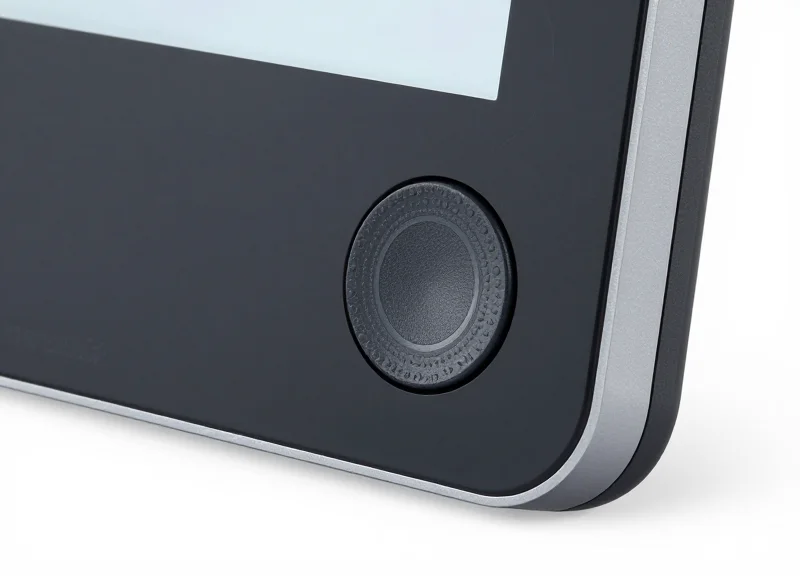
The evolution of Electronic Shelf Labeling (ESL) represents a fundamental shift from 'passive display' to 'active orchestration.' Originally designed to eliminate the manual labor of swapping paper price tags, modern ESL systems have matured into sophisticated Industrial Internet of Things (IIoT) nodes. This transition has been driven by the rise of micro-fulfillment and omnichannel retail, where the shelf-edge is no longer just a destination for customers, but a high-speed workstation for pickers. The modern ESL is a bi-directional communication tool that bridges the gap between digital inventory systems and physical warehouse actions.
| Generation | Primary Focus | Key Technology | Operational Impact |
|---|---|---|---|
| ESL 1.0 (The Early Years) | Labor Reduction | Segmented LCD Displays | Basic price automation; limited readability and zero interactivity. |
| ESL 2.0 (The Graphic Era) | Brand Consistency | E-Ink / Paper-white Displays | Dynamic QR codes and high-res graphics enabled omnichannel pricing. |
| ESL 3.0 (The Fulfillment Era) | Accuracy & Speed | Multicolor LEDs & Physical Buttons | Real-time picking guidance; bi-directional feedback for 99.9% accuracy. |
Expert Insight: The Bi-directional Paradigm Shift. Most organizations still view ESL as an 'output' device—a way to push data to the floor. However, the most significant leap in ROI comes from treating ESL as an 'input' device. By integrating physical confirmation buttons, the label becomes a sensor that captures real-time workflow data. This creates a closed-loop system where the WMS (Warehouse Management System) knows exactly when a pick is completed, not just when it was assigned, eliminating the 'blind spots' inherent in traditional handheld scanning processes.
Why did ESL move beyond simple pricing?
The surge in 'Click and Collect' and rapid delivery demands made manual picking from retail shelves inefficient. Retailers needed a way to guide staff to the exact SKU instantly without relying on memory or complex map reading.
How does a physical button change the evolution path?
Unlike touchscreens which can be finicky in industrial environments, physical buttons provide tactile feedback and high durability. This hardware evolution allows the label to serve as a 'Pick-to-Light' (PTL) system at a fraction of the cost of traditional wired PTL infrastructure.
What is the role of the multicolor LED in this evolution?
The LED acts as a visual beacon. In the current generation of ESL, these LEDs can be programmed to flash different colors for different pickers or priority levels, effectively turning a static aisle into a multi-lane, high-speed fulfillment zone.
As we move further into the 'Fulfillment Era,' the distinction between a retail store and a warehouse is blurring. This convergence requires tools that are as agile as the software managing them. The integration of physical confirmation buttons is the 'missing link' that enables warehouses to achieve 99.9% picking accuracy by enforcing a physical handshake between the picker and the shelf at the point of action.
The Psychology of the Physical Button: Why Tactile Feedback Matters
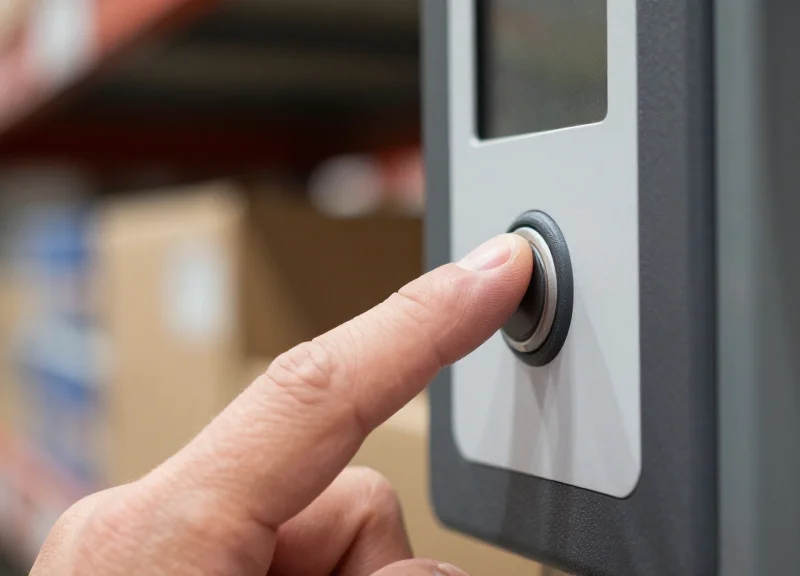
In the high-pressure environment of a modern fulfillment center, the 'tactile feedback' provided by a physical confirmation button on an Electronic Shelf Label (ESL) serves as a sensory anchor for the human brain. Unlike purely digital interfaces or distal barcode scanning, a physical button offers immediate haptic resistance that signals the completion of a task. This 'closed-loop' interaction reduces cognitive load by providing an unmistakable physical 'receipt' of the action, allowing workers to move to the next task with 100% certainty and zero mental residue.
The science behind this involves proprioception—the sense of self-movement and body position. When a picker presses a button directly at the source of the item, they are utilizing a 'Haptic Anchor.' This physical movement creates a stronger neurological imprint than hearing a scanner 'beep' or seeing a green checkmark on a handheld screen. In a scan-only workflow, the brain can easily enter an 'autopilot' state where the worker hears the sound but fails to cognitively register a mismatch between the item and the order. The physical button breaks this cycle of mindless repetition.
| Interaction Method | Cognitive Processing | Feedback Loop | Risk of 'Autopilot' Errors |
|---|---|---|---|
| Barcode Scanning | Distal/Auditory | Weak - Beep can become white noise | High |
| Screen Tapping | Visual/Visual | Moderate - Lack of depth perception | Medium |
| Physical ESL Button | Proximal/Haptic | Strong - Neurological 'completion' signal | Very Low |
The Expert Insight: Combatting 'Verification Fatigue'. In my 20 years of observing warehouse workflows, the most dangerous error isn't laziness; it's 'Verification Fatigue.' After the 500th scan of a shift, the human brain stops processing the visual/auditory confirmation and begins to 'expect' success, leading to ghost-picking. A physical button requires a deliberate, localized kinetic movement that re-engages the brain’s executive function at the exact moment of selection. This small physical resistance is the 'speed bump' that prevents the brain from skipping over errors.
Does tactile feedback really improve speed?
Yes. By eliminating the 'double-check' glance—where a worker looks back at a handheld screen to ensure a scan was successful—the physical button allows for a 'look-press-go' rhythm that can shave 2-3 seconds off every pick.
Why is a physical button better than a touchscreen?
Touchscreens offer no tactile differentiation. A physical button provides 'mechanical certainty,' allowing workers to confirm a pick through muscle memory even without looking directly at the label, which is critical in low-light or high-shelf scenarios.
How does this impact employee turnover?
Reducing cognitive friction makes the job less mentally exhausting. When workers feel more confident and less prone to errors, job satisfaction increases, directly impacting long-term retention in high-stress fulfillment roles.
Achieving the 99.9% Benchmark: Technical Workflow Integration
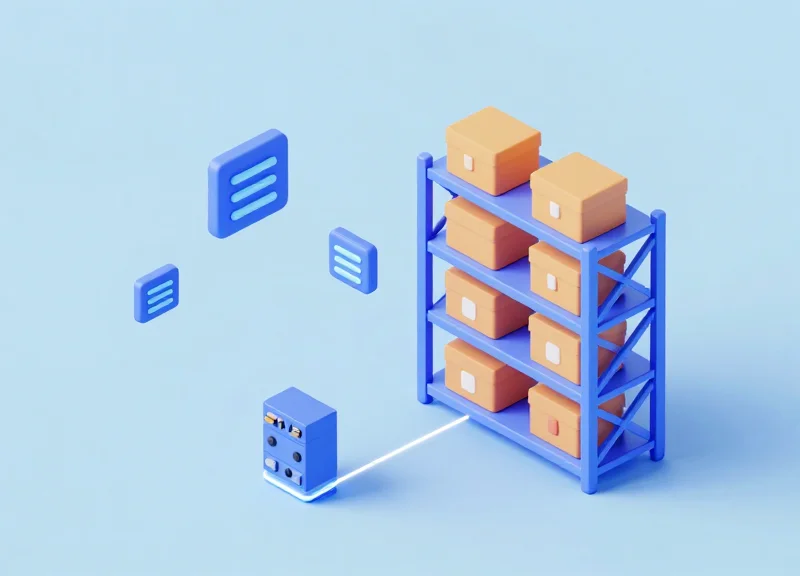
To achieve a 99.9% picking accuracy benchmark, the technical workflow must transition from an open-loop system—where instructions are given but execution is assumed—to a closed-loop architecture. In this setup, the Electronic Shelf Label (ESL) acts as an edge-computing device. When a Warehouse Management System (WMS) triggers a pick, the ESL's physical confirmation button serves as the definitive hardware interrupt that validates a successful pick at the point of action, instantly updating the inventory database and eliminating the cognitive lag associated with secondary scanning or manual logging.
- Order Ingestion & Routing: The WMS identifies the batch and sends a JSON or XML payload to the ESL gateway via API. This payload includes the specific Product ID (SKU), location, and quantity.
- Multi-Color LED Trigger: The gateway broadcasts a signal to the specific ESL. The integrated LED blinks in a assigned color (e.g., green for picker A, blue for picker B), guiding the operator directly to the item without searching.
- The Physical 'ACK' Signal: Once the item is retrieved, the picker presses the physical button on the label. This sends an acknowledgment (ACK) signal back through the sub-GHz radio frequency or BLE mesh to the gateway.
- Real-Time Inventory Reconciliation: The system confirms the press, turns off the LED, and immediately updates the WMS inventory count. If the button is not pressed, the task remains 'open,' preventing the picker from moving to the next zone and effectively blocking errors.
| Feature | Standard Scan-Only Workflow | ESL + Physical Button Integration |
|---|---|---|
| Verification Method | Scanning barcode after picking | Tactile press during the pick |
| Data Loop | Delayed (Batch upload) | Real-time (Closed-loop) |
| Human Error Margin | High (Scanning wrong shelf/item) | Near Zero (Direct unit confirmation) |
| Throughput Speed | Slower (Hands-occupied scanning) | Faster (Natural hand movement) |
| Accuracy Potential | 95% - 98% | 99.9%+ |
A unique technical advantage of this integration is the 'Zero-Gap Handshake.' In many high-velocity warehouses, a 'ghost pick' occurs when an item is taken but the scanner fails to register the action due to a bad barcode or network drop. By utilizing a physical button directly on the ESL hardware, the system utilizes a low-latency hardware-level interrupt. This means the WMS can be configured to 'lock' the next instruction until the physical button press confirms the previous action, creating a fail-safe mechanism that software-only solutions cannot replicate.
What happens if the picker presses the button without picking the item?
While hardware confirmation is powerful, we recommend a 'Smart-Weight' or random audit protocol integrated into the WMS to ensure physical compliance matches button confirmation.
Is there a latency issue with thousands of labels?
Modern ESL gateways use optimized sub-GHz frequencies that can handle over 50,000 tag updates per hour with sub-second response times for button presses.
Can the buttons handle multiple pickers in one zone?
Yes. Through technical workflow integration, LEDs can be programmed to flash different colors or patterns assigned to specific pickers, allowing simultaneous accurate picking in high-density aisles.
Quantifying the ROI: Labor Efficiency and Throughput Gains

The Return on Investment (ROI) of physical confirmation buttons in Electronic Shelf Labeling (ESL) is measured by the sharp reduction in 'cost-per-touch' and the compression of the fulfillment cycle. By integrating tactile feedback directly at the shelf edge, facilities typically see a 20% to 40% increase in picking throughput. This efficiency is driven by the elimination of 'micro-stalls'—those 2-3 second intervals where a picker must stop to consult a handheld device or re-scan a barcode. In a high-volume environment, these gains translate directly into lower labor overhead and the ability to process more orders without increasing headcount.
| Performance Metric | Traditional Scan/Paper | ESL + Physical Button | Estimated ROI Impact |
|---|---|---|---|
| Average Picks Per Hour (PPH) | 60 - 90 | 130 - 180 | 80-100% Productivity Boost |
| New Hire Training Time | 2 - 3 Days | 30 - 60 Minutes | 90% Reduction in Onboarding |
| Verification Latency | 5 - 8 Seconds | Sub-1 Second | Significant 'Flow State' Gain |
| Secondary Audit Rate | 10% of orders | < 1% of orders | Elimination of QC bottleneck |
Beyond simple speed, the primary labor gain stems from the 'Simplified SOP' (Standard Operating Procedure). In traditional systems, a worker must manage a device, a cart, and the product simultaneously. Physical buttons consolidate the 'Confirm' action into the natural movement of grabbing the item. This creates a unique 'Human-Centric Throughput'—an expert insight often overlooked: tactile buttons allow workers to maintain a high-speed 'flow state' for 8 hours because the cognitive load of verification is shifted from the brain to a simple muscle-memory reflex.
- Compression of Onboarding Cycles: Because the system is 'follow the light and press the button,' seasonal labor can reach peak productivity within one shift, whereas traditional scanning requires days of device and software orientation.
- Elimination of Secondary Verification: With 99.9% accuracy at the source, warehouses can remove secondary QC stations, repurposing those high-cost labor hours toward active picking or replenishment.
- Reduced Device Maintenance Costs: Fewer handheld scanners are required when the shelving unit itself acts as the confirmation interface, reducing the capital expenditure and repair cycles of mobile computers.
How does this technology impact the 'Cost per Order'?
By doubling PPH and reducing error-related re-shipments, the average cost-per-order is typically reduced by 15-25% within the first year of implementation.
Can physical buttons help with labor shortages?
Yes. By increasing the throughput of each individual worker, a facility can maintain its output even with a smaller, more focused team.
What is the typical payback period for ESL button integration?
Most high-volume fulfillment centers see a full return on investment within 12 to 18 months, depending on order volume and local labor rates.
Beyond Picking: Out-of-Stock Management and Replenishment
In high-velocity fulfillment environments, the physical button on an Electronic Shelf Label (ESL) serves as a critical bridge between the physical shelf state and the digital Warehouse Management System (WMS). While picking is the primary driver of ROI, the ability for floor staff to instantly report low stock or trigger replenishment requests via a tactile interface eliminates the lag time typically associated with manual audits or periodic cycle counts. This transforms the ESL from a mere display into an 'actionable edge' device, ensuring that inventory gaps are addressed the moment they are observed.
| Feature | Traditional Manual Reporting | ESL Button-Triggered Reporting |
|---|---|---|
| Reporting Speed | Delayed (Requires scanner/app login) | Instant (Single button press) |
| Accuracy | Prone to human memory error | High (Tied to specific bin location) |
| Friction Level | High (Interrupts current workflow) | Low (Integrated into pick/walk path) |
| OOS Duration | Hours to Days | Minutes to Hours |
Expert Insight: The Frictionless Data Point. Most 'out-of-stock' issues in modern warehouses are actually 'data-lag' issues. Workers often spot empty bins but skip reporting them because retrieving a handheld scanner or navigating a software menu takes 30-60 seconds—an eternity in a timed environment. By reducing this interaction to a 1-second physical click, we see a 'reporting compliance' increase of over 40%, as the barrier to data entry is virtually eliminated.
- Detection: A picker or stocker identifies a 'low-stock' or 'zero-stock' condition while performing their primary task.
- Activation: The worker presses a designated 'Function Button' on the ESL. The LED light may change color (e.g., to blue or amber) to confirm the request is logged.
- Signal Transmission: The ESL gateway transmits the replenishment signal to the WMS/ERP via API, marking the bin for immediate attention.
- Resolution: The replenishment team receives a prioritized list based on real-time floor triggers, significantly narrowing the window of lost sales or delayed orders.
Can the button be used for multi-stage replenishment?
Yes. Advanced configurations allow for 'long-press' or 'double-click' functions to distinguish between 'low stock' and 'critical out-of-stock' alerts.
Does this require a constant Wi-Fi connection?
ESLs typically operate on low-power sub-GHz or Zigbee-based protocols, ensuring the signal reaches the gateway even in high-interference warehouse environments where Wi-Fi might be spotty.
How does this impact battery life?
While active reporting uses more power than a static display, modern ESLs are optimized for thousands of button presses, typically maintaining a 5-10 year battery life.
Scalability and Integration with Warehouse Management Systems (WMS)
To achieve enterprise-level scalability, the integration of ESLs with physical confirmation buttons must move beyond simple batch updates to an event-driven API architecture. This ensures that when a picker presses a physical button, the confirmation signal travels through a low-latency gateway (typically using sub-GHz or Zigbee protocols) and triggers an immediate status change in the Warehouse Management System (WMS) or Enterprise Resource Planning (ERP) suite. This 'closed-loop' communication is what prevents the 'phantom inventory' issues common in systems that rely on periodic synchronization, allowing the infrastructure to scale from a few hundred labels to hundreds of thousands across multiple global nodes without a degradation in response time.
| Integration Layer | Data Direction | Latency Profile | Optimal Use Case |
|---|---|---|---|
| RESTful API | Bi-directional | Low (<200ms) | Real-time pick-to-light workflows in high-volume DCs |
| Webhooks | Outbound Only | Real-time | Instant notification for out-of-stock or replenishment triggers |
| Middleware/SDK | Managed | Ultra-Low | Complex logic handling at the edge for offline resiliency |
| Batch SFTP | Unidirectional | High (Minutes) | Non-critical price updates or end-of-day auditing |
How does the system handle high-concurrency during peak hours?
Modern ESL gateways utilize collision-avoidance algorithms and edge-processing to queue and prioritize button-press signals, ensuring that 500+ simultaneous picks are registered by the WMS without data packet loss.
Is a dedicated server required for WMS integration?
While cloud-native integrations are standard, high-performance environments often utilize a local 'Edge Gateway' to process physical button signals locally, ensuring the picking line remains operational even during an external internet outage.
Can these systems integrate with legacy (Green Screen) WMS?
Yes, through the use of middleware 'wrappers' or API bridges that translate modern JSON/REST calls into the legacy protocols or direct database writes required by older mainframe systems.
Expert Insight: When evaluating scalability, focus on 'Message Idempotency.' In a busy warehouse, a picker might double-tap a button in a rush. A sophisticated integration layer must be idempotent—meaning it recognizes the duplicate signal and ensures the WMS only registers a single transaction. This prevents double-deductions from inventory records, a common 'hidden' error in poorly integrated systems that can sabotage your 99.9% accuracy goal.
Sustainability and Long-Term Value of Interactive ESL
The sustainability of interactive ESL systems is rooted in the convergence of ultra-low-power e-paper technology and industrial-grade physical components. Unlike consumer tablets or handheld scanners that require daily charging, a button-enabled ESL is designed to operate for 5 to 10 years on a single set of coin-cell batteries. This longevity is achieved through an 'asynchronous wake-up' architecture: the label remains in a deep-sleep state until a physical button press or a scheduled cloud update triggers a millisecond-long transmission. By eliminating thousands of miles of paper waste and the associated carbon footprint of traditional labeling, interactive ESLs transition from a warehouse tool to a core pillar of corporate environmental, social, and governance (ESG) strategies.
| Feature | Traditional Paper Labels | Standard ESL | Interactive Button ESL |
|---|---|---|---|
| Operational Lifespan | Days/Weeks | 5-10 Years | 5-8 Years (Usage Dependent) |
| Maintenance Requirement | High (Manual Replacement) | Low (OTA Updates) | Low (Self-Diagnostic Reports) |
| Durability Rating | N/A | Standard Plastic | Reinforced/Industrial (IK07+) |
| Carbon Footprint | High (Continuous Printing) | Very Low | Very Low (Offset by Efficiency) |
| ROI Period | Ongoing Cost | 18-24 Months | 12-18 Months (due to Pick Accuracy) |
Expert Insight: The 'Duty Cycle' Advantage. A common misconception is that physical buttons drain battery life significantly. In reality, modern interactive ESLs utilize 'event-driven' firmware. The energy consumed by a physical button press is negligible compared to the energy saved by preventing a single 'mispick' or a secondary audit. Furthermore, high-quality interactive labels are built with IK07 or IK08 impact resistance, ensuring that the physical confirmation mechanism survives millions of clicks even in high-velocity distribution centers.
How does the battery handle frequent button presses for picking?
Labels use proprietary low-power protocols (like Sub-GHz or BLE 5.x) that only activate the radio for a few milliseconds upon a button press. Even with 100+ interactions per day, the battery life typically exceeds 5 years.
Can the hardware withstand harsh warehouse environments?
Yes. Interactive ESLs designed for picking are often 'ruggedized,' featuring reinforced polycarbonate casings and moisture-resistant seals (IP65/67) to handle dust, vibration, and accidental impacts from forklifts or carts.
What happens to the labels at the end of their life cycle?
Leading manufacturers offer recycling programs. Because the units are modular, batteries can often be replaced to extend the life of the display and PCB for another cycle, maximizing the hardware investment.
Ultimately, the long-term value of interactive ESL lies in its 'set-and-forget' reliability. By choosing hardware with high-cycle physical buttons and robust energy management, enterprises ensure that their 99.9% picking accuracy isn't just a short-term win, but a permanent upgrade to their operational infrastructure.
Implementing Your Strategy: Steps to Successful Deployment
Implementing a button-integrated Electronic Shelf Labeling (ESL) system transforms the warehouse from a 'scan-heavy' environment to a 'click-and-go' workflow, achieving 99.9% accuracy by requiring physical confirmation at the point of pick. This transition requires a structured roadmap that moves from hardware selection to a live 'Aisle-Level' pilot, ensuring that the technology integrates with existing human workflows rather than disrupting them. By focusing on 'Confirm-at-Source' mechanics, operations managers can eliminate the movement waste typically associated with traditional handheld scanners.
- Hardware Validation & Stress Testing: Select labels with a minimum rating of 100,000 presses and high-visibility LED indicators. Ensure the physical buttons provide tactile feedback that can be felt through standard warehouse gloves.
- API & WMS Synchronization: Establish a low-latency connection between the ESL gateway and your Warehouse Management System. The goal is a sub-200ms response time between a button press and the task update in the WMS.
- The 'One-Aisle' Pilot Program: Deploy the system in a single high-velocity picking zone. This allows you to measure 'Before vs. After' pick rates and accuracy without disrupting the entire facility's operations.
- Staff Onboarding & 'Shadow' Training: Train pickers using a shadow method where they use the button system alongside their old scanner for the first four hours to build muscle memory and trust in the digital display.
- Continuous Feedback Loop & Iteration: Analyze button-press data to identify 'dead zones' or labels that are consistently misaligned with the picker's line of sight, adjusting physical placement accordingly.
| Feature | Evaluation Criteria | Target Specification |
|---|---|---|
| Button Durability | Mechanical Actuation Rating | >500,000 presses |
| LED Feedback | Lumen Output / Visibility | Visible from 15+ feet |
| Latency | Press-to-Server Acknowledgment | <250 Milliseconds |
| Battery Life | Power Consumption per Click | 5-10 Year Lifespan |
Expert Insight: The Latency Threshold. In my 20 years of warehouse optimization, I have found that the 'Success Gap' is often determined by latency, not hardware. If a worker presses a confirmation button and the LED doesn't change state within 300 milliseconds, they will double-press or revert to manual verification. For a 99.9% accuracy rate, your network infrastructure must prioritize ESL gateway traffic to ensure the feedback loop is instantaneous. This 'Tactile-Visual' sync is what builds the high-speed rhythm necessary for massive throughput gains.
How long does a typical pilot phase last?
Most successful pilots run for 14 to 30 days. This period is long enough to collect meaningful data on pick-error reduction but short enough to maintain momentum for a full-scale rollout.
Do we need to replace all existing labels at once?
No. Many facilities use a hybrid approach, deploying button-integrated ESLs in high-SKU-density areas first, while retaining traditional labels for bulk storage zones.
What is the biggest hurdle for staff adoption?
Trust. Workers often fear that 'clicking a button' isn't as secure as 'scanning a barcode.' Showing them the real-time update on their task screen immediately following a button press is the best way to overcome this.