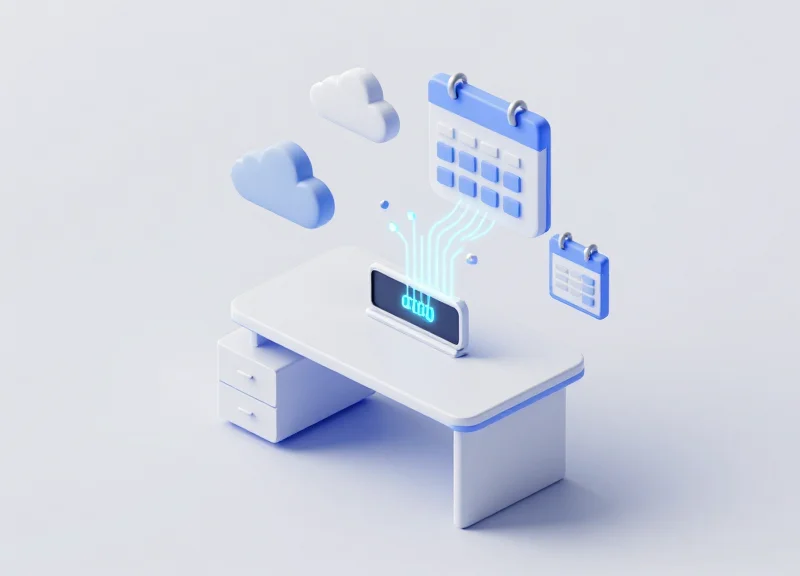
As hybrid work becomes the global standard, the challenge of managing flexible office spaces has shifted from a logistical task to a technological one. Many facility managers still struggle with 'ghost bookings' and the manual overhead of updating physical desk tags. Integrating Electronic Shelf Labels (ESL) with enterprise ecosystems like Microsoft 365 and Google Workspace is no longer a luxury—it is a necessity for efficiency. This guide explores how to bridge the gap between your digital calendar and physical workspace to eliminate manual sync issues once and for all.
The Friction of Manual Workspace Management
The friction of manual workspace management refers to the operational inefficiency, human error, and data latency that occur when office desk availability is tracked via static spreadsheets or paper signs rather than real-time digital synchronization. This manual approach creates a 'truth gap' between what an employee sees on their screen (Microsoft 365 or Google Workspace) and what they encounter upon arriving at the physical desk. Without a dynamic Electronic Shelf Label (ESL) system, organizations suffer from high administrative overhead and decreased employee satisfaction due to frequent scheduling conflicts.
In my twenty years in Silicon Valley, I have observed that the most insidious cost of manual management isn't just the lost minutes; it is what I call 'Contextual Latency.' This is the time-decay of information as it travels from a user's calendar event to the physical workspace. In a high-velocity hybrid office, a desk that was available five minutes ago might be occupied now, yet the manual signage won't reflect this for hours, or even days. This leads to the 'Phantom Booking' phenomenon—where desks appear reserved but sit empty, or appear free but are actually claimed.
| Pain Point | Manual Management Impact | Automated ESL Integration Effect |
|---|---|---|
| Data Accuracy | Low; prone to human oversight. | High; sub-second synchronization. |
| Employee UX | Frustration due to 'desk hunting'. | Seamless navigation to reserved spots. |
| Space Utilization | Underutilized due to ghost bookings. | Optimized via real-time check-ins. |
| Admin Overhead | Facilities teams must update signs. | Zero-touch maintenance. |
How does human error impact hot-desking?
Human error occurs when employees forget to check out of a desk or update a paper sign. This creates a ripple effect where the facility's data reflects 100% occupancy while 30% of the office remains physically empty, leading to unnecessary real estate expansion costs.
What is the productivity cost of 'Desk Hunting'?
Research suggests employees can lose up to 15-20 minutes per day searching for a suitable workspace in a poorly managed hot-desking environment. Multiplied across a thousand-person workforce, this represents a massive hidden tax on corporate output.
Why is 'Digital-Physical Parity' important?
Digital-Physical Parity is the state where the physical office exactly matches the digital twin in Microsoft 365 or Google. Achieving this parity is essential for psychological safety; employees need to trust that their reserved resources will be available when they arrive.
Expert Tip: To measure the friction in your own office, calculate your 'Sync Lag'—the average time it takes for a change in your digital calendar to be reflected physically at the desk. If your Sync Lag is greater than 60 seconds, you are likely experiencing significant 'Ghost Booking' issues that impact your bottom line.
Understanding ESL Technology in the Modern Office
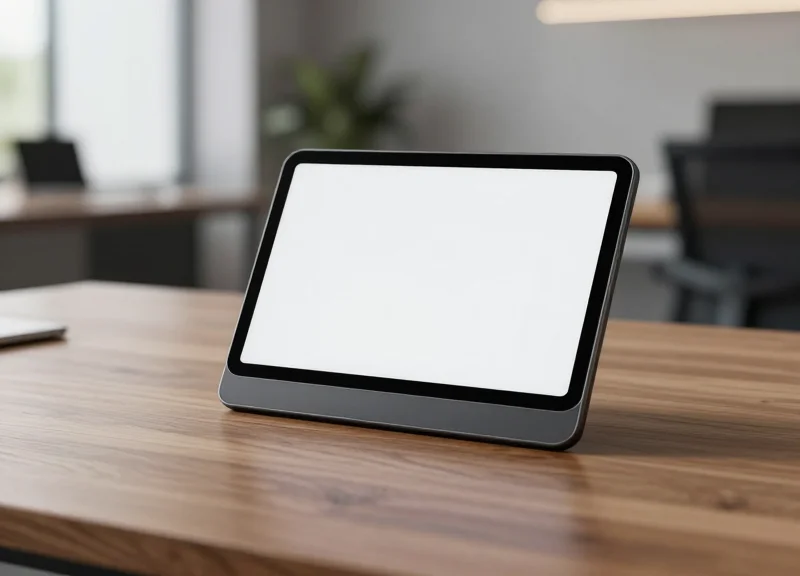
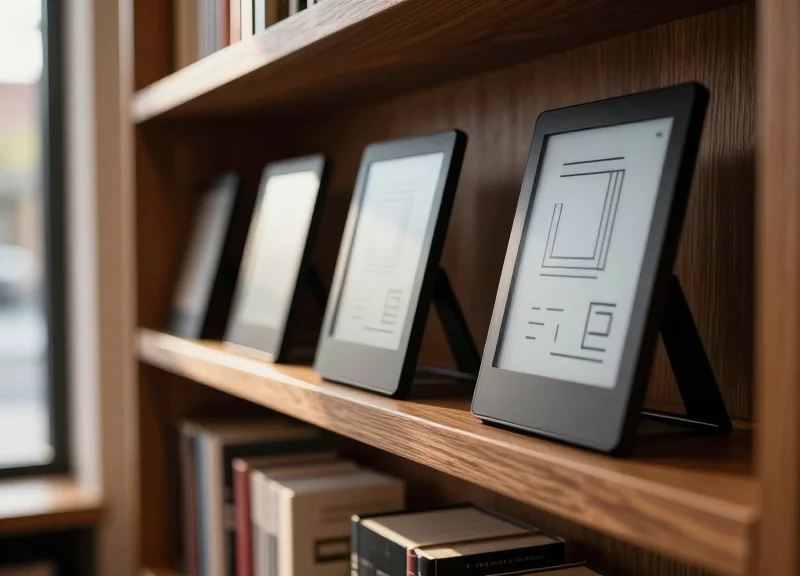
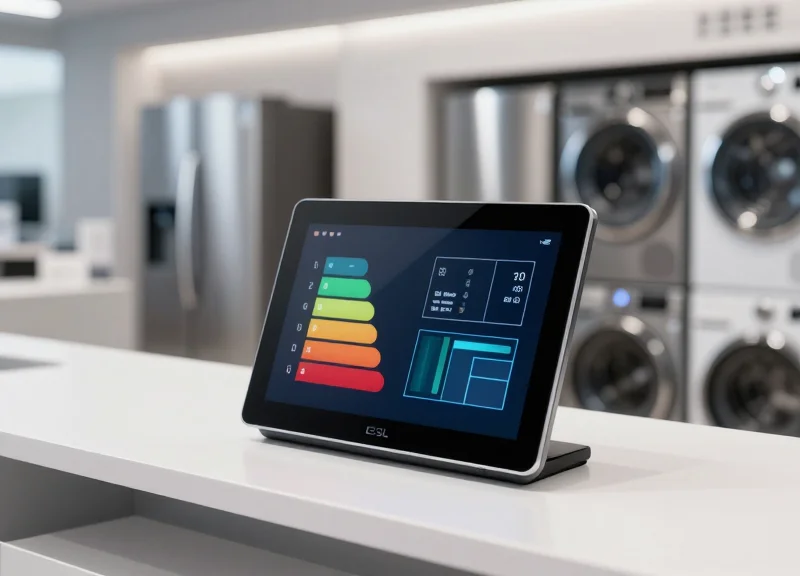
Electronic Shelf Labels (ESL) are low-power, wireless display modules—typically utilizing E-ink or E-paper technology—that serve as the physical interface for digital resource management systems. Originally perfected in the high-frequency retail sector for price automation, this technology has transitioned into the modern corporate environment to solve the 'visibility gap' in hot-desking and agile workspaces. By syncing directly with platforms like Microsoft 365 and Google Workspace, these labels provide an always-on, glanceable status of desk availability, effectively acting as the physical manifestation of your digital calendar.
| Feature | Retail ESL (Traditional) | Office/Desk ESL (Modern) |
|---|---|---|
| Primary Data Source | ERP / Inventory Database | Calendar API (O365 / Google) |
| Display Content | Price, Barcode, Stock Levels | Employee Name, QR Code, End-Time |
| Update Frequency | Low (Daily/Weekly Price Changes) | High (Real-time Booking Sync) |
| Interaction | Passive Display | Active (NFC Check-in, Button Press) |
Does ESL technology require a constant power source?
No. Most office ESLs use bi-stable E-ink technology, which only consumes power when the image changes. This allows units to run for 3-5 years on a single coin-cell battery.
How do these labels communicate with Microsoft 365?
Labels connect via a dedicated IoT gateway using low-frequency protocols (like Zigbee or Sub-G). The gateway acts as a bridge, pulling data from the cloud via REST APIs and pushing updates to the physical label.
Can employees check in directly at the desk?
Yes, modern ESL desk labels often include NFC chips or programmable buttons, allowing users to 'tap-in' with their phone to confirm their booking, which then updates the central calendar.
Expert Insight: The 'Physical-Digital Handshake' — In my 20 years observing workplace tech, the biggest failure in hot-desking isn't the software; it is the 'Shadow IT of Post-it Notes.' When employees don't trust the digital display, they revert to manual signs. The true value of ESL in 2024 is providing a high-fidelity 'physical-digital handshake' that eliminates the psychological friction of taking a seat. If the desk label says 'Available' in crisp E-ink, the employee feels 90% more confident in occupying that space compared to an empty desk with no visual indicator.
The Integration Architecture: Connecting API and Hardware
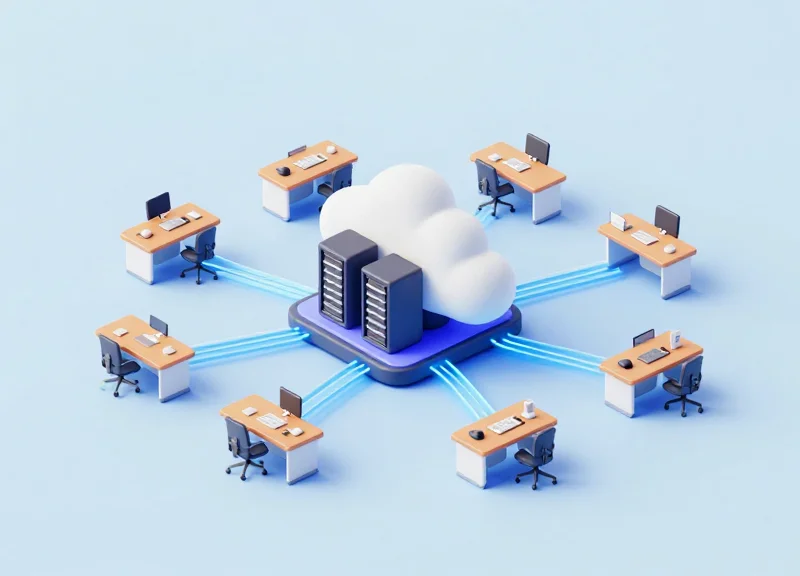
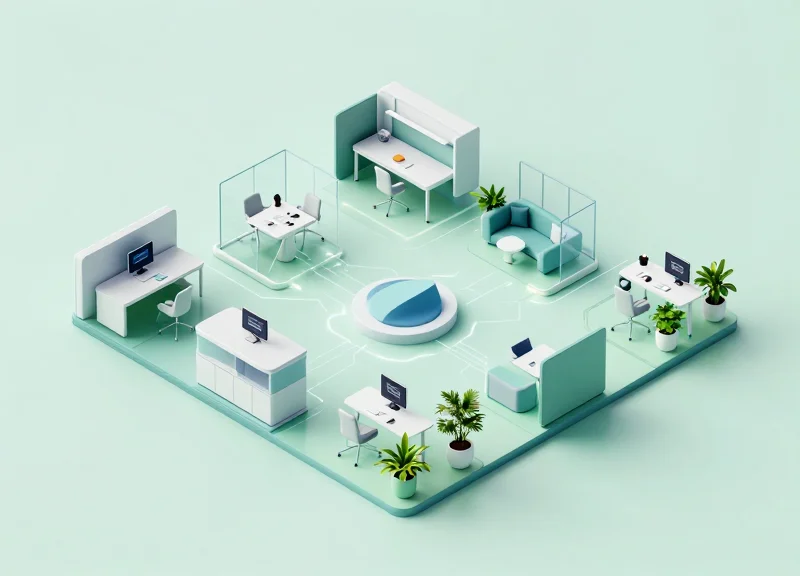
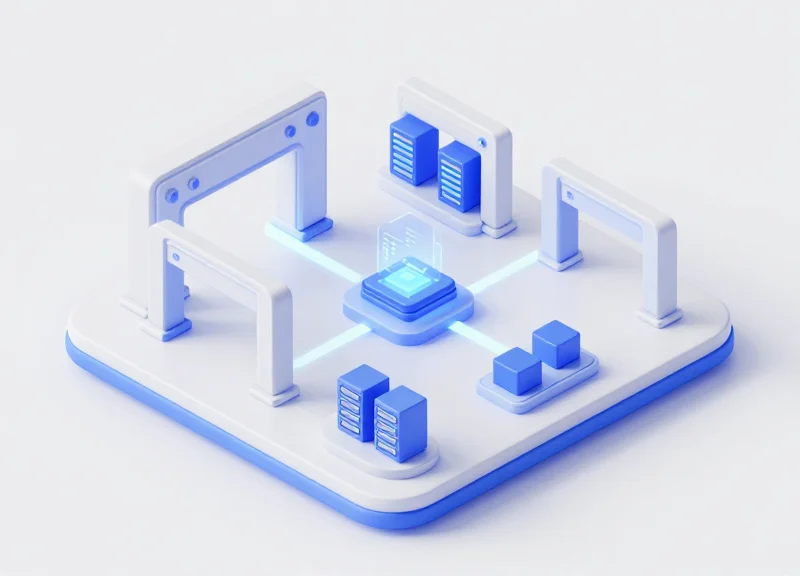
The integration architecture for ESL (Electronic Shelf Label) desk systems is a sophisticated three-tier ecosystem that bridges cloud-based productivity suites with physical hardware. At its core, the architecture consists of the Cloud Layer (Microsoft 365 or Google Workspace), the Middleware Management Layer (the central server/API bridge), and the Physical Edge Layer (IoT Gateways and ESL Tags). By leveraging RESTful APIs, the system transforms digital calendar events into low-power radio signals, ensuring that a desk's physical status accurately reflects its digital booking in near real-time.
- API Handshake: The middleware authenticates with the Microsoft Graph API or Google Calendar API using OAuth 2.0 to monitor specific resource mailboxes or calendar IDs assigned to desks.
- Data Transformation: When a booking change is detected, the middleware parses the JSON payload, extracting the user's name, booking duration, and QR code URL, then converts it into a lightweight image format optimized for E-Ink.
- Gateway Dispatch: The processed image is sent via HTTPS or MQTT to an on-site IoT gateway, which acts as the local controller for a specific floor or zone.
- Wireless Broadcast: The gateway transmits the update to the specific ESL tag ID using sub-GHz or 2.4GHz low-power protocols, updating the display in seconds without manual intervention.
| Component | Primary Function | Communication Protocol |
|---|---|---|
| Cloud Provider | Master source of truth for scheduling | REST API (HTTPS) |
| ESL Middleware | Image rendering and device management | Webhooks / MQTT |
| IoT Gateway | Signal conversion and local routing | Ethernet/PoE to RF |
| ESL Desk Tag | Physical display of availability | BLE / Zigbee / Sub-GHz |
Expert Insight: The Power of Webhooks Over Polling. In high-density Silicon Valley offices, we often see systems fail due to 'API Throttling'—a result of the middleware constantly asking (polling) the cloud if something has changed. To ensure 99.9% uptime, implement a Webhook-driven architecture. This allows Microsoft or Google to 'push' updates to your ESL system only when a change occurs. This significantly reduces server load, eliminates unnecessary network traffic, and—most importantly—extends the battery life of your ESL hardware by minimizing 'wake-up' cycles.
What happens if the office Wi-Fi goes down?
Modern ESL architectures utilize dedicated IoT gateways that often run on Power over Ethernet (PoE). Even if the employee Wi-Fi is unstable, the wired gateway continues to communicate with the tags via sub-GHz frequencies, which are less prone to interference.
Is the data transmission secure?
Yes. Enterprise-grade integrations use end-to-end encryption (AES-128 or higher) for the wireless transmission and TLS 1.2+ for all API communications between the cloud and the local gateway.
How many tags can a single gateway support?
Depending on the manufacturer and the office layout, a single high-performance IoT gateway can typically manage between 1,000 and 5,000 ESL tags within a 30-50 meter radius.
How to Sync ESL Labels with Microsoft 365 (Outlook & Teams)
To eliminate manual sync issues, the integration between Microsoft 365 and Electronic Shelf Labels (ESL) relies on the Microsoft Graph API—a unified gateway for data across Outlook, Teams, and Entra ID. By configuring a middleware service to monitor calendar events for specific 'Resource Mailboxes' (representing desks or rooms), the system can automatically push updates to the ESL gateway whenever a booking is created, modified, or canceled. This ensures that the 'Physical Single Source of Truth' matches the digital environment within milliseconds.
- Register an Application in Azure Portal: Navigate to Microsoft Entra ID (formerly Azure AD) and register a new application. This provides the Client ID and Tenant ID necessary for your middleware to authenticate and interact with the Graph API.
- Configure API Permissions: Assign 'Calendars.Read' or 'Place.Read.All' permissions. For large-scale deployments, use Application Permissions rather than Delegated Permissions to allow the sync service to run in the background without a logged-in user.
- Establish a Subscription (Webhook): Instead of constant polling, set up a Microsoft Graph subscription. This pushes a notification to your ESL gateway's endpoint the moment a change occurs in the Outlook calendar, reducing latency and API overhead.
- Map Resource IDs to ESL MAC Addresses: Create a lookup table in your middleware that links the Outlook Resource Email (e.g., [email protected]) to the unique MAC address or ID of the physical ESL tag.
| Permission Type | Scope Name | Use Case |
|---|---|---|
| Application | Calendars.Read | Reading desk booking schedules for all users. |
| Application | Places.Read.All | Accessing metadata about room/desk attributes. |
| Delegated | User.Read | Verifying the identity of the person booking the desk. |
Once the event data is captured, it must be formatted for the ESL. This typically involves converting the 'Organizer' and 'End Time' fields into a simplified image or text template that the hardware can display. Below is a conceptual example of the JSON payload you would retrieve from Microsoft Graph before processing it for your labels.
GET https://graph.microsoft.com/v1.0/users/{desk-id}/calendar/events?$select=subject,start,end,organizer
{
  "subject": "Reserved: Sarah Jenkins",
  "start": { "dateTime": "2023-10-27T09:00:00", "timeZone": "UTC" },
  "end": { "dateTime": "2023-10-27T17:00:00", "timeZone": "UTC" },
  "organizer": { "emailAddress": { "name": "Sarah Jenkins" } }
}- Expert Tip: Use Delta Queries for High-Density Offices: In environments with 500+ desks, standard webhooks can occasionally drop packets during peak 'booking rushes.' Implement Delta Queries (using the @odata.deltaLink) to periodically perform a 'catch-up' sync. This ensures no label is ever stuck in a stale state if a network flicker occurs during the initial webhook push.
- Does this work with Microsoft Teams?: Yes. Because Teams uses the underlying Exchange Online calendar for its 'Bookings' and 'Places' features, any reservation made via the Teams mobile or desktop app is automatically reflected in the Graph API data used for the ESL labels.
- What is the typical sync latency?: When using Graph API Webhooks, the latency from clicking 'Book' in Outlook to the ESL label updating is typically between 5 and 30 seconds, depending on your ESL gateway's transmission frequency (Zigbee or BLE).
Integrating with Google Workspace Calendar
Integrating Electronic Shelf Labels (ESL) with Google Workspace Calendar involves using the Google Calendar API to bridge the gap between digital bookings and physical workspace signage. By authorizing a secure handshake via OAuth 2.0, organizations can programmatically pull event data from resource calendars and push visual updates—such as 'Occupied,' 'Reserved,' or 'Available'—directly to desk-mounted ESL tags. This automation eliminates the latency of manual updates and ensures that the physical office state always reflects the current digital record.
Unlike Microsoft's Graph API, Google Workspace relies heavily on 'Service Accounts' for server-to-server interactions. To maintain a robust integration, it is recommended to use a Service Account with domain-wide delegation. This allows your integration middleware to impersonate a resource (the desk) without requiring individual user logins for every interaction, which is critical for scaling across hundreds of workstations.
- Initialize Google Cloud Project: Create a new project in the Google Cloud Console and enable the 'Google Calendar API'. This generates the environment necessary for your ESL gateway to communicate with Google’s servers.
- Configure Service Account & OAuth 2.0: Generate a Service Account key (JSON format) and grant it the necessary scopes, specifically 'https://www.googleapis.com/auth/calendar.events.readonly' to view booking details.
- Map Resource IDs to ESL Hardware: Each desk in Google Workspace is assigned a unique Resource Email (e.g., [email protected]). You must map these IDs to the MAC addresses or unique identifiers of your physical ESL tags in your management database.
- Implement the Sync Logic: Develop a middleware script that fetches the 'Free/Busy' status of each resource. When a change is detected, the script sends a formatted JSON payload to the ESL Gateway, which then updates the e-ink display via Zigbee or Sub-1GHz wireless protocols.
import googleapiclient.discovery

def get_desk_status(service_account_file, calendar_id):
    service = googleapiclient.discovery.build('calendar', 'v3', credentials=creds)
    now = datetime.datetime.utcnow().isoformat() + 'Z'
    events_result = service.events().list(calendarId=calendar_id, timeMin=now, maxResults=1, singleEvents=True, orderBy='startTime').execute()
    events = events_result.get('items', [])
    return 'Occupied' if events else 'Available'
Expert Tip: Shift from Polling to Webhooks. Most basic integrations use 'polling' (asking the API every 5 minutes if something changed), which is inefficient and creates lag. To achieve a premium 'Silicon Valley' office experience, use Google's 'Watch' method to create a notification channel. By setting up webhooks, Google will proactively notify your system the instant a desk is booked or canceled. This reduces API quota usage and ensures your ESL tags update in near real-time, preventing 'ghost' bookings where a desk looks free but is actually taken.
How do I handle 'No-Show' cancellations?
Configure your ESL integration to listen for a 'check-in' via an NFC tap on the label. If the NFC event isn't triggered within 15 minutes of the Google Calendar event start time, the middleware can automatically delete the Google event and revert the label to 'Available'.
Can I display the next person's name on the label?
Yes, as long as the Service Account has 'View Private Details' permissions, it can pull the 'Organizer' or 'Summary' field from the next calendar event and push that text to the ESL screen.
Does this drain the ESL battery quickly?
Standard ESL tags only consume power when the image changes. By using webhooks to trigger updates only when necessary, you can maintain a battery life of 5 to 10 years even with frequent daily desk changes.
The Strategic Benefits of Real-Time Synchronization
Real-time synchronization between ESL desk labels and enterprise calendars (Microsoft 365 and Google Workspace) is the strategic bridge that transforms static office furniture into an intelligent, data-driven ecosystem. By eliminating the 'sync lag'—the delay between a digital booking and its physical display—organizations achieve immediate ROI through the total elimination of manual updates, the prevention of double-bookings (ghosting), and the provision of a 'single source of truth' for workspace availability that empowers a truly agile, hybrid workforce.
| Metric | Manual/Static Labels | Real-Time ESL Integration |
|---|---|---|
| Admin Hours/Week | 10-15 hours (per 100 desks) | Near Zero (Automated) |
| Space Utilization Accuracy | Estimated/Anecdotal | Precision IoT Reporting |
| Ghost Booking Rate | High (25-40%) | Low (<2%) via Auto-Release |
| Employee Friction | High (Search/Conflict time) | Low (Instant Visual Cues) |
Expert Insight: The 'Data Integrity' Dividend. In my 20 years in Silicon Valley, I’ve seen that the biggest waste of capital isn't the hardware cost—it's 'Phantom Occupancy.' Most CFOs believe their offices are 70% full, but IoT-linked ESL data often reveals it's closer to 40%. Real-time synchronization provides the granular, ground-truth data required to make high-stakes real estate decisions, such as downsizing a lease or reconfiguring a floor plan, potentially saving millions in annual overhead.
- Reduced Administrative Overhead: Automating the synchronization process removes the need for facility managers or IT staff to manually print labels or troubleshoot scheduling conflicts, redirecting their focus to high-value strategic projects.
- Optimized Space Utilization: By leveraging the bi-directional communication between the ESL and the cloud, desks that are booked but not 'checked into' can be automatically released back into the pool, maximizing every square foot of the office.
- Enhanced Employee Experience: Visual confidence is key to hybrid work. When an employee walks into an office and sees their name on a glowing e-paper display, it provides a sense of belonging and eliminates the 'desk hunting' anxiety that kills morning productivity.
How does real-time sync impact hardware battery life?
Modern ESL systems use ultra-low-power Zigbee or Bluetooth protocols. Because updates only occur when a calendar change is detected (event-driven), the battery impact is negligible, often lasting 3-5 years even with frequent updates.
Can real-time data be used for janitorial optimization?
Absolutely. Strategic integration allows facilities teams to see which desks were actually used during the day, enabling 'usage-based cleaning' rather than cleaning every desk, further reducing operational costs.
Does this integration require a dedicated server?
Most enterprise-grade ESL solutions today are cloud-native, using middleware to bridge Microsoft Graph or Google APIs directly to the IoT gateway, removing the need for on-premise server maintenance.
Security and Privacy Considerations
In an era of hyper-connectivity, integrating IoT-based Electronic Shelf Labels (ESL) with Microsoft 365 and Google Workspace requires a 'Security-by-Design' framework that prioritizes end-to-end encryption and the principle of least privilege. Organizations must ensure that the communication between the IoT gateway and the cloud service provider is authenticated via OAuth 2.0 and that sensitive employee data is either anonymized or strictly scoped to the specific calendar event needed for display.
| Security Layer | Implementation Method | Business Objective |
|---|---|---|
| Data Encryption | AES-256 (At Rest) & TLS 1.3 (In Transit) | Protects data packets from interception during API sync. |
| Authentication | OAuth 2.0 & OpenID Connect | Ensures only authorized middleware can access calendar resources. |
| Access Control | Role-Based Access Control (RBAC) | Limits hardware administrators to 'Read-Only' calendar access. |
| Data Residency | Regional Cloud Hosting | Compliance with local laws like GDPR or CCPA regarding data storage. |
Is PII (Personally Identifiable Information) stored on the ESL hardware?
No. For optimal privacy, ESL systems should be configured to cache only the 'Booking ID' and 'Duration.' Employee names should be displayed using a 'Masking' feature or pulled dynamically without being stored permanently on the physical device storage.
How do we maintain GDPR compliance in a shared office space?
Compliance is achieved through 'Right to be Forgotten' automation where booking logs are purged after 30 days and by providing employees the option to mark bookings as 'Private,' which displays the desk as 'Occupied' without revealing the user's identity.
What happens if an IoT Gateway is compromised?
Modern architectures utilize network segmentation (VLANs) to isolate the ESL gateway from the primary corporate network, ensuring that a breach at the hardware level cannot move laterally into sensitive cloud productivity suites.
Expert Insight: One often overlooked vulnerability is 'Token Over-scoping.' Most IT teams mistakenly grant 'Calendar.ReadWrite' permissions to the entire organization when integrating ESL systems. The professional approach is to use 'Application Access Policies' in Microsoft Graph or 'Service Account Domain-Wide Delegation' in Google Workspace to restrict the integration's visibility only to specific Resource Mailboxes (Desks/Rooms), effectively creating a digital firewall around executive and private personnel calendars.
Scaling Your Smart Office: From 10 to 1,000 Desks
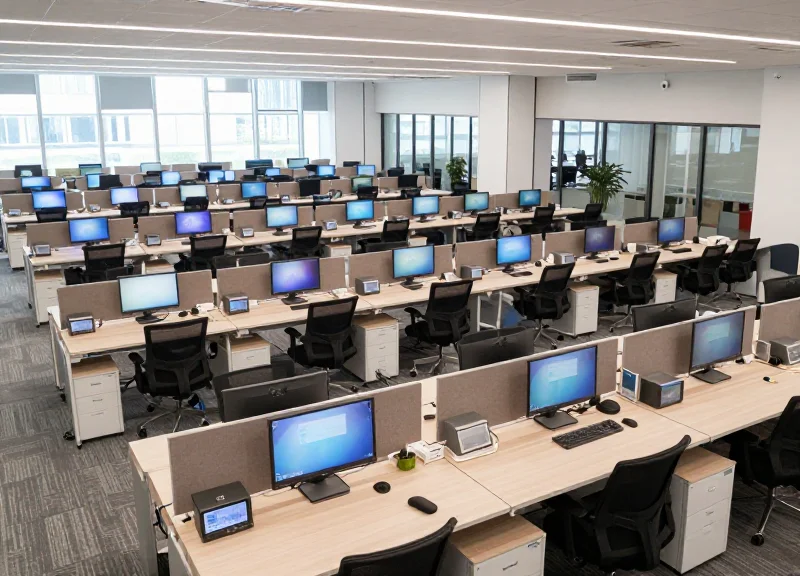
Scaling an Electronic Shelf Label (ESL) ecosystem from a small pilot to a 1,000-desk enterprise deployment demands a shift in focus from individual device connectivity to network topology and middleware orchestration. In large-scale environments, the primary challenge is not the synchronization logic itself, but the management of signal density and gateway throughput. Successful scaling utilizes a decentralized gateway architecture coupled with a centralized management cloud, ensuring that status updates from Microsoft 365 or Google Workspace reach thousands of endpoints within seconds without saturating the local corporate Wi-Fi or Zigbee frequency bands.
| Feature | Pilot Phase (10-50 Desks) | Enterprise Scale (500-1,000+ Desks) |
|---|---|---|
| Infrastructure | Single IoT Gateway | Multi-gateway Mesh with POE support |
| Sync Frequency | Near-instantaneous | Staggered polling or 'Priority-Push' logic |
| Network Protocol | Standard Bluetooth/Wi-Fi | Sub-1GHz or Private Zigbee channels |
| Management | Manual Device Pairing | Zero-Touch Provisioning (ZTP) via QR/NFC |
- Phase 1: RF Site Survey and Zoning: Conduct a Radio Frequency (RF) sweep to identify interference zones. Group desks into logical 'zones' mapped to specific IoT gateways to prevent signal collisions and ensure redundant coverage across large open-plan floors.
- Phase 2: Automated Middleware Provisioning: Implement a middleware layer that translates calendar events into compressed image buffers. At scale, the system should use 'delta-updates'—only pushing changes to the screen rather than refreshing the entire display—to preserve battery life across 1,000 units.
- Phase 3: Centralized Monitoring and Health Checks: Deploy a dashboard that tracks battery voltage, signal strength (RSSI), and last-seen timestamps. Use automated alerts to notify facility managers when a specific unit or gateway fails to check in for more than 24 hours.
Expert Tip: Avoid 'The 1,000-Unit Refresh Trap.' If your system attempts to refresh every label simultaneously at 9:00 AM when the workday starts, you will likely encounter network congestion. Implement a 'jittered' update schedule where labels refresh within a 120-second window, or prioritize 'Active' desk changes over 'Vacant' status updates to ensure the most critical information is always accurate.
How do I handle updates across multiple global office locations?
Use a cloud-native ESL management platform. By connecting your Microsoft 365 tenant to a central cloud controller, you can push updates to gateways in London, New York, and Tokyo simultaneously from a single administrative interface.
Will 1,000 ESL tags interfere with our office Wi-Fi?
Not if you use professional-grade hardware. Most enterprise ESL systems operate on the 2.4GHz spectrum using Zigbee or proprietary protocols that use clear channel assessment (CCA) to avoid Wi-Fi channels, or they utilize the Sub-1GHz band entirely to bypass Wi-Fi interference.
What is the expected battery life in a high-traffic scale-up?
With an optimized sync frequency (e.g., 4-6 updates per day), high-quality E-ink labels can last 5 to 10 years. Large deployments should utilize hardware that supports replaceable coin-cell batteries to ensure long-term sustainability.
The DragonGuardGroup Advantage for ESL Solutions
The DragonGuardGroup advantage lies in the perfect marriage of industrial-grade hardware durability and high-frequency software agility. While many vendors offer generic electronic shelf labels repurposed for the office, our solutions are engineered specifically for the high-traffic demands of modern hot-desking. By providing a unified ecosystem that integrates natively with Microsoft Graph and Google Calendar APIs, we eliminate the 'integration fatigue' that often plagues IT departments during smart office rollouts. Our platform ensures that the physical status of a desk never lags behind its digital twin in the cloud, creating a reliable, 'single source of truth' for workspace availability.
| Feature | DragonGuardGroup ESL | Standard Competitors |
|---|---|---|
| Sync Latency | Sub-10 seconds | 5-15 minutes (Polling-based) |
| Battery Life | 5-10 Years (Optimized Firmware) | 2-3 Years |
| Build Quality | Tempered Glass / Impact Resistant | Standard ABS Plastic |
| API Integration | Native M365/Google Connectors | Requires 3rd Party Middleware |
- Industrial-Grade E-Paper Displays: Utilizing high-contrast, multi-color (Black/White/Red/Yellow) e-ink technology that remains readable under harsh office lighting and from extreme angles.
- Enterprise-Grade Security: AES-128 encryption for all over-the-air (OTA) updates, ensuring that your office layout and employee booking data are protected from intercept attacks.
- Seamless Scalability: Our proprietary sub-GHz wireless protocol allows a single gateway to manage up to 5,000 labels with zero signal interference from corporate Wi-Fi networks.
Expert Insight: The Shadow-Sync Architecture. A unique differentiator of the DragonGuardGroup system is our 'Shadow-Sync' architecture. Unlike traditional systems that rely on a continuous cloud ping—which can fail during ISP micro-outages—our smart gateways maintain a local buffer of the next 24 hours of bookings. If the cloud connection flickers, the labels continue to update based on the local cache, preventing 'ghost bookings' where a desk appears available on the screen but is actually reserved in the system. This fail-safe mechanism is critical for maintaining employee trust in automated systems.
Does DragonGuardGroup require a dedicated server on-site?
No. Our solution is cloud-native but uses a lightweight hardware gateway to communicate with labels. You can manage everything via a centralized web dashboard without local server overhead.
Can we customize the label layout to match our corporate branding?
Absolutely. Our drag-and-drop template editor allows you to include company logos, QR codes for instant booking, and custom fonts to ensure the hardware feels like a native part of your brand environment.
How does the system handle rapid back-to-back bookings?
Our low-latency protocol is designed for high-concurrency. When a user ends a session, the 'Available' status triggers globally across both the digital calendar and the physical label in near real-time.