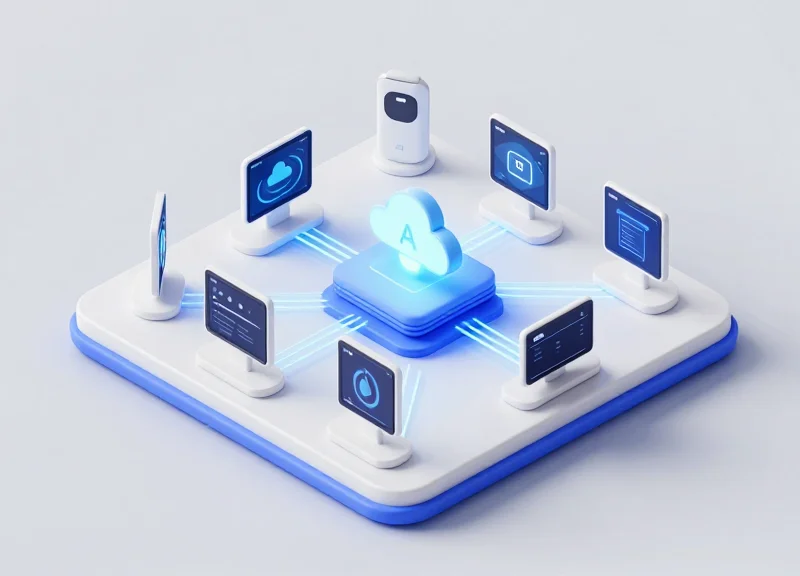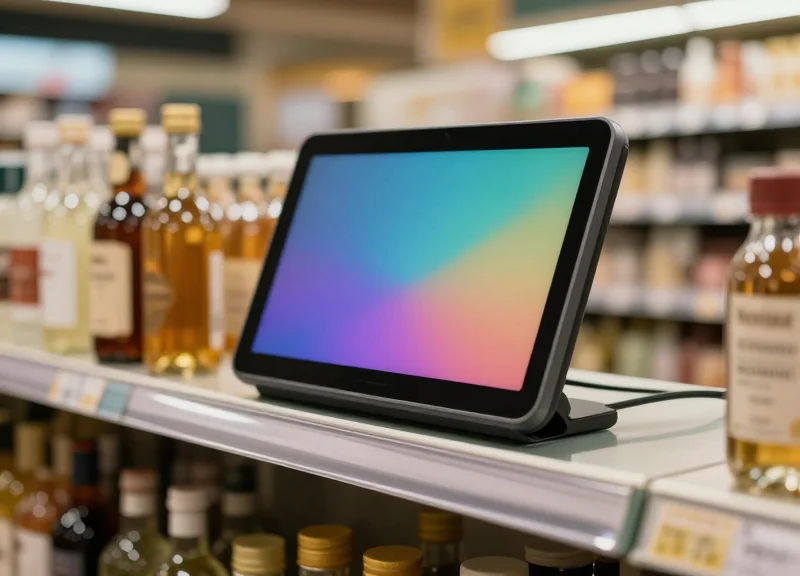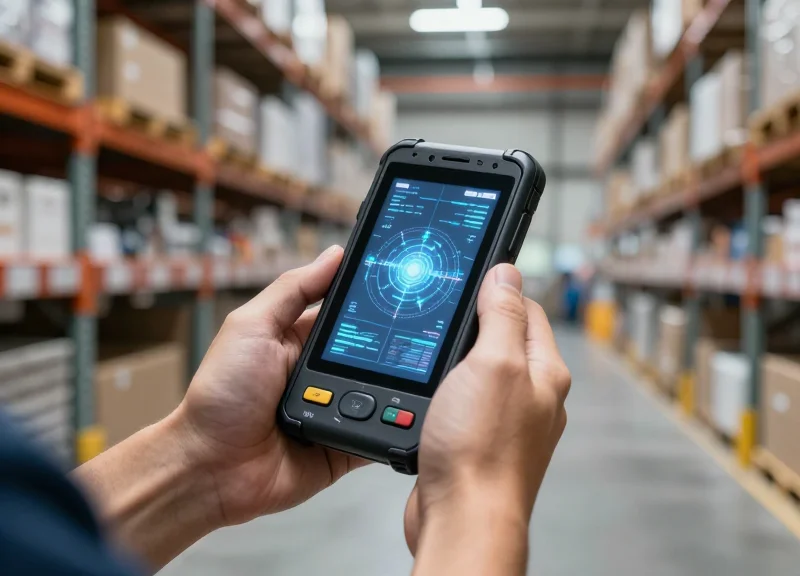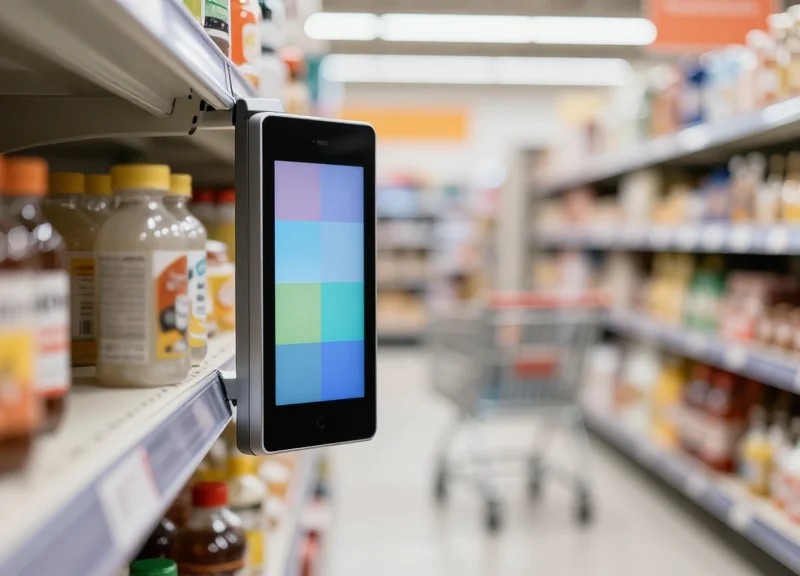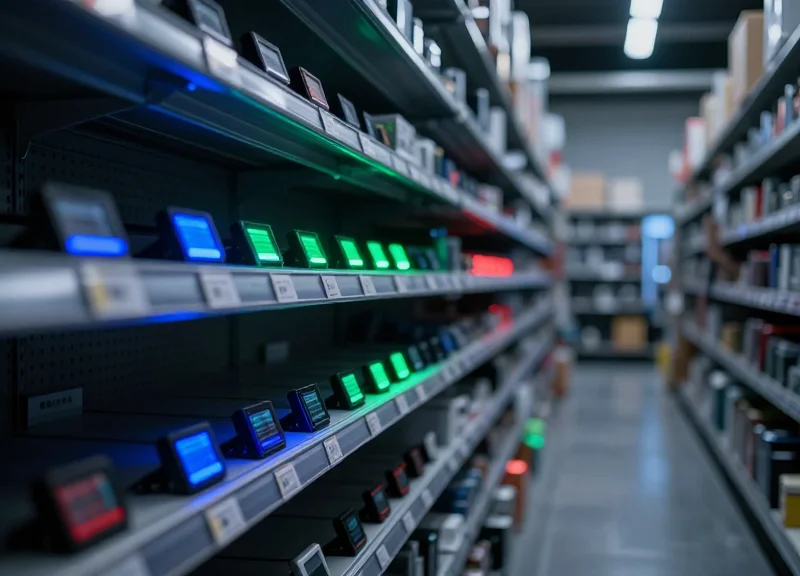
In the hyper-competitive world of e-commerce, dark stores are the frontline of rapid fulfillment. However, as SKU counts grow, the 'search time' for human pickers becomes a major bottleneck. Traditional paper labels or static digital displays are no longer enough. The solution lies in multi-color LED Electronic Shelf Labels (ESL). By leveraging visual cues, operations can slash item location time to under two seconds. This guide explores how to strategically configure these devices to transform your dark store into a high-speed fulfillment engine.
The Dark Store Dilemma: Why Search Time is Killing Your ROI
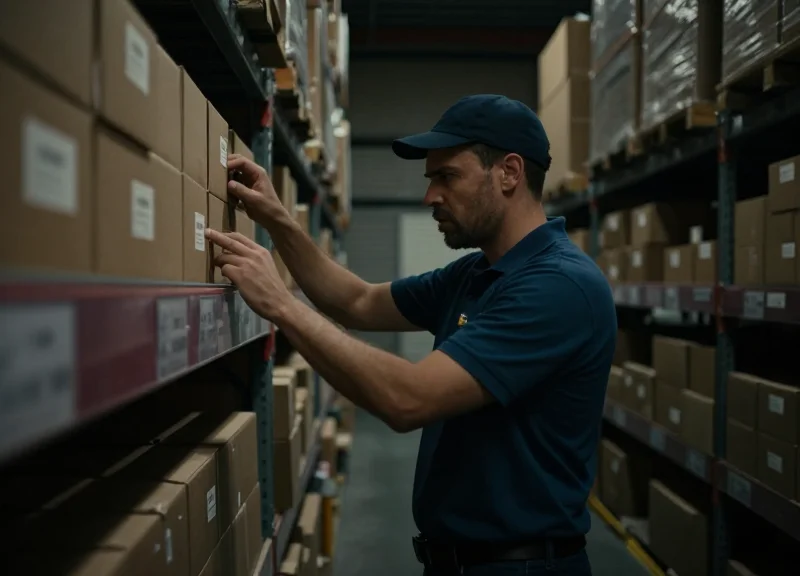
The 'Dark Store Dilemma' refers to the paradox where high SKU density—intended to maximize storage—leads to a critical decline in picking efficiency. Search time, the unproductive interval spent by a picker visually scanning shelves for a specific product, currently accounts for 40% to 60% of total fulfillment time in micro-fulfillment centers. In an environment where profitability is dictated by 'cost-per-pick,' every second spent squinting at a barcode or searching for a 50ml bottle of essential oil is a direct hit to the bottom line. When search time exceeds a five-second threshold per item, the resulting labor overhead often exceeds the net profit of the order itself.
| Efficiency Metric | Traditional Manual Picking | LED-Assisted ESL Picking |
|---|---|---|
| Average Search Time | 12 - 25 Seconds | 1 - 3 Seconds |
| Pick Accuracy Rate | 94.5% - 97% | 99.9% |
| Labor Cost per Order | High ($2.50+) | Low ($0.80 - $1.10) |
| Training Time | 2 - 4 Days | Less than 2 Hours |
The real cost of search time isn't just the hourly wage; it's the compounding effect of fulfillment bottlenecks. Slow search times lead to 'aisle congestion,' where multiple pickers wait for one another, further slowing the throughput of the entire facility. This inefficiency triggers a cascade of financial losses, from missed delivery windows (SLA penalties) to the high cost of reverse logistics when a picker grabs the wrong SKU in a rush to stay on schedule.
Why is search time more critical in dark stores than traditional retail?
Unlike retail, where customers do the 'picking' for free, dark stores pay for every movement. With higher SKU density and no customers to navigate, the only variable determining profit is the speed and accuracy of the professional picker.
What is the 'Pick Error Tax'?
A pick error caused by search fatigue can cost up to 10x the original shipping cost once you factor in the return shipping, restocking labor, and potential customer churn.
Can't we just use better signage?
Static signage cannot adapt to dynamic inventory. In a dark store where stock locations change daily to optimize for 'velocity,' only digital, light-guided solutions can maintain zero-search-time standards.
Veteran Insight: The Cognitive Load Factor. Most operators focus on 'travel time' (the walk), but the real profit killer is 'cognitive load.' In a high-density dark store, a picker's brain must filter out hundreds of irrelevant visual stimuli to find one product. This mental fatigue grows exponentially over an 8-hour shift, leading to a sharp drop in productivity in the final four hours. Multi-color LED ESLs remove this cognitive burden entirely by replacing 'searching' with 'seeing,' allowing pickers to maintain peak 2-second location speeds from the first minute to the last.
Understanding Multi-Color LED ESL Technology
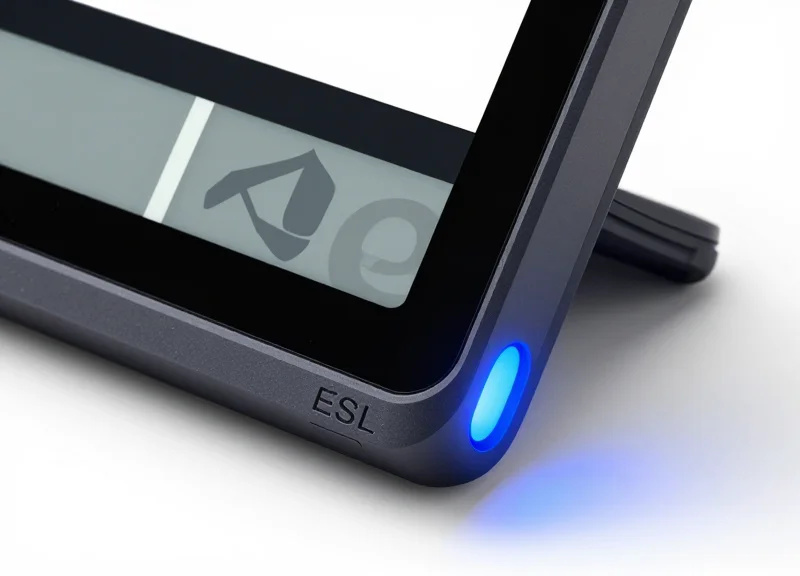
Multi-color LED ESL (Electronic Shelf Label) technology integrates high-contrast e-paper displays with programmable, ultra-bright RGB light-emitting diodes to transform passive price tags into active navigational beacons. Unlike traditional digital tags that merely display static data, multi-color LED ESLs utilize a dedicated flash controller that can trigger specific color-coded signals—such as green for active picking, blue for restocking, or magenta for high-priority flash sales. In a dark store setting, this hardware allows a Warehouse Management System (WMS) to pulse the LED of a specific SKU the moment a picker enters a zone, reducing the 'search' time to under two seconds by leveraging the human eye’s natural peripheral sensitivity to light.
| Feature | Standard Mono-LED ESL | DragonGuard Multi-Color RGB ESL |
|---|---|---|
| Color Spectrum | Single (Red or Green) | Full RGB (7+ Programmable Colors) |
| Visibility Range | Up to 5 Meters | Up to 25 Meters (High-Lumen Output) |
| Trigger Latency | 3-5 Seconds | Less than 1.5 Seconds |
| Lens Design | Flat/Flush | 180-Degree Wide-Angle Fresnel Lens |
One unique hardware advantage of the DragonGuard ESL series is the 'Chrominance-to-Battery' optimization. While high-visibility LEDs typically represent a significant power draw, our proprietary firmware uses a pulse-width modulation (PWM) technique that maintains peak brightness while reducing the duty cycle. Expert Tip: In dark store environments, the hardware's lens geometry is often more critical than raw wattage. By utilizing a custom-diffused Fresnel lens, the LED light is projected across a wider viewing arc, ensuring that a picker looking down a 50-foot aisle can spot a flashing tag without being directly in front of the shelf. This 'peripheral findability' is the secret sauce to hitting sub-2-second location targets.
How do multi-color LEDs support multiple pickers in the same aisle?
The system assigns a unique color to each picker. For example, Picker A follows green lights while Picker B follows blue lights. This allows multiple staff members to work the same aisle simultaneously without overlapping or confusing their designated SKUs.
What is the impact of constant LED flashing on battery life?
Modern multi-color ESLs are rated for 5-10 years of life. This is achieved by limiting the flash duration to the 'pick window' (the time between the picker entering the zone and the item being scanned), ensuring minimal energy consumption per pick.
Can the LED colors be customized via software?
Yes, through the API, operators can define color logic for various statuses: red for inventory 'Out of Stock' alerts, yellow for 'Short Expiry' items, and white for 'Customer Click-and-Collect' orders.
The 2-Second Goal: Visual Picking vs. List-Based Searching
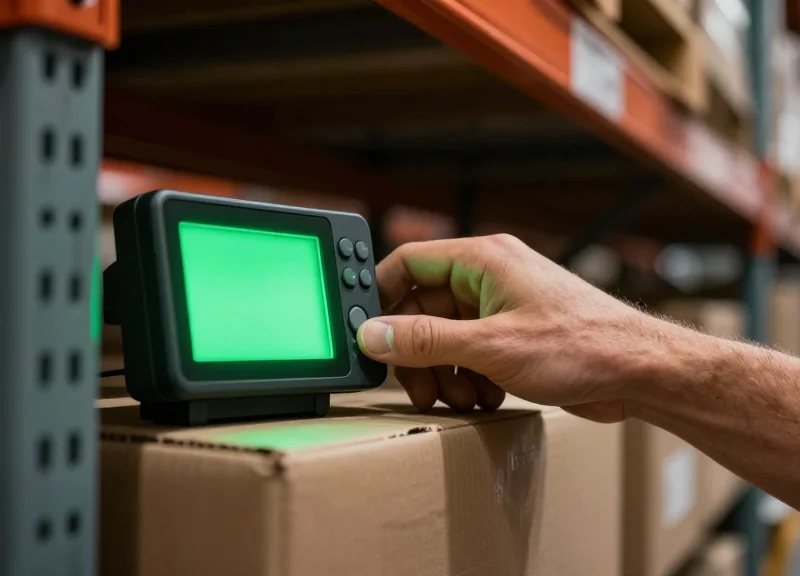
The '2-second goal' represents the gold standard in micro-fulfillment: the ability for a picker to enter an aisle and identify the target SKU within two seconds. Traditional list-based searching relies on 'Cognitive Matching,' where a picker reads a SKU on a handheld device and manually scans dozens of physical labels to find a match. Visual picking, powered by multi-color LED Electronic Shelf Labels (ESLs), bypasses this mental processing by using light to trigger a human's peripheral vision, turning a complex search task into a simple reactive movement.
| Metric | Traditional List-Based Picking | LED-Guided Visual Picking |
|---|---|---|
| Average Location Time | 8-15 Seconds | 1-3 Seconds |
| Cognitive Load | High (Read, Scan, Compare) | Low (See, Reach) |
| Error Rate (Mispicks) | ~3-5% | <0.5% |
| New Worker Training | 4-8 Hours | <15 Minutes |
| Dependency | Digital Literacy & SKU Familiarity | Color Recognition |
Expert Insight: Eliminating the 'Search Latency' Loop. In 20 years of supply chain optimization, I've found that the biggest drain on ROI isn't the walking speed of the employee, but 'Search Latency'—the 5 to 7 seconds of hesitation when a picker is standing in front of a shelf but cannot immediately find the item. Multi-color LEDs solve this by utilizing what we call 'Pre-attentive Processing.' Your brain can process a flashing green light 200 milliseconds faster than it can process a string of alphanumeric text. When you configure your ESLs correctly, you aren't just lighting up a shelf; you are hacking the picker's biology to eliminate hesitation.
- Order Signal Trigger: The Warehouse Management System (WMS) sends a real-time API call to the ESL access point as the picker approaches the zone.
- Chromatic Isolation: A specific color (e.g., Blue for Picker A) flashes on the target ESL, instantly separating it from the surrounding visual noise.
- Peripheral Acquisition: The picker identifies the light through peripheral vision before they even reach the shelf section, allowing for a continuous movement pick.
- Tactile Confirmation: The picker grabs the item and either taps the ESL button or scans the item, turning off the light and updating inventory instantly.
How does visual picking handle batch picking for multiple orders?
By utilizing the multi-color capabilities of RGB LEDs, the system assigns a unique color to each order or picker. Picker A follows Red, while Picker B follows Green, allowing both to work the same aisle without confusion or 'search collision'.
Does the LED flash frequency affect picking speed?
Yes. Research suggests that a 'Breathe' pattern or a steady flash rate of 1-2 Hz is optimal for human focus. Fast strobing can cause eye fatigue, while a solid light might blend into the store's ambient lighting.
Can visual picking reduce the 'last meter' bottleneck?
Absolutely. The 'last meter' is where most time is lost. By providing a clear beacon, you remove the need for pickers to lean in and read small font on traditional paper tags, which significantly reduces physical strain and repetitive motion delays.
Pre-Configuration: Network Infrastructure and Gateway Placement
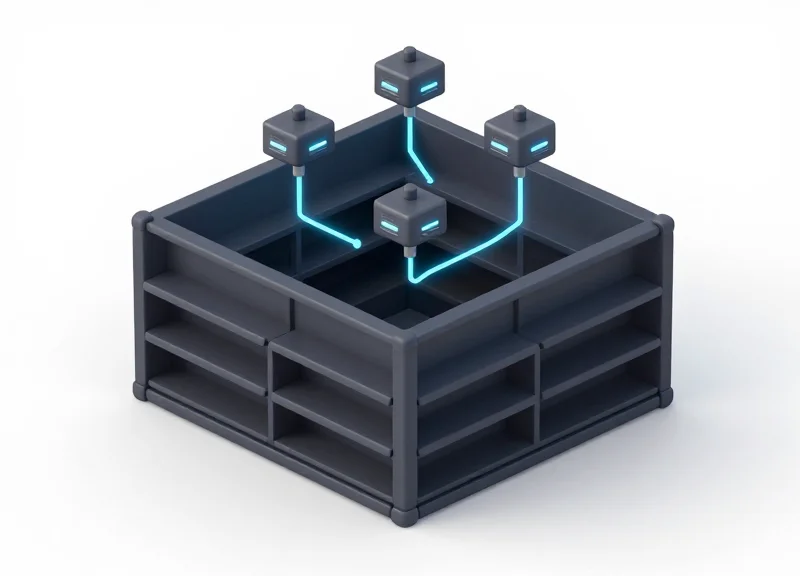
Before a single LED flashes, the integrity of your network determines the success of your visual picking system. In a dark store environment, pre-configuration involves establishing a low-latency wireless communication layer—typically utilizing Sub-1GHz or 2.4GHz Zigbee protocols—that ensures the signal travels from your Order Management System (OMS) to the specific Electronic Shelf Label (ESL) in milliseconds. Without a stable 'wireless backbone,' the multi-color LEDs may lag, defeating the purpose of high-speed picking. The goal is to eliminate dead zones and mitigate the 'metal cage' effect created by high-density steel racking systems common in modern micro-fulfillment centers.
| Feature | Requirement for Standard Retail | Requirement for High-Speed Dark Stores |
|---|---|---|
| Gateway Capacity | Up to 5,000 labels | Max 2,000 - 3,000 labels (for latency control) |
| Signal Frequency | 2.4 GHz (Standard) | Sub-1GHz (Better penetration/less interference) |
| Power Source | DC Adapter / WiFi | Power over Ethernet (PoE) for stability |
| Placement Height | 2.5 - 3.0 Meters | 3.5 - 5.0 Meters (Clear Line of Sight) |
Expert Tip: In dark stores with floor-to-ceiling metal shelving, we recommend a '30% Overlap' strategy. Because metal reflects and absorbs RF signals, placing gateways in a staggered grid rather than a straight line ensures that if a picker's body or a forklift blocks one signal path, the label can still receive the 'light-up' command from a secondary node, maintaining that 2-second response target.
- Conduct an RF Site Survey: Identify existing 2.4GHz interference from warehouse WiFi and Bluetooth devices. Use a spectrum analyzer to choose the cleanest channel for your ESL gateway communication.
- Implement PoE Infrastructure: Avoid using WiFi-uplinked gateways. Hardwire every gateway via Cat6 PoE to ensure a dedicated data pipe that isn't subject to the fluctuations of general-purpose wireless traffic.
- Strategic Height Positioning: Mount gateways at least 0.5 meters below the ceiling but above the highest shelf level to minimize Fresnel zone obstructions and maximize signal dispersion across the picking aisles.
- Server Latency Optimization: Ensure the ESL local server (on-prem or edge) is on the same VLAN as the gateways to reduce round-trip time (RTT) for API calls.
How many gateways do I need for a 10,000 sq. ft. dark store?
While one gateway can technically cover 15,000 sq. ft., for 2-second pick speeds, we recommend one gateway every 3,000 to 5,000 sq. ft. to ensure high signal strength and rapid LED triggering.
Can I use my existing store WiFi for the ESLs?
It is highly discouraged. ESL systems work best on a dedicated frequency. Sharing WiFi bandwidth can cause command queuing, which delays the LED flash and slows down your pickers.
What is the maximum distance a label can be from a gateway?
For optimal reliability in high-density metal racking, labels should be within 20-25 meters of the nearest gateway.
Step-by-Step: Configuring Multi-Color Flash Patterns
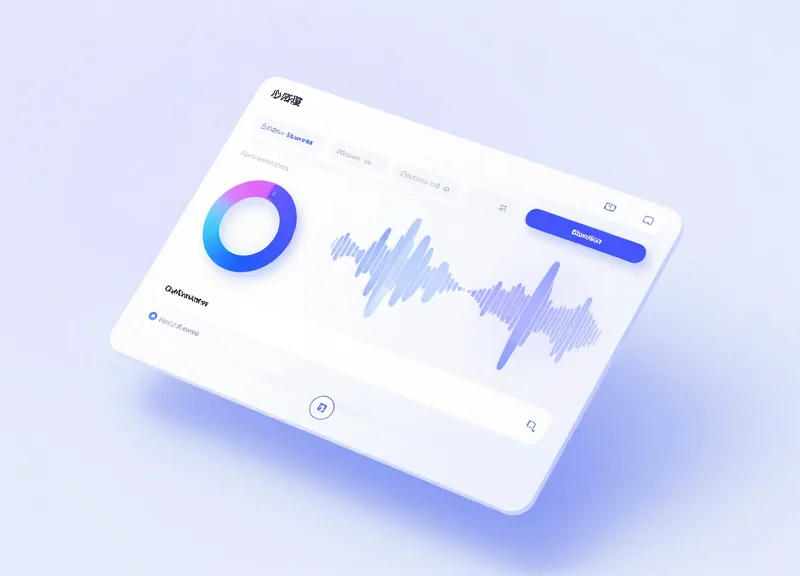
Configuring multi-color flash patterns on Electronic Shelf Labels (ESL) involves mapping specific RGB color values (Red, Green, Blue, Yellow, Cyan, Magenta, White) to picking triggers within your Warehouse Management System (WMS). By defining distinct duration, frequency, and color sequences, managers can create a 'visual hierarchy' that allows pickers to identify the correct item from a distance of 10+ meters in under two seconds.
- Define Your Color Logic: Before touching the software, assign colors to picker roles or order types. For example, 'Picker A' follows Green flashes, while 'Picker B' follows Blue to avoid pathing conflicts in the same aisle.
- Access the ESL Management Software (Cloud/On-Premise): Log into your central dashboard and navigate to the 'LED Control' or 'Peripheral Configuration' menu. This is where you set global parameters for the ESL network.
- Set Frequency and Duration: Configure the 'Flash Interval' (time between blinks) and 'Total Duration.' For a 2-second location goal, a high-frequency flash (0.5s on/0.5s off) for a total of 30 seconds is standard for active picks.
- Script the API Trigger: Integrate the LED command into your WMS picking workflow. When a picker enters a zone, the WMS should send an API call to the ESL Gateway to trigger the specific Label ID's LED.
- Test Latency and Visibility: Execute a batch pick and measure the time from 'Scan' to 'Flash.' In a high-performance dark store, this latency must be sub-500ms to maintain picking momentum.
| Priority Level | Color Code | Flash Pattern | Use Case |
|---|---|---|---|
| Standard Pick | Green/Blue | Slow (1s Interval) | Regular replenishment or daily orders. |
| Express/Rush | Red | Rapid (0.2s Interval) | Orders with <15 min delivery window. |
| Inventory Issue | Magenta | Solid (No Flash) | Signals out-of-stock or damaged goods. |
| Multi-Order | Cyan/Yellow | Strobe (Variable) | Distinguishing items in a batch pick. |
Expert Insight: The 'Battery-Preservation' Strobe. While constant flashing is best for visibility, it can drain ESL batteries 4x faster. Silicon Valley logistics leaders now use 'Adaptive Persistence': the LED flashes at 100% brightness for the first 5 seconds, then drops to a 10% duty cycle (dimmer, slower) to maintain the marker without exhausting the lithium cell.
Will constant LED usage kill the ESL battery?
Most modern ESLs like DragonGuard use low-power sub-Ghz protocols. With a 30-second flash per pick, the battery can still last 5-7 years if using optimized strobe patterns.
How many colors can I use simultaneously?
Hardware typically supports 7 colors via RGB mixing. However, we recommend using no more than 3-4 distinct colors in a single zone to avoid picker confusion.
Can I trigger LEDs via a mobile handheld?
Yes, through the API. When a picker taps 'Find Item' on their PDA, the ESL software instantly pushes the command to the local gateway.
Software Integration: Connecting Your WMS to the ESL API

Integrating your Warehouse Management System (WMS) with an Electronic Shelf Label (ESL) API is the critical bridge that transforms static digital pricing into a dynamic, pick-to-light fulfillment engine. By establishing a handshake between your order database and the ESL gateway, the system can automatically trigger specific LED flash patterns the moment a picker enters a zone or an order is assigned. This removes the manual 'search phase' of picking, as the WMS pushes the location data directly to the hardware via RESTful API calls or Webhooks, ensuring the physical shelf responds in milliseconds to the digital command.
- Obtain API Credentials and SDK Documentation: Secure your API keys and endpoint URLs from the ESL management platform. Most modern systems, like DragonGuard, provide a REST API that supports standard authentication headers.
- Map Inventory IDs to Hardware MAC Addresses: Create a lookup table in your WMS that maps SKU or Location IDs to the unique MAC address of the corresponding ESL tag. This ensures the API knows exactly which physical device to trigger.
- Configure the Trigger Event: Set up a logic hook in your WMS. When a pick-list is generated or a picker scans a bin, the WMS should fire a POST request to the ESL gateway.
- Implement the 'Pick-to-Clear' Logic: Ensure your integration includes a second API call to turn the LED off or change its color once the item barcode is successfully scanned by the picker.
{
  "action": "led_flash",
  "mac_address": "00:1A:2B:3C:4D:5E",
  "color": "GREEN",
  "frequency": "FAST",
  "duration_seconds": 30,
  "priority": 1
}| API Method | Function | Use Case in Dark Stores |
|---|---|---|
| POST /led/trigger | Activates specific LED patterns | Instant visual guidance for pickers upon arriving at an aisle. |
| GET /tags/status | Returns battery and connectivity state | Preventative maintenance to ensure picking speed never drops. |
| PUT /display/update | Updates on-screen pick quantities | Showing the picker exactly how many units to grab without checking a handheld. |
Expert Insight: The 'Idempotency Hack' for High-Volume Fulfillment. In a high-speed dark store, network jitter can occasionally result in duplicate API calls or missed 'LED OFF' signals. To prevent 'Zombie LEDs' (lights that stay on after a pick is done), we recommend implementing a stateful middleware that tracks the 'LED_ON' status. By assigning a unique request ID to every pick event, your system can automatically prune expired flash commands, ensuring your warehouse floor doesn't become a confusing sea of flashing lights during peak hours.
Can the API handle hundreds of simultaneous pickers?
Yes, high-grade ESL gateways use queued processing and sub-Ghz frequencies to handle thousands of concurrent requests without signal collision.
What is the typical latency from WMS trigger to LED flash?
With a localized API integration, latency is typically between 100ms and 500ms, well within the 2-second target for item location.
Does the API support multi-picker environments?
By utilizing the multi-color RGB capabilities, the API can trigger a Blue light for Picker A and a Red light for Picker B on the same shelf simultaneously.
Optimizing Multi-Picker Environments with Color Coding
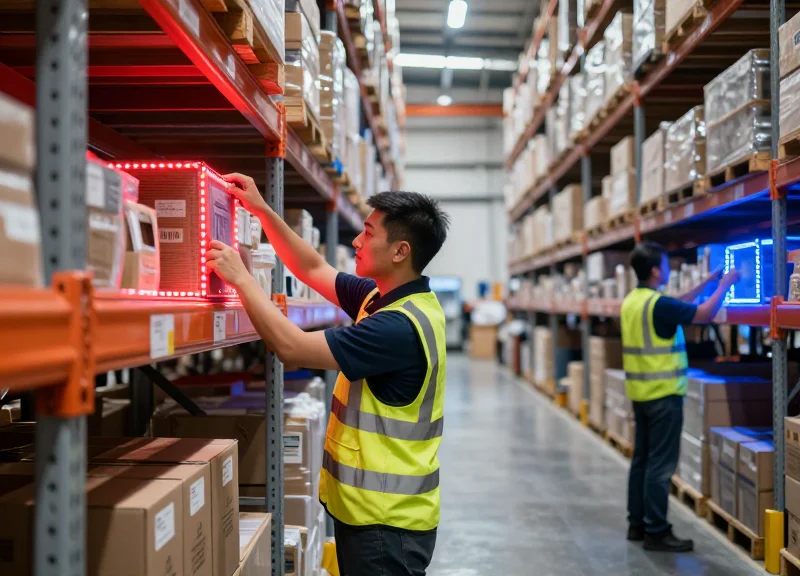
Optimizing multi-picker environments with color coding is the process of assigning unique RGB LED signals to individual warehouse associates, allowing multiple pickers to operate in the same aisle simultaneously without confusion. By utilizing the full spectrum of a 7-color LED ESL, dark stores can eliminate the 'picking bottleneck' where staff wait for others to clear an area, instead enabling a seamless, parallel workflow where each picker follows their dedicated color trail to the correct bin.
| Picker Assignment | LED Color | Psychological/Operational Benefit | Visibility Level |
|---|---|---|---|
| Picker Alpha | Bright Red | High urgency, easy to spot in peripheral vision | Maximum |
| Picker Beta | Electric Blue | Distinct contrast against standard warehouse lighting | High |
| Picker Gamma | Neon Green | Associated with 'Go/Success', reduces cognitive load | High |
| Picker Delta | Magenta | Rarely occurs in nature/packaging, stands out | Moderate |
To prevent 'Color Collision'—where two pickers might be assigned the same color if your staff count exceeds your color palette—implement a Zone-Based Color Rotation. In this setup, colors are recycled only between non-adjacent zones. For example, Picker 1 uses 'Blue' in Zone A, while Picker 8 uses 'Blue' in Zone D. This ensures that no two people working within visual range of each other are ever chasing the same light. Expert Tip: Use a 'Pulse' vs. 'Solid' distinction to double your capacity; Picker A sees a solid Red light, while Picker B sees a flashing Red light, effectively creating two distinct signals from a single color.
How do you handle pickers who are colorblind?
Modern ESL systems like DragonGuard allow for 'Pattern Coding' in addition to color. You can configure the LED to flash at different frequencies (e.g., 0.5Hz vs 2Hz) or durations, ensuring that accessibility does not compromise picking speed.
What happens if two orders require the same item at once?
The ESL API can be programmed to toggle between colors every 1.5 seconds. This 'Ping-Pong' effect alerts both pickers to the location while indicating that the stock is currently a high-traffic item.
Does multi-color flashing drain the battery faster?
While active LED usage does consume power, the 2-second location goal means the light is only active for a fraction of the total operation time. When integrated with a WMS that turns off the light immediately upon scan-confirmation, battery impact is negligible.
The unique 'Shadow Picking' insight: Beyond just identifying the current item, configure your ESLs to show a 'Dimmed' or 'Secondary Color' for the next item in the picker's queue. As soon as the current 'Bright Red' item is scanned, the next 'Dimmed Red' tag instantly shifts to full brightness. This creates a visual 'breadcrumb' trail that allows the picker to begin their physical movement toward the next location before they have even finished the current task, shaving an additional 0.5 to 1 second off every pick.
Measuring Success: KPIs for ESL-Enabled Fulfillment
Measuring success in an ESL-enabled dark store hinges on quantifying the reduction in 'search time'—the non-productive interval between a picker arriving at a shelf and physically touching the correct product. By implementing multi-color LED guidance, facilities typically target a 30% to 50% increase in pick-rate-per-hour (UPH) while simultaneously driving mispick rates toward zero. Success is not just about speed; it is about the sustained synchronization between the Warehouse Management System (WMS) and the physical hardware on the floor.
| Metric | Manual/Paper Baseline | ESL-LED Target | Impact |
|---|---|---|---|
| Pick Rate (UPH) | 60 - 90 Units | 140 - 180 Units | +100% Productivity |
| Mispick Rate | 1.5% - 3.0% | < 0.1% | Reduced Return Costs |
| New Hire Training | 12 - 24 Hours | < 2 Hours | Faster Scaling |
| Order Cycle Time | 45+ Minutes | < 15 Minutes | Improved Last-Mile |
- Units Per Hour (UPH): The gold standard for fulfillment efficiency. Track the average number of items picked per hour per worker. Post-ESL implementation, you should see a sharp upward curve as picker 'dwell time' at the shelf vanishes.
- Picking Accuracy (Mispick Rate): Calculated as the number of incorrectly picked items divided by total orders. Multi-color LEDs virtually eliminate 'near-miss' errors where a picker grabs a similar-looking SKU (e.g., Diet Coke vs. Zero Sugar) located adjacent to the target.
- Fulfillment Cost Per Order: Divide your total warehouse labor and operational costs by the number of orders fulfilled. The 2-second location speed directly reduces the labor cost component of every package.
- Worker Fatigue & Retention: A qualitative but vital KPI. Measure staff turnover rates; pickers in 'Pick-to-Light' environments report significantly lower cognitive load and stress compared to those using traditional paper or RF gun methods.
### Expert Insight: The 'Command-to-Photon' Latency Metric While standard warehouse KPIs are essential, elite dark store operators track a unique technical metric: Command-to-Photon Latency. This measures the time it takes for a picker to scan an order and the LED on the shelf to actually begin flashing. In a high-density environment with 50+ pickers, network congestion can cause delays. If your latency exceeds 400ms, the 'flow state' of the picker is broken, and your 2-second location goal becomes impossible. For peak efficiency, aim for a sub-200ms response time to ensure the light is already waiting for the picker before they even come to a full stop in the aisle.
How often should I audit ESL accuracy?
While the system is automated, we recommend a weekly digital heartbeat check via your WMS to ensure every label is online and a monthly physical spot-check to ensure no labels have been moved or obstructed.
What is the expected ROI timeline?
Most high-volume dark stores achieve full hardware ROI within 12 to 18 months, primarily driven by labor savings and the elimination of expensive shipping errors.
Future-Proofing Your Dark Store with RFID and ESL Synergy
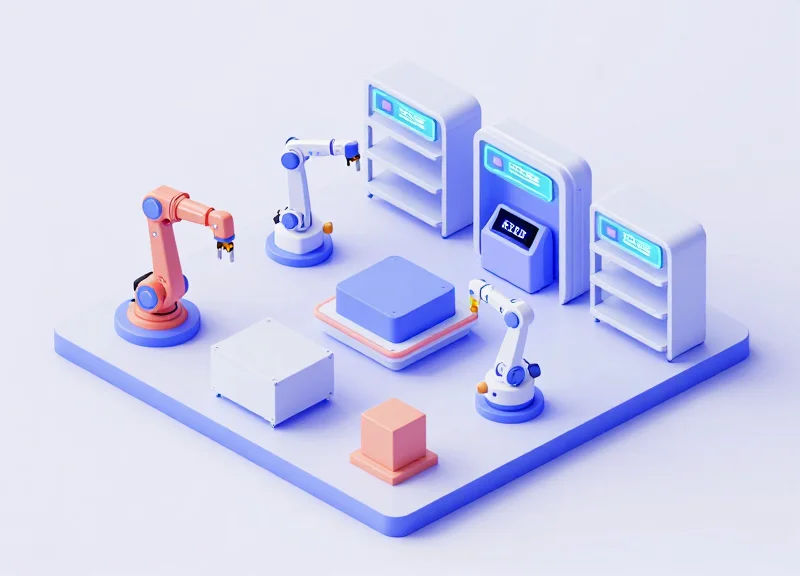
The synergy between Radio Frequency Identification (RFID) and Electronic Shelf Labels (ESL) creates a 'Closed-Loop Fulfillment' ecosystem where digital records and physical inventory are synchronized in real-time. While ESLs provide the visual 'last-mile' guidance for pickers via multi-color LEDs, RFID provides the granular visibility needed to track item movement automatically. Together, they eliminate manual stock-counting and transform the dark store from a reactive warehouse into a proactive, self-healing environment.
In a standalone ESL setup, the system knows where an item should be. By integrating RFID, the system knows where the item actually is. This distinction is critical for future-proofing; as SKU counts rise and fulfillment windows shrink, the ability for a shelf to 'report' its own status without human intervention becomes the ultimate competitive advantage.
| Feature | ESL Only | RFID + ESL Synergy |
|---|---|---|
| Location Accuracy | Static (Assumed) | Dynamic (Real-time) |
| Stock Counting | Manual / Barcode Scan | Autonomous / Continuous |
| Misplacement Alert | None | Instant LED Trigger |
| Audit Frequency | Periodic (Weekly/Monthly) | Zero (Always Audited) |
The 'Self-Healing Shelf' Logic: One of the most powerful applications of this synergy is the automated correction of misplaced items. If a picker accidentally places a returned item on the wrong shelf, the RFID reader detects the tag in an unauthorized zone and communicates with the ESL API to flash a red LED at the incorrect location while lighting a green LED at the correct destination. This is 'Predictive Mispick Prevention'—stopping errors before they impact the next order.
- Automated Receiving: As pallets enter the dark store, RFID gates log all items instantly, and the corresponding ESLs automatically update stock counts and flash to indicate where the new stock should be shelved.
- Real-Time Shrinkage Tracking: If an item leaves its designated zone without an associated pick order, the ESL can trigger an alert, allowing managers to investigate potential loss immediately.
- Dynamic Expiry Management: RFID tags can store batch and expiration data; the ESL can then use this data to flash specific colors for items that must be picked first (FEFO—First Expired, First Out).
Will RFID interference affect ESL wireless signals?
Modern ESLs typically operate on 2.4GHz (Zigbee/Proprietary) or Sub-GHz bands, while RFID (UHF) operates between 860-960MHz. Because they occupy different frequencies, they can coexist without signal degradation.
Is the investment justifiable for smaller dark stores?
Yes, because the 'hidden cost' of dark stores is often labor spent on manual audits. The synergy reduces labor overhead by up to 30%, providing a faster ROI than either technology alone.
Can I integrate them with a standard WMS?
Most enterprise-grade WMS platforms can act as the 'brain,' receiving location pings from RFID and sending flash commands to the ESL gateway via RESTful APIs.